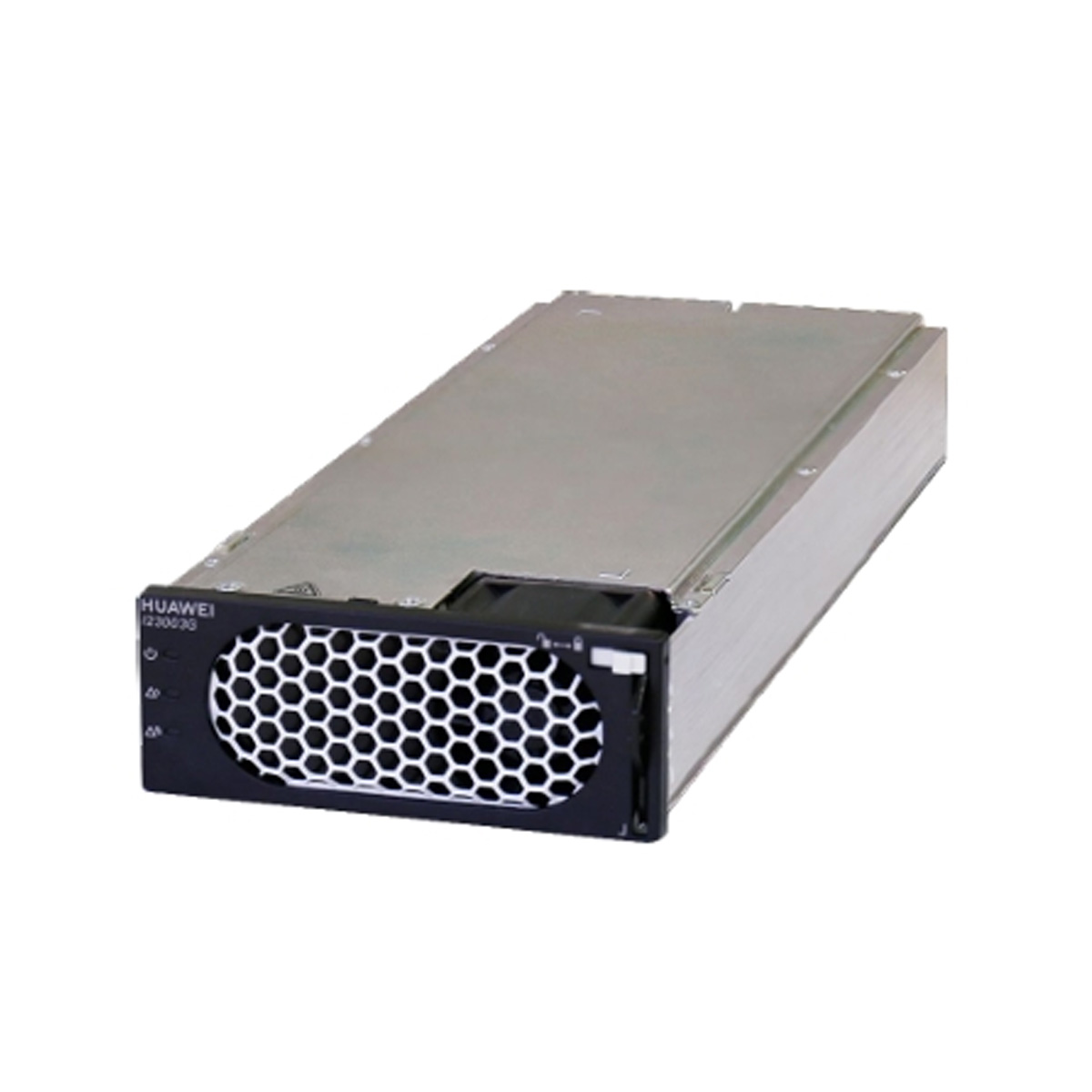
The I23003G1 is an inverter module that supports DC/AC conversion. The input voltage ranges from 42 V DC to 58 V DC, and the rated output voltage is 220 V AC/230 V AC.
Appearance and Panel
(1) Power indicator
(2) Alarm indicator
(3) Fault indicator
(4) Locking latch
(5) Handle
Indicator
Status
Description
Troubleshooting
Power indicator
Steady on (Green)
The inverter module has DC input.
Normal status
Off
The inverter module has no DC input.
Check that the DC voltage input is normal.
The inverter module is faulty.
Replace the inverter module.
Blinking (Green, 0.5 Hz)
The DC input is available, and the inverter module is being queried.
The indicator is steady on when the query is exited or the software is being loaded.
Blinking (Green, 4 Hz)
The DC input is available, and the inverter module is loading software.
Alarm indicator
Off
The inverter module has no protection alarms.
Normal status
Steady on (Yellow)
An inverter module overtemperature warning occurs.
Ensure that the ventilation vent is unblocked and the ambient temperature is within the normal range.
A DC input overvoltage or undervoltage alarm occurs. An AC output overvoltage or undervoltage alarm occurs.
Check whether the overvoltage or undervoltage is caused by the external input
An output short circuit, overload timeout protection.
Rectify the load fault.
The level-2 phase lock fails.
Remove and reinstall the inverter module.
The inverter module is hibernating.
Restart the inverter module.
The AC-side communication signal of the module is abnormal.
Check whether the signal port is properly connected.
Blinking (Yellow, 0.5 Hz)
The inverter module fails to communicate.
Clean the edge connectors of the inverter module.
If the indicator is still blinking, check whether the external communication module is faulty.
Fault indicator
Off
The inverter module is normal.
Normal status
Steady on (Red)
The inverter module has no output due to internal faults.
Replace the inverter module.
The inverter module is not in position.
Check that the inverter module is properly installed.
Notice: Function wpdb was called incorrectly. wpdb must set a database connection for use with escaping. Please see Debugging in WordPress for more information. (This message was added in version 3.6.0.) in /www/wwwroot/wordpress/wp-includes/functions.php on line 6085
Notice: Function wpdb was called incorrectly. wpdb must set a database connection for use with escaping. Please see Debugging in WordPress for more information. (This message was added in version 3.6.0.) in /www/wwwroot/wordpress/wp-includes/functions.php on line 6085
Great! We've got your RFQ, will come back to you shortly!

.svg)

.svg)

.svg)

.svg)




Reviews
There are no reviews yet.