
1. Overview
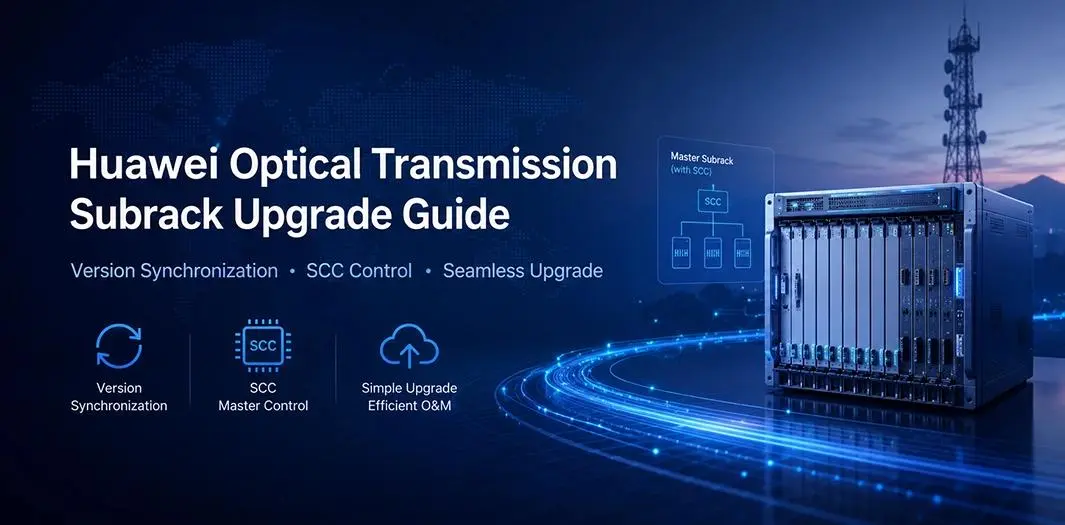
In Huawei optical transmission systems, software version management between electronic subracks and optical subracks follows a centralized “master-slave synchronization” mechanism.
The core principle is that the master subrack equipped with SCC (Subrack Control Card) determines and synchronizes the software version across the network.
This document explains the synchronization logic, upgrade methods, and software package matching rules under different deployment scenarios.
2. Scenario 1: Electronic Subrack = 0, Optical Subrack = 0
2.1 Version Synchronization Mechanism
When the live network contains:
- Electronic Subrack = 0
- Optical Subrack = 0
any newly added electronic or optical subrack will automatically synchronize its software version with the master subrack (Electronic Subrack 0).
Key Characteristics
- Automatic version synchronization is supported.
- Even if the newly added subrack has a higher software version, it will automatically downgrade or align with the version of Electronic Subrack 0.
- The prerequisite for this function is that the master subrack must be equipped with an SCC (Subrack Control Card).
Important Requirement
The SCC installed in Electronic Subrack 0 is mandatory for:
- Version management
- Automatic synchronization
- Subrack control communication
Without SCC, automatic synchronization cannot be achieved.
2.2 Version Matching Principle
During software upgrade operations:
- The major software versions of electronic and optical subracks must remain consistent.
- Version compatibility must follow Huawei upgrade guidelines.
If Optical Subrack 0 is equipped with SCC:
- Only the master optical subrack requires manual upgrade.
- Other subracks in the network will automatically synchronize their versions afterward.
This significantly simplifies maintenance and reduces operational risks.
3. Scenario 2: Electronic Subrack = 0, Optical Subrack = 1
3.1 Synchronization Rules for Newly Added Electronic Subracks
When the live network contains:
- Electronic Subrack = 0
- Optical Subrack = 1
the synchronization behavior changes.
Synchronization Limitation
Newly added electronic subracks will NOT automatically synchronize with Electronic Subrack 0.
Reason:
Optical Subrack 1 does not contain an SCC.
Without SCC, the system cannot establish automatic version synchronization.
3.2 Handling of Newly Added Optical Subracks
Since Optical Subrack 1 does not support SCC functionality:
Newly added optical subracks require manual version configuration.
Automatic synchronization is unavailable.
Recommendation
Before deployment, ensure:
The software version of the new optical subrack matches the version of the master subrack (Electronic Subrack 0).
This helps avoid:
- Version mismatch alarms
- Compatibility issues
- Service instability
4. Upgrade Method
4.1 Software Upgrade Procedure
Under this deployment scenario:Both optical and electronic software packages must be imported simultaneously during upgrade operations.
Upgrade Requirements
Software packages must be compatible with each other.
Upgrade sequence and package matching rules must strictly follow Huawei product documentation and upgrade guides.
4.2 Software Package Matching Rules
Software package matching generally includes:
- Major version compatibility
- Hardware model compatibility
- Feature and function consistency
- Cross-subrack interoperability requirements
Improper package combinations may lead to:
- Synchronization failure
- Service interruption
- Board startup abnormalities
Therefore, version validation before upgrade is strongly recommended.
This article is sourced from the internet and is for informational purposes only. If you have any questions pls contact sales@telecomate.com.

Leave a comment