

Overview & Thematic Scope
Welcome to our comprehensive FAQ on disaster recovery (DR) data center replication network links. This guide addresses the most critical questions from network engineers, architects, and IT procurement specialists regarding the design, deployment, and troubleshooting of high-performance replication links. Whether you’re planning a new DR site or optimizing an existing one, these expert answers will help you ensure data integrity, minimal downtime, and a resilient network infrastructure.
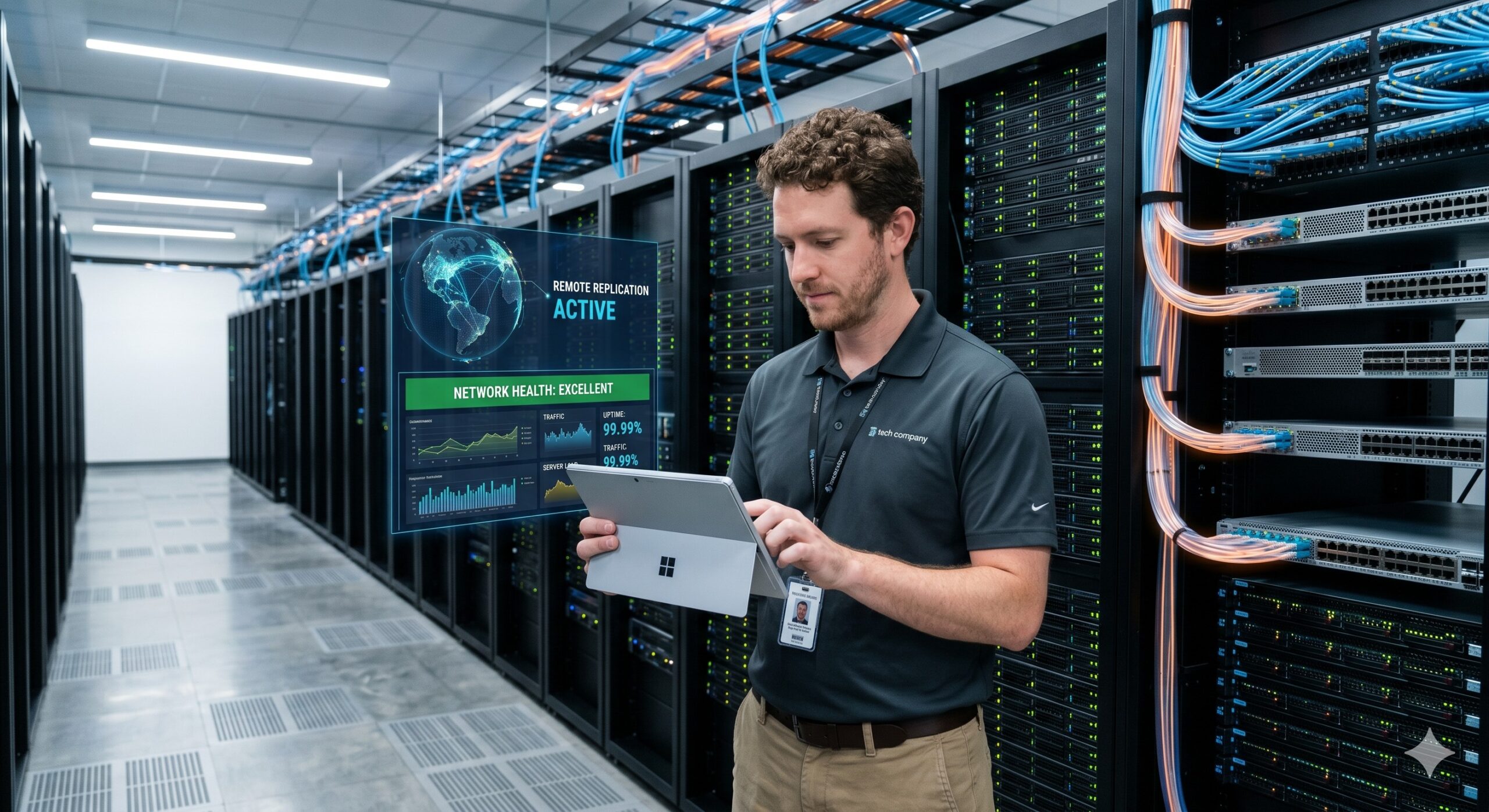
Frequently Asked Questions
- Q1: What are the fundamental components of a disaster recovery data center replication network link?
- A robust DR replication link is built on three core components: high-bandwidth physical transport (dark fiber, DWDM, or high-speed Ethernet), resilient networking hardware with redundant power and switching fabrics, and a reliable control plane for path management. This architecture ensures low-latency, lossless data transfer between primary and secondary sites, supporting synchronous or asynchronous replication models. Key elements to consider include optical transceivers (e.g., QSFP-40G-SR4), WAN optimizers, and dedicated routing protocols like BGP for path diversity.
- Q2: How do I accurately calculate the required bandwidth and throughput for a DR replication link?
- Bandwidth is calculated by dividing your total daily change rate (in bits) by your desired Recovery Point Objective (RPO) window (in seconds), then adding 20-30% for overhead and burst traffic. For example, if you have 10 TB of daily changes and require a 4-hour RPO, your minimum throughput must be 5.5 Gbps. Consider using a tool to model write I/O patterns, including peak periods and application-specific compression ratios, to avoid underestimating capacity. Always verify throughput over long-haul distances using RFC 2544 or Y.1564 tests.
- Q3: What are the critical latency and distance limitations for synchronous vs. asynchronous replication?
- Synchronous replication is strictly limited to distances of 100-150 kilometers due to speed-of-light latency, which must stay below 10 ms round-trip time (RTT) to avoid application timeouts. Asynchronous replication can span intercontinental distances (thousands of kilometers) with no hard RTT limit, as it relies on journaling and periodic consistency checks. For distances over 100 km, implement features like Virtual Output Queuing (VOQ) and large data plane buffers to mitigate the effects of latency on throughput. Real-world testing is essential, as routing hops can add unpredictable latency.
- Q4: Which WAN optimization techniques are most effective for DR replication traffic?
- Deploying a layered optimization approach yields the best results: inline deduplication to reduce the data footprint by up to 60%, LZ4 or Zstandard compression for dynamic payload reduction, and TCP optimization (windowing, selective acknowledgments) to improve throughput over lossy links. Additionally, use application-acceleration proxies that can prefetch and cache common data blocks. These techniques are particularly effective for virtual machine (VM) images and database logs, often reducing required bandwidth by 40-70% without affecting RPO. Ensure optimization devices are in path and not a single point of failure.
- Q5: How do I configure redundant routing and failover for a disaster recovery link?
- Implement an active/standby routing protocol like BGP with bidirectional forwarding detection (BFD) and route-maps to achieve sub-second link failure detection and failover. For layer 2 failover, use Virtual Router Redundancy Protocol (VRRP) or Hot Standby Router Protocol (HSRP) across the WAN interfaces. Crucially, combine these with automated power cycling of remote hardware via out-of-band management and use network monitoring with predictive analytics to proactively identify flapping or degrading links. Regularly test failover scenarios using chaos engineering principles to ensure a Mean Time to Repair (MTTR) of under 5 minutes.
- Q6: What are the best practices for securing the disaster recovery network link?
- Encrypt all replication traffic using MACsec (802.1AE) at the physical layer or IPsec in tunnel mode for end-to-end confidentiality and data integrity. Supplement this with strict ACLs that restrict replication traffic to known source/destination IPs and TCP/UDP ports. For management plane security, use AAA (TACACS+/RADIUS) for role-based access and implement SSHv2 for all CLI management. Consider deploying dedicated in-path encryption appliances that are transparent to the replication software, ensuring compliance without compromising performance.
- Q7: How can I monitor and troubleshoot a DR network link to ensure it meets SLAs?
- Proactive monitoring requires a combination of SNMP polling for interface stats, sFlow/NetFlow for granular traffic analysis, and TWAMP or IP SLA for synthetic performance measurement. Set up traps and alarms for critical thresholds (e.g., CRC errors, high discards, or jitter > 10ms). When troubleshooting, begin with a bottom-up approach: check physical optics (DBM), then interface counters, and finally routing tables and QoS policy maps. For deep dive, perform path analysis using traceroute with ICMP extensions and run a performance test using a tool like iPerf3 to isolate the bottleneck.
- Q8: What is the typical procurement lifecycle, and what should I include in the warranty for DR networking gear?
- The standard procurement lifecycle for DR hardware is 12-16 weeks, including design, approval, manufacturing, and shipment, with 4-8 weeks of that being lead time. When negotiating, demand a comprehensive 3-5 year advanced replacement warranty (NBD or 4-hour) with a Service Level Agreement (SLA) that includes a guaranteed Mean Time to Repair (MTTR). Additionally, verify the inclusion of transceiver warranties and ensure the contract covers firmware updates and software technical support. For mission-critical links, purchase a complete spare hardware kit (including optics) to keep on-site.

Leave a comment