

Introduction: The Compatibility Paradox in Huawei Networks
Insert a third-party transceiver into a Huawei switch, and the network operating system, VRP, immediately reads the module’s EEPROM against an internal approved-vendor list. If the vendor ID or part number doesn’t match a known Huawei entry, the switch throws an error and may disable the port entirely . This is a vendor protection mechanism—often referred to as ‘vendor lock-in’—not evidence of a defective module. As an elite B2B telecom architect, understanding the technical nuance behind this block is key to navigating costs and supply chains. This blog provides a data-driven deep dive into the Huawei transceiver compatibility ecosystem, focusing on the hardware handshake, verification methodologies, and the truth behind the ‘phony alarm’.

Why Compatibility Tests Fail: The EEPROM Handshake
At the heart of the compatibility issue lies the module’s EEPROM. The switch checks critical fields like the vendor ID and part number against a local database. If the strings don’t match, the interface remains administratively down . This is often triggered by the “Non-Huawei-Certified Transceiver” alarm . However, from a hardware perspective, the optics, laser, and receiver circuitry can be electrically and optically identical to the OEM version. The switch simply doesn’t recognize the vendor string.
VRP Commands to Bypass the Lock
Huawei’s VRP allows network engineers to bypass this check. The global command to allow third-party transceivers is: transceiver phony-alarm-disable. On some CloudEngine (CE) platforms, the syntax might require: set transceiver-module phony-alarm-disable . Running this command overrides the vendor check, allowing the physical layer to come up and DDM data to be read.
Critical Checklist Before Overriding
- EEPROM Programming: The module must be programmed for the specific platform. A module coded for Cisco Nexus won’t clear the check on a Huawei CE .
- Firmware Version: Some VRP releases tighten validation. Check release notes before upgrading.
- Physical Seating: A module not fully seated fails the IDPROM read entirely.
| Test Parameter | Verification Criteria | Command/Metric |
|---|---|---|
| EEPROM Recognition | Vendor ID & Part Number Match | display transceiver [interface] |
| Physical Layer Link | Port State UP (After Override) | interface undo shutdown |
| Optical Power (Rx) | Within Sensitivity Range (> -40 dBm) | display transceiver diagnosis |
| Standards Compliance | IEEE, ITU-T, RoHS | Label & Specification Sheet |
Test Methodology: Verifying Optical Performance
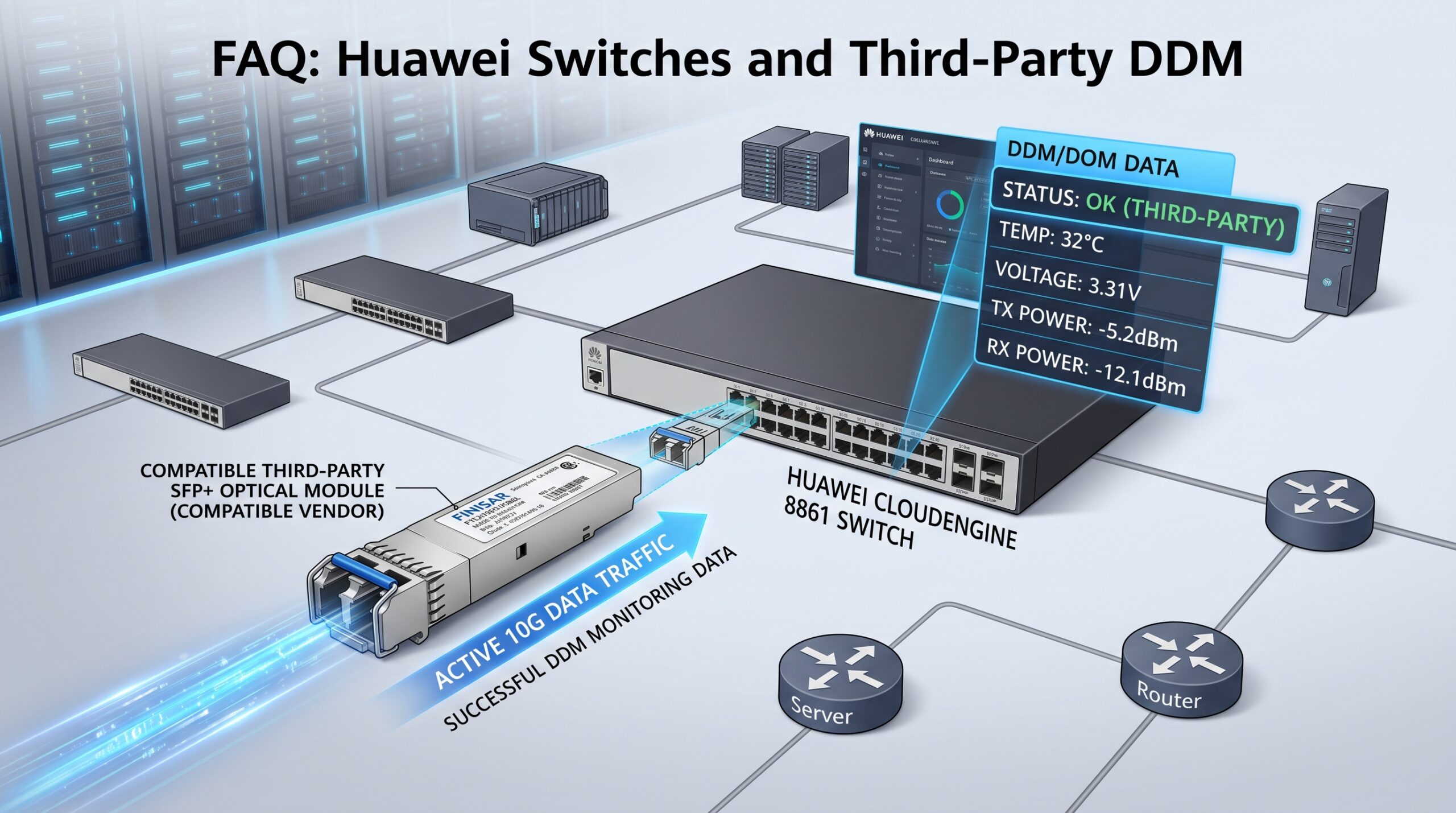
Once the compatibility flag is cleared, the test shifts to physical layer performance. A rigorous compatibility test involves verifying link stability and DDM (Digital Diagnostic Monitoring) data. For instance, tests on switches like the Huawei CE6860 series check if the transceiver is recognized, if the link is normal, and if DOM readings are accurate .
Key Metrics to Monitor
Using the command display transceiver diagnosis interface, engineers can verify Rx/Tx power, temperature, and bias current. If Rx power reads -40 dBm or lower, check the fiber connection before assuming a module fault . For high-speed links, such as 800G modules in AI fabrics, tests must validate PAM4 modulation and low latency across multi-vendor environments .
Industry Standards and Compliance
Beyond software compatibility, hardware must adhere to strict international standards. Reputable compatible transceivers comply with SFP MSA, SFF-8472, and RoHS directives . For GPON ONU sticks, compliance with ITU-T G.984.2 and G.988 is mandatory . A critical point: Installing a third-party transceiver does not void your network equipment warranty unless the hardware physically damages the switch .
Conclusion: The Verdict on Third-Party Optics
Huawei compatibility is a software policy issue, not a hardware limitation. While OEM modules guarantee seamless out-of-the-box integration, compatible third-party optics offer a 60-90% cost reduction by removing distributor markups while using the same underlying silicon and laser technology . The key is to source modules with the correct pre-programmed EEPROM data and to follow the VRP overrides cautiously, always validating with CLI monitoring tools. For the architect, the choice between OEM and third-party is a strategic one, balancing operational efficiency with network reliability.

Leave a comment