
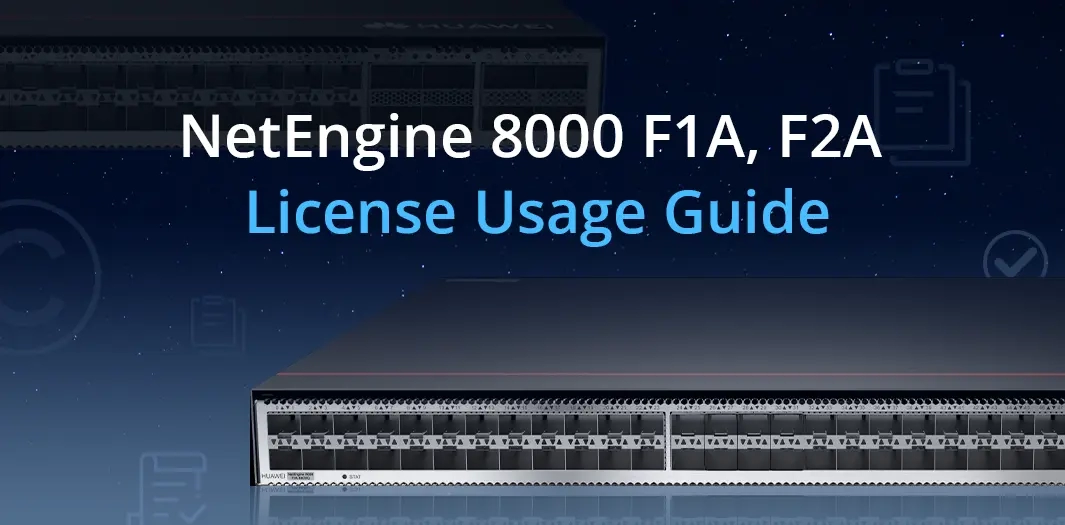
Recently, we’ve received many inquiries regarding Huawei NetEngine 8000 licenses. In this article, we’ll provide a brief overview of the NetEngine 8000 F1A and F2A license types.
1. License Classification
Licenses classified based on the objects activated by operators
| License Category | Description |
|---|---|
| GTL | The license file is preinstalled on a device before delivery or can be downloaded from the ESDP website based on the project contract and device ESN. Commercial licenses and non-commercial licenses (excluding trial licenses) are physically presented as license files. |
| Hardware RTU license | Hardware RTU licenses control the permission to use ports or capacity on consumption model (CM) boards or box-shaped devices. If hardware RTU licenses are not activated for such ports, the use of these ports is restricted.
For details about hardware RTU licenses, see Hardware RTU License. |
| Service license | A software license control item that controls one or more services. There are two types of service licenses:
|
| Trial license | License control item that supports trial use. Trial licenses can be activated only by running the license trial enable command. A trial license contains all features supported by the device, including RTU and service license resources. You can run the display license trial command to view the trial licenses supported by the device.
A trial license can be enabled twice for each R version. Each time a trial license is enabled, it can be used for a maximum of 90 days. When the trial period ends, the controlled features become invalid immediately or after the board or device is restarted. These controlled features can still be used only if a commercial license is purchased. |
2. Common problems in activiting a License
- If the hardware model of the device is different from the product name in the license file, the license cannot be activated.
- When a license is activated, if the ESN does not match, the license enters the Trial state.
- When the fixed-term license expires, the license enters the Trail state.
- A license in the Trial state has a 60-day grace period. The license still takes effect. You can revoke the license to obtain another 60-day grace period.
- The system does not allow two consecutive activations of a GTL file that does not match the ESN or version of the device.
- A revoked license file cannot be activated on the device again.
3. Common License Commands
| Function | Command |
|---|---|
| Displaying detailed license information | display license
display license verbose |
| Displaying the ESN of the current device | display license esn |
| Checking whether a license file is valid | license verify |
| Activating a license file | license active file-name |
| Activating/Displaying hardware RTU licenses | active port-basic slot slotid card cardid port port-list
display license resource usage port-basic { all | slot slotid } [ active | deactive ] |
| Activating/Displaying the SRv6 service license | active port-srv6 slot slotid card cardid port port-list
display license resource usage port-srv6 { all | slot slotid } [ active | deactive ] |
| Activating/Displaying the L3VPN service license | active port-l3vpn slot slot-id card card-id port port-list
display license resource usage port-l3vpn { all | slot slotid } [ active | deactive ] |
| Activating/Displaying the EVPN service license | active port-evpn slot slotid card cardid port portlist
display license resource usage port-evpn { all | slot slotid } [ active | deactive ] |
| Activating/Displaying the VXLAN service license | active port-vxlan slot slotid card cardid port portlist
display license resource usage port-vxlan { all | slot slotid } [ active | deactive ] |
| Activating/Displaying the FlexE service license | active port-flexe slot slotid card cardid port port-list
display license resource usage port-flexe { all | slot slotid } [ active | deactive ] |
| Activating/Displaying the HQoS service license | active port-hqos slot slotid card cardid port port-list
display license resource usage port-hqos { all | slot slotid } [ active | deactive ] [ slave ] |
| Activating/Displaying the port slicing service license | active port-slicing slot slot-id card card-id port port-list
display license resource usage port-slicing |
| Activating/Displaying the core and aggregation scenario license | active port-core-aggregation slot slot-id card cardid port port-list
display license resource usage port-core-aggregation { all | slot slotid } [ active | deactive ] |
| Activating/Displaying the network slicing service license | active network-slice { data-plane | flex-channel } resource-number slot slotid
In V800R022C10 and later versions, network slicing service license resources are no longer bound to boards. Therefore, you do not need to run this command to activate and allocate network slicing service license resources to boards in advance. When a network slice interface is configured, the interface obtains and uses the network slice service license resources of the device. display license resource usage network-slice all |
| Enabling/Disabling a trial license | license trial enable
license trial disable |
| Displaying detailed trial license information | display license trial |
| Enabling/Displaying the emergency mode of a license | license emergency
display license emergency |
| Displaying the license state | display license state |
| Displaying the usage of active license resource items | display license resource usage |
| Displaying the remaining days of the grace period | display license state trial |
| Configuring/Displaying the license resource alarm threshold
The default alarm threshold for the usage of license resource items is 90%. The undo set license threshold command is used to restore the alarm threshold to the default value. |
set license license-item threshold threshold-value
undo set license license-item threshold [ threshold-value ] display license threshold |
| Revoking the current license | license revoke |
| Displaying the revocation code of the current invalid license | display license revoke-ticket |
| Saving a license file | license export file-name |
| Deleting a license file | delete XXXX.xml
delete slave#XXXX.xml |
| Displaying license information required by features (Diagnostic view) | display license resource information feature-name
The value range of the feature-name parameter varies according to the device. |
| Disabling the alarm function for the usage of license resource items
By default, the alarm function for the usage of license resource items is enabled. |
set license threshold alarm { all | item item-name } disable
undo set license threshold alarm { all | item item-name } disable |
By the end of this article, you should have a general understanding of the basic types and commands of NE8000 licenses. If you have any further questions, please feel free to contact us at csd@telecomate.com.



Leave a comment