

Recently, several customers have asked how to check the licenses currently installed and activated on their NetEngine 8000E systems.
To address this, we have compiled a set of commonly used commands and best practices to help you quickly verify and manage license resources.
In this article, we will walk you through the essential license query and management commands for the NetEngine 8000E series, enabling engineers to better monitor system resources and plan for future capacity upgrades.
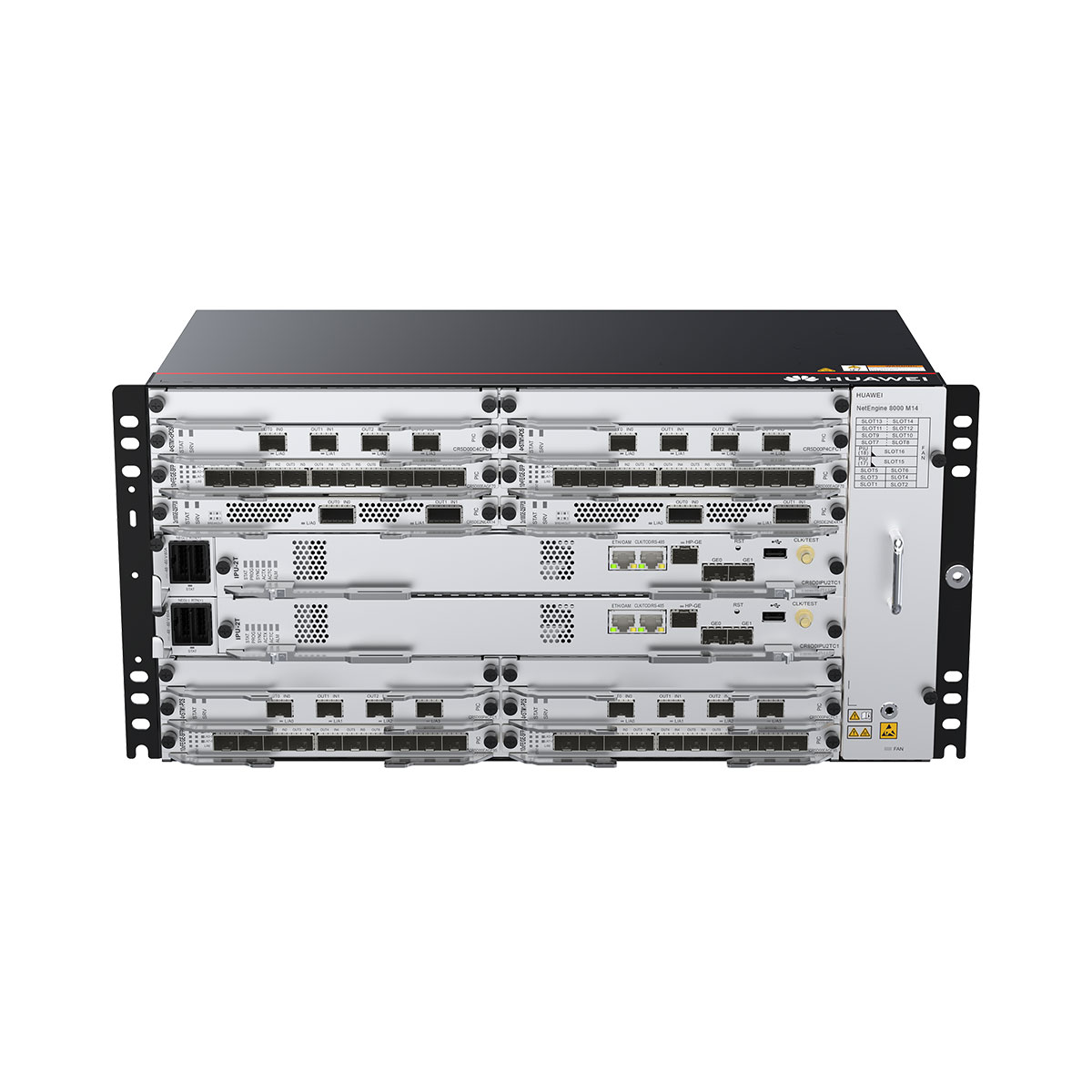
NetEngine 8000 M14
NetEngine 8000 M14 chassis industry's first 400G platform box router, DC power
Common license commands:
| Function | Command |
|---|---|
| Displaying detailed license information | display license
display license verbose |
| Displaying the ESN of the current device | display license esn |
| Checking whether a license file is valid | license verify |
| Activating a license file | license active file-name |
| Activating/Displaying hardware RTU licenses | active port-basic slot slotid card cardid port port-list
display license resource usage port-basic { all | slot slotid } [ active | deactive ] |
| Activating/Displaying the SRv6 service license | active port-srv6 slot slotid card cardid port port-list
display license resource usage port-srv6 { all | slot slotid } [ active | deactive ] |
| Activating/Displaying the L3VPN service license | active port-l3vpn slot slot-id card card-id port port-list
display license resource usage port-l3vpn { all | slot slotid } [ active | deactive ] |
| Activating/Displaying the EVPN service license | active port-evpn slot slotid card cardid port portlist
display license resource usage port-evpn { all | slot slotid } [ active | deactive ] |
| Activating/Displaying the VXLAN service license | active port-vxlan slot slotid card cardid port portlist
display license resource usage port-vxlan { all | slot slotid } [ active | deactive ] |
| Activating/Displaying the MACsec service license | active port-macsec slot slotid card cardid port port-list
display license resource usage port-macsec { all | slotslotid } [ active | deactive ] |
| Activating/Displaying the FlexE service license | active port-flexe slot slotid card cardid port port-list
display license resource usage port-flexe { all | slot slotid } [ active | deactive ] |
| Activating/Displaying the HQoS service license | active port-hqos slot slotid card cardid port port-list
display license resource usage port-hqos { all | slot slotid } [ active | deactive ] [ slave ] |
| Activating/Displaying the port slicing service license | active port-slicing slot slot-id card card-id port port-list
display license resource usage port-slicing |
| Activating/Displaying the core and aggregation scenario license | active port-core-aggregation slot slot-id card cardid port port-list
display license resource usage port-core-aggregation { all | slot slotid } [ active | deactive ] |
| Activating/Displaying the network slicing service license | active network-slice { data-plane | flex-channel } resource-number slot slotid
In V800R022C10 and later versions, network slicing service license resources are no longer bound to boards. Therefore, you do not need to run this command to activate and allocate network slicing service license resources to boards in advance. When a network slice interface is configured, the interface obtains and uses the network slice service license resources of the device. display license resource usage network-slice all |
| Enabling/Disabling a trial license | license trial enable
license trial disable |
| Displaying detailed trial license information | display license trial |
| Enabling/Displaying the emergency mode of a license | license emergency
display license emergency |
| Displaying the license state | display license state |
| Displaying the usage of active license resource items | display license resource usage |
| Displaying the remaining days of the grace period | display license state trial |
| Configuring/Displaying the license resource alarm threshold
The default alarm threshold for the usage of license resource items is 90%. The undo set license threshold command is used to restore the alarm threshold to the default value. |
set license license-item threshold threshold-value
undo set license license-item threshold [ threshold-value ] display license threshold |
| Revoking the current license | license revoke |
| Displaying the revocation code of the current invalid license | display license revoke-ticket |
| Saving a license file | license export file-name |
| Deleting a license file | delete XXXX.xml
delete slave#XXXX.xml |
| Displaying license information required by features (Diagnostic view) | display license resource information feature-name
The value range of the feature-name parameter varies according to the device. |
| Disabling the alarm function for the usage of license resource items
By default, the alarm function for the usage of license resource items is enabled. |
set license threshold alarm { all | item item-name } disable
undo set license threshold alarm { all | item item-name } disable |
NOTE:
For some product models, the activation command is active XXXX slot slot-id port port-list (without card card-id).
Some service license activation commands may activate a license for a specified service on a specific board. When running the commands, ensure that they are the same as those in the display license command output.
The command scopes supported by different products and versions may vary. For details, see the display license command output or the Command Reference of the product.







Leave a comment