
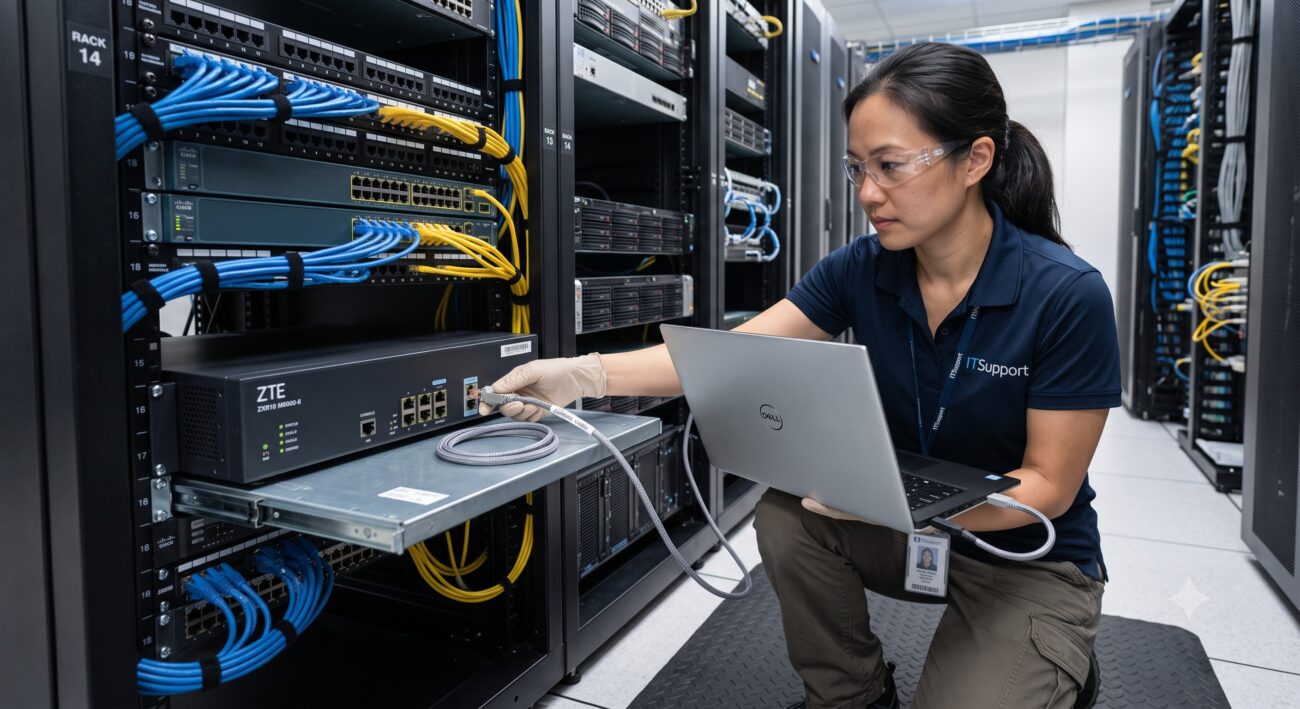
Overview & Thematic Scope
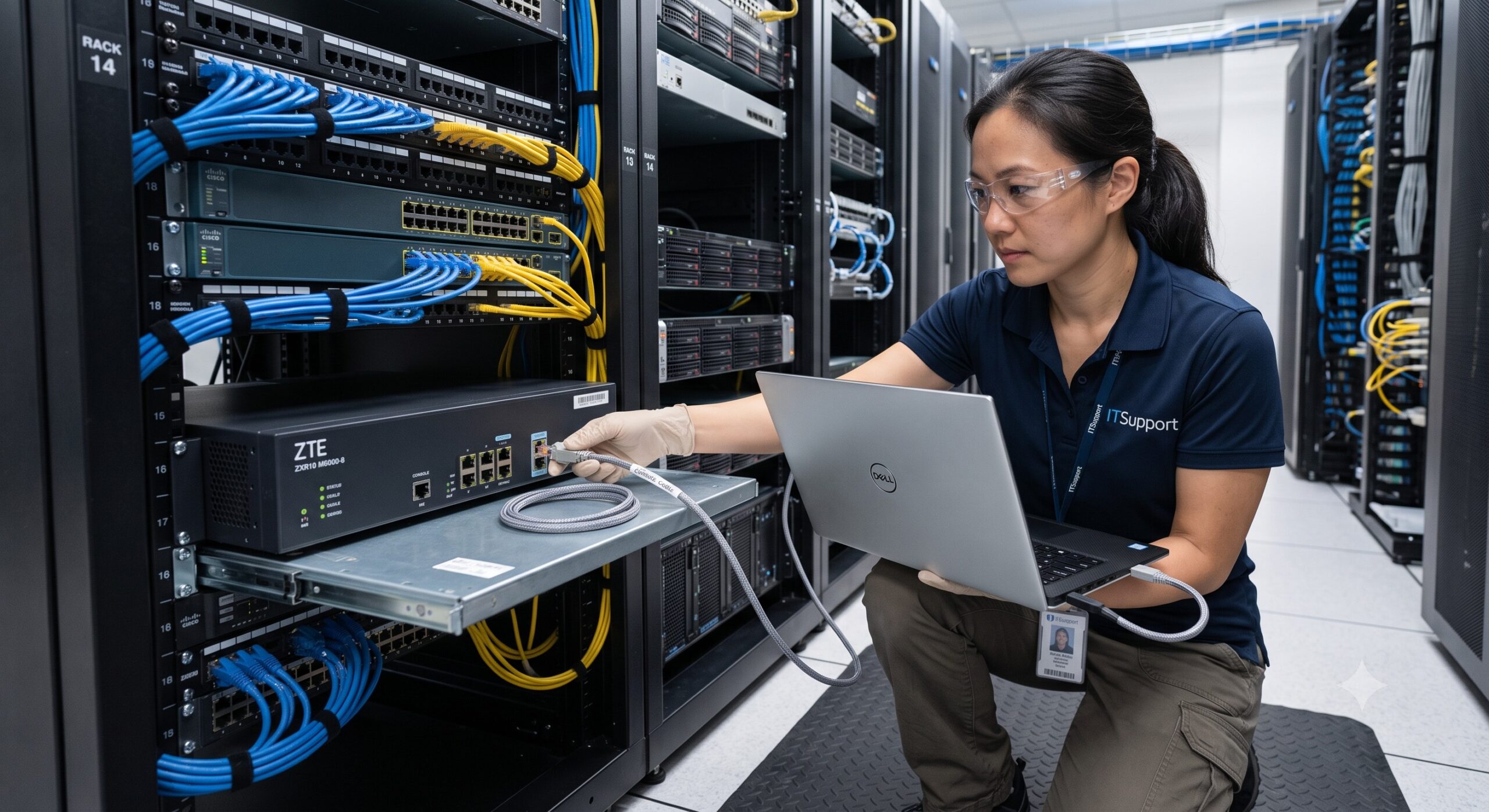
When configuring or troubleshooting ZTE networking equipment—from the ZXR10 series switches to ZSR series routers—one of the first questions that arises is about the console cable. This FAQ covers pre-sales compatibility checks, post-sales deployment, and technical troubleshooting. It addresses whether generic cables work, the specific pinout requirements, USB adapter choices, and how to avoid common setup errors.
Frequently Asked Questions
- Q1: Can I use a generic console cable for ZTE equipment?
- Yes, you can generally use a generic console cable for ZTE equipment, provided it meets the correct pinout and wiring standards. Most ZTE routers and switches use an RJ45 console port that is compliant with the EIA/TIA 568 standard, similar to Cisco-style cables, but it is crucial to verify the specific pinout for your model . While many generic cables work, an incompatible pinout can cause a failure to establish a connection. For mission-critical deployments or if you are unsure, using the official ZTE console cable delivered with the equipment is the most reliable option.
- Q2: What is the console cable pinout for ZTE ZXR10 and ZSR series devices?
- The standard pinout for ZTE ZXR10 and ZSR series console cables involves an 8-core shielded cable with an RJ45 connector at one end and a DB9 female connector at the other . The connection typically maps RJ45 pins to DB9 pins as follows: RJ45 Pin 1 to DB9 Pin 4 (DTR), Pin 2 to Pin 6 (DSR), Pin 3 to Pin 2 (RXD), Pin 4 to Pin 5 (GND), Pin 5 to Pin 5 (GND), Pin 6 to Pin 3 (TXD), Pin 7 to Pin 8 (CTS), and Pin 8 to Pin 7 (RTS) . However, always cross-reference with the specific hardware installation manual for your ZTE model, as there can be variations .
- Q3: How do I connect a modern PC without a DB9 serial port to a ZTE device?
- To connect a modern PC that lacks a traditional DB9 serial port, use a USB-to-serial console cable designed for ZTE equipment, which typically features a USB-A or USB-C connector on one end and an RJ45 connector on the other . These cables often use chipsets like FTDI or CH340 . You will need to install the corresponding driver for your operating system (Windows, macOS, or Linux). Once installed, the operating system will recognize it as a COM port, allowing you to use terminal software like PuTTY or SecureCRT to access the console.
- Q4: Are USB-to-RJ45 console cables for ZTE also standard Ethernet cables?
- No, a USB-to-RJ45 console cable is not a standard Ethernet cable and should not be used as one. While it physically uses an RJ45 connector, it is designed for RS-232 serial communication and is strictly for device configuration and debugging, not for data transmission over a network . Attempting to use a console cable to connect to an Ethernet port will not work, and vice versa, plugging an Ethernet cable into a console port will not establish a serial connection.
- Q5: Why can’t I establish a console connection to my ZTE device?
- If you cannot establish a console connection, first ensure the terminal settings are correct: Bits per second: 9600, Data bits: 8, Parity: None, Stop bits: 1, and Flow control: None . Second, verify you are using the correct COM port assigned to your USB-to-serial adapter in your terminal software. Third, check the physical connection: ensure the RJ45 connector is securely plugged into the device’s ‘Console’ port and not an AUX or management Ethernet port. Finally, a mismatched pinout between your generic cable and the ZTE device is a common cause .
- Q6: What are the alternatives if I don’t have a ZTE console cable?
- If you don’t have an official ZTE cable, you can make one using a CAT5 twisted pair cable and soldering the correct wires to a DB9 connector and an RJ45 plug according to the specified pinout . Alternatively, many third-party USB-to-RJ45 console cables are marketed as compatible with Cisco, Huawei, H3C, and ZTE devices . These are often a safe bet for common models. However, for less common or older equipment, it is safest to consult the hardware manual or use an OEM cable.
- Q7: Are there different console cable standards for ZTE routers, switches, and BRAS?
- Yes, ZTE has historically used different console cable types across its product lines. For instance, ZXR10 GER02/04 and ZSR series routers use a cable with an RJ45 connector . In contrast, older ZXR10 GAR, GER08, and high-end routers like the T6000/T8000 used a cable with DB9 female connectors on both ends . The M6000 and T8000 series share a console cable standard with ZTE switches. Therefore, it is critical to identify the specific model before selecting a cable.
- Q8: Can I use a Cisco console cable for my ZTE device?
- While many Cisco console cables use the same physical RJ45 to DB9 form factor, the pinout may not be identical to a ZTE cable . The ZTE serial console cable uses the EIA/TIA 568 standard , whereas Cisco popularized a different rollover cable pinout. While some newer generic cables are universal, an older Cisco-branded rollover cable will likely fail to connect to a ZTE device. It is safer to use a cable specifically stating compatibility with ZTE equipment .

Leave a comment