
Overview & Thematic Scope
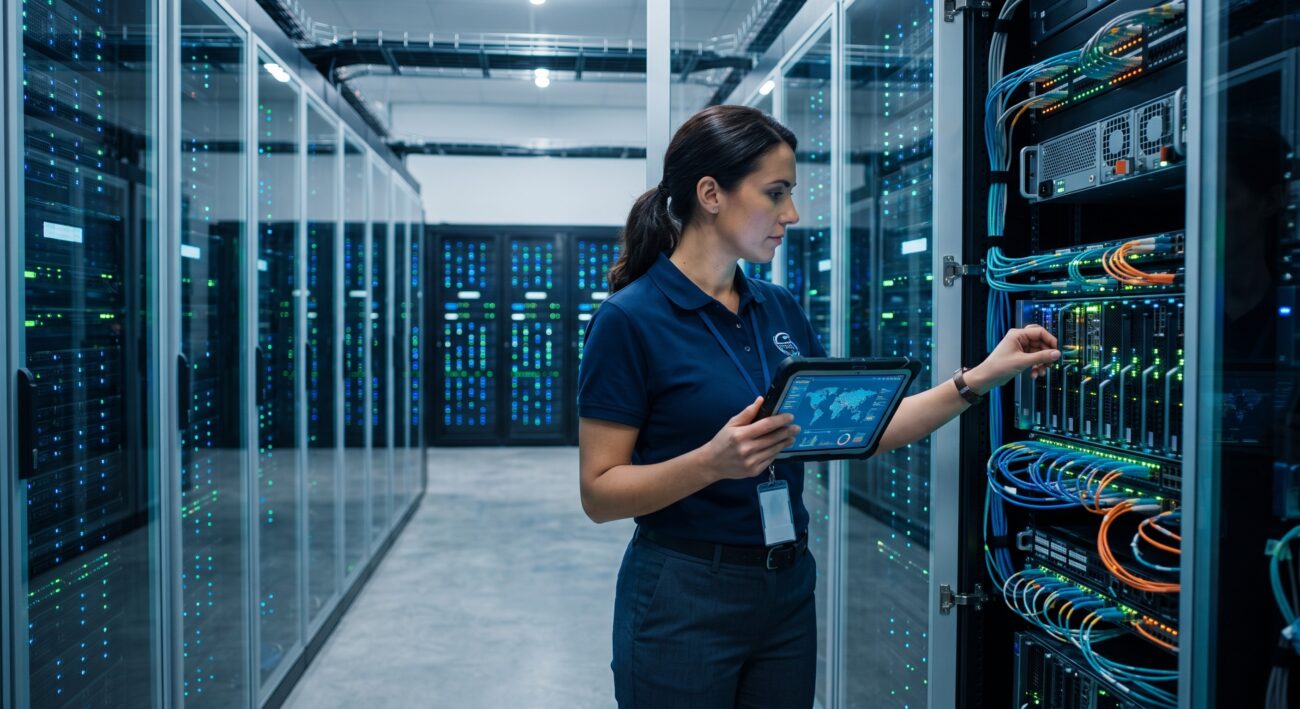
This FAQ examines the key latency and bandwidth differences between SXM and PCIe AI compute acceleration modules, covering both pre-sales architecture decisions and post-sales deployment considerations. SXM modules use a direct board-to-board interconnect (such as NVIDIA NVLink) that bypasses the PCIe bus for GPU-to-GPU communication, while PCIe modules rely on the standard PCIe fabric for all inter-device traffic. The result is a measurable latency and throughput gap that shapes workload placement, cluster topology, and total cost of ownership. The answers below are written for network engineers, datacenter architects, and technical procurement teams evaluating AI compute infrastructure.
Frequently Asked Questions
- Q1: What is the core latency difference between SXM and PCIe AI compute acceleration modules?
- SXM modules deliver significantly lower inter-GPU latency than PCIe modules because they communicate over a dedicated high-bandwidth interconnect rather than traversing the PCIe bus and host CPU root complex. In multi-GPU training workloads, SXM interconnects can reduce GPU-to-GPU communication latency by an order of magnitude compared to PCIe Gen4 or Gen5 peer-to-peer transfers, which must negotiate through PCIe switches and host bridges. This matters most for all-reduce, all-gather, and tensor-parallel operations where every microsecond of synchronization delay compounds across thousands of iterations.
- Q2: How do NVLink and PCIe bandwidth compare for GPU-to-GPU communication?
- SXM-based NVLink fabrics provide far higher bidirectional bandwidth per GPU than PCIe lanes can supply. A single SXM GPU can access hundreds of gigabytes per second of NVLink bandwidth, while a PCIe Gen5 x16 slot tops out at roughly 128 GB/s bidirectional theoretical bandwidth shared across all traffic. In practice, PCIe peer-to-peer transfers also incur protocol overhead and switch hop latency, so effective GPU-to-GPU throughput is lower than the raw lane rate suggests.
- Q3: Which workloads actually benefit from SXM’s lower latency over PCIe?
- Large-scale model training, especially transformer training with tensor and pipeline parallelism, benefits most from SXM’s low-latency interconnect. Inference workloads with small batch sizes and tight latency SLOs also gain, but the advantage narrows when the model fits on a single GPU or when inference is embarrassingly parallel. PCIe modules remain cost-effective for inference serving, fine-tuning of smaller models, and mixed workloads where interconnect traffic is not the bottleneck.
- Q4: Can PCIe AI acceleration modules be upgraded to SXM performance later?
- No. SXM and PCIe are physically and electrically different form factors, so a PCIe-based server cannot be field-upgraded to SXM modules without replacing the baseboard, GPU tray, and often the entire server platform. SXM modules mount directly to a custom baseboard with dedicated high-speed traces and power delivery, while PCIe modules use standard expansion slots. This makes the SXM-versus-PCIe decision a platform-level commitment rather than a component swap.
- Q5: What deployment and thermal considerations differ between SXM and PCIe modules?
- SXM modules typically run at higher power densities and require purpose-built chassis with direct liquid cooling or high-static-pressure air cooling, while PCIe modules fit standard rack servers with more flexible thermal profiles. SXM baseboards concentrate eight or more GPUs in a dense tray, so power budgeting, airflow balancing, and cooling redundancy must be designed in from the start. PCIe deployments are easier to retrofit into existing datacenter racks but may throttle under sustained training loads if airflow is insufficient.
- Q6: How should I troubleshoot high GPU-to-GPU latency in an SXM or PCIe deployment?
- Start by confirming the actual interconnect topology and link width in use, then check for degraded NVLink links or PCIe links that have down-trained to a lower generation or width. Common causes of unexpected latency include PCIe ACS and IOMMU settings forcing traffic through the CPU, topology mismatches that route peer traffic through a switch, and thermal throttling that reduces effective clock speeds. Use GPU topology and bandwidth diagnostics to verify that peer-to-peer paths are direct and operating at expected link rates.
- Q7: What procurement factors should be considered when choosing between SXM and PCIe AI modules?
- SXM platforms carry higher upfront costs, longer lead times, and tighter vendor lock-in, while PCIe modules offer broader server compatibility, faster replacement cycles, and easier sparing. Buyers should weigh interconnect requirements against supply chain risk, warranty terms, and the availability of qualified server platforms. For organizations with mixed workloads, a hybrid fleet of SXM for training and PCIe for inference often balances performance and procurement flexibility.
- Q8: How does the SXM versus PCIe choice affect total cost of ownership over the platform lifespan?
- SXM delivers lower cost per training job at scale by reducing synchronization overhead and improving cluster utilization, but it demands higher capital outlay and more specialized datacenter infrastructure. PCIe modules lower the barrier to entry and simplify refreshes, yet may require more GPUs or longer runtimes to reach equivalent throughput on interconnect-bound workloads. TCO analysis should model utilization rates, power and cooling costs, replacement cycles, and the residual value of each platform.

Leave a comment