

Issue Description
The out-of-band management port (interface MEth0/0/0) on the switch suddenly became inaccessible. Remote login via Ping and SSH was not possible.
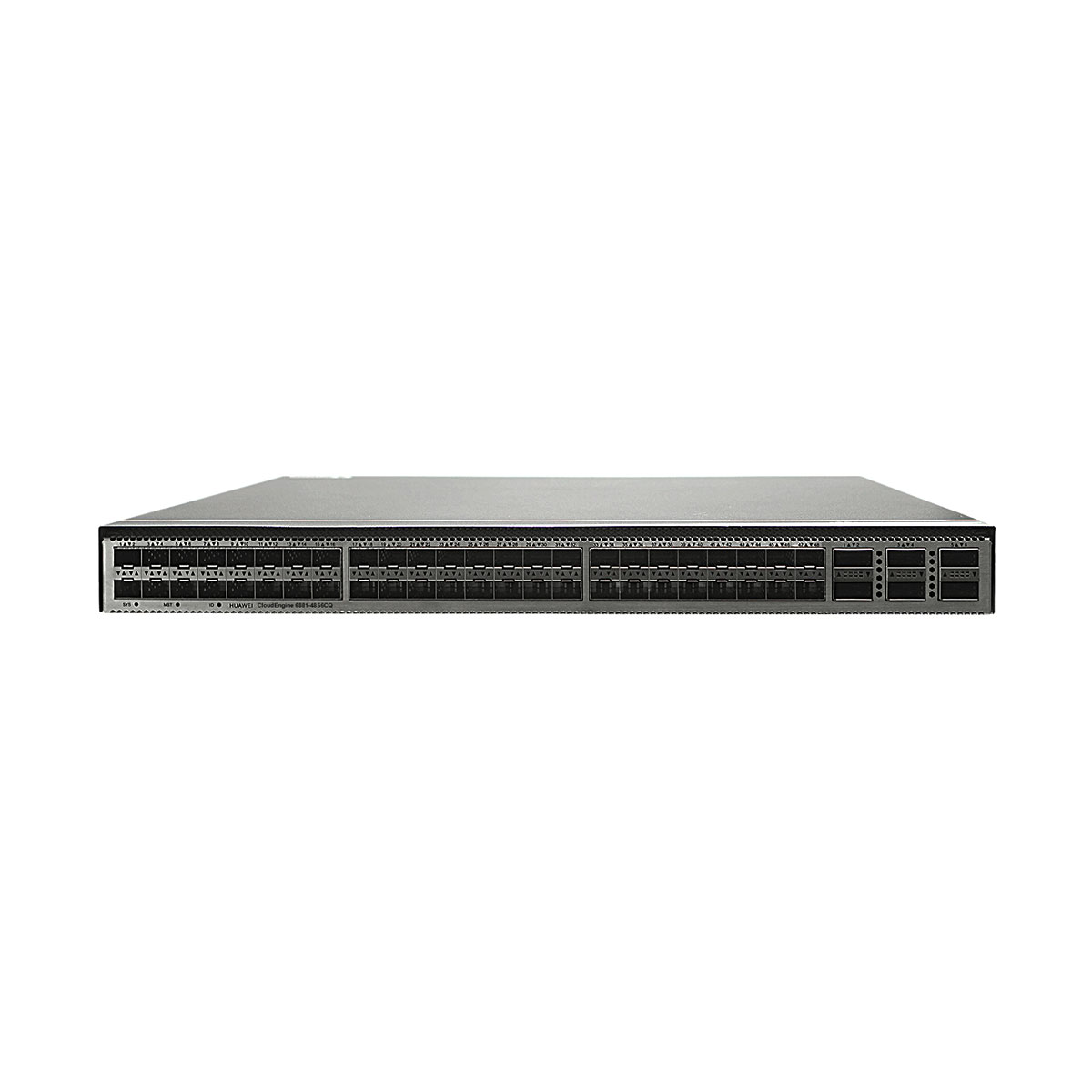
The device topology is shown below:

Troubleshooting Process
Step 1. Verify management port status
Logged in through the console.
Ran the following command:
Results:
Interface status: UP/UP
Negotiated speed: 10 Mbps (abnormal)
Interface error counters showed a large number of CRC errors
Analysis: Although the interface appeared “up,” the abnormally low negotiated speed and the large number of error packets indicated a possible physical layer issue.
Step 2. Check alarms and logs
display alarm active → No related active alarms
display logbuffer → Logs showed:
A few days earlier, the interface experienced down → up events
Frequent LLDP neighbor establish/delete flapping afterward

Analysis: The repeated LLDP neighbor resets suggested unstable physical connectivity, most likely caused by a cable fault.
Step 3. Rule out IP configuration or policy errors
Verified via display current-configuration
No configuration changes were made after the device was online
IP addressing and management policies confirmed correct
Step 4. Replace the cable
Replaced the original cable with a new one
Rechecked interface status using display interface MEth0/0/0:
- Status: UP/UP
- Negotiated speed: 1000 Mbps (normal)
- CRC errors: no further increase`
Step 5. Validate recovery
SSH login tested: successful
Alarm log: Interface remained stable
LLDP neighbor information: Stable without flapping
Root Cause
The out-of-band management cable was defective (poor quality or loose connection), causing unstable physical link conditions.
This led to:
- Abnormal negotiation at 10 Mbps instead of 1000 Mbps
- Large number of CRC/input errors
- LLDP neighbor flapping (frequent disconnects/reconnects)
- Management IP visible in ARP table but unreliable for higher-layer protocols (SSH/Telnet)
Solution
The issue was resolved with the following steps:
1.Replace the cable
- Used a certified, shielded patch cord
- Ensured both connectors were firmly crimped and properly inserted
2.Verify interface status
- Negotiated speed returned to 1000 Mbps
- Error counters remained stable with no increase
- Interface status consistently UP/UP
3. Check LLDP neighbor stability
- LLDP neighbor table stable
- No new LLDP alarms or link flapping observed
4. Test remote management access
- Successful ping to the management IP
- SSH login restored and stable







Leave a comment