
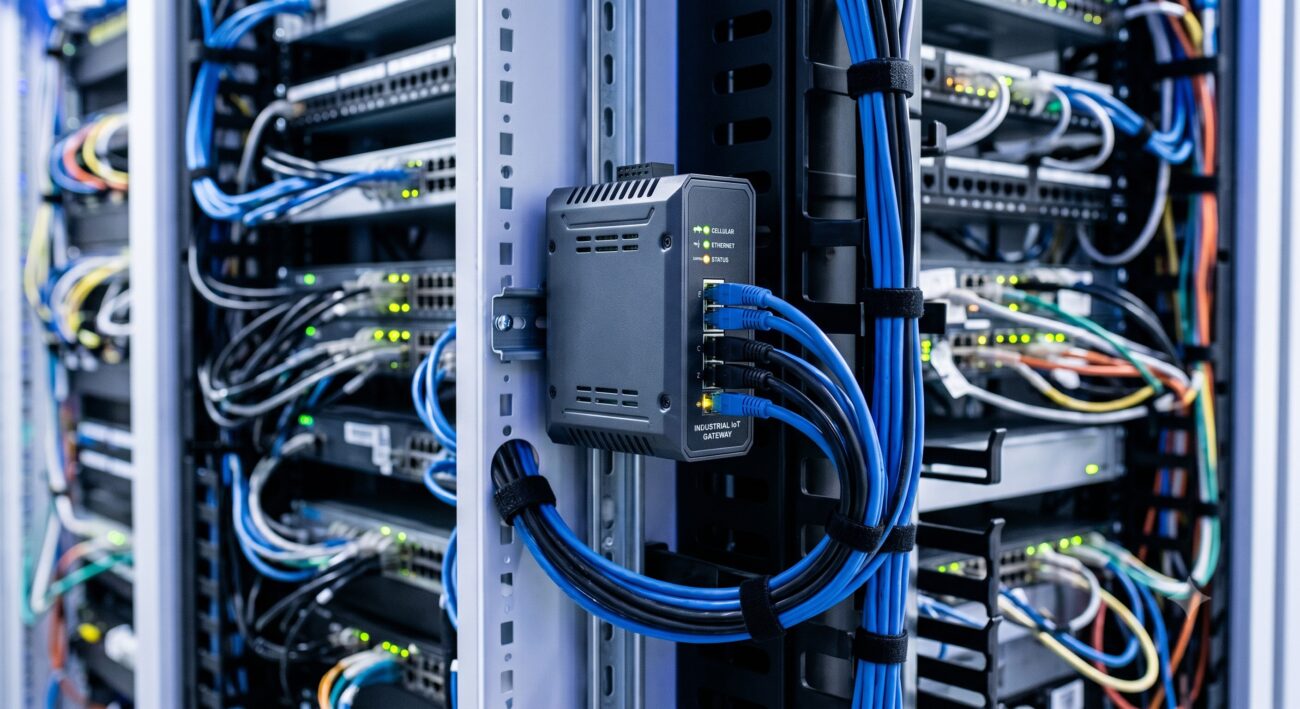
Overview & Thematic Scope
Welcome to our comprehensive FAQ on IoT gateway industrial router connectivity. This resource is designed for network engineers, system integrators, and IT managers navigating the complexities of deploying and maintaining robust industrial IoT networks. We address critical pre-sales and post-sales questions, focusing on connectivity protocols, security hardening, troubleshooting, and integration best practices to ensure high availability and performance in challenging environments. This guide covers everything from initial configuration to advanced network management.
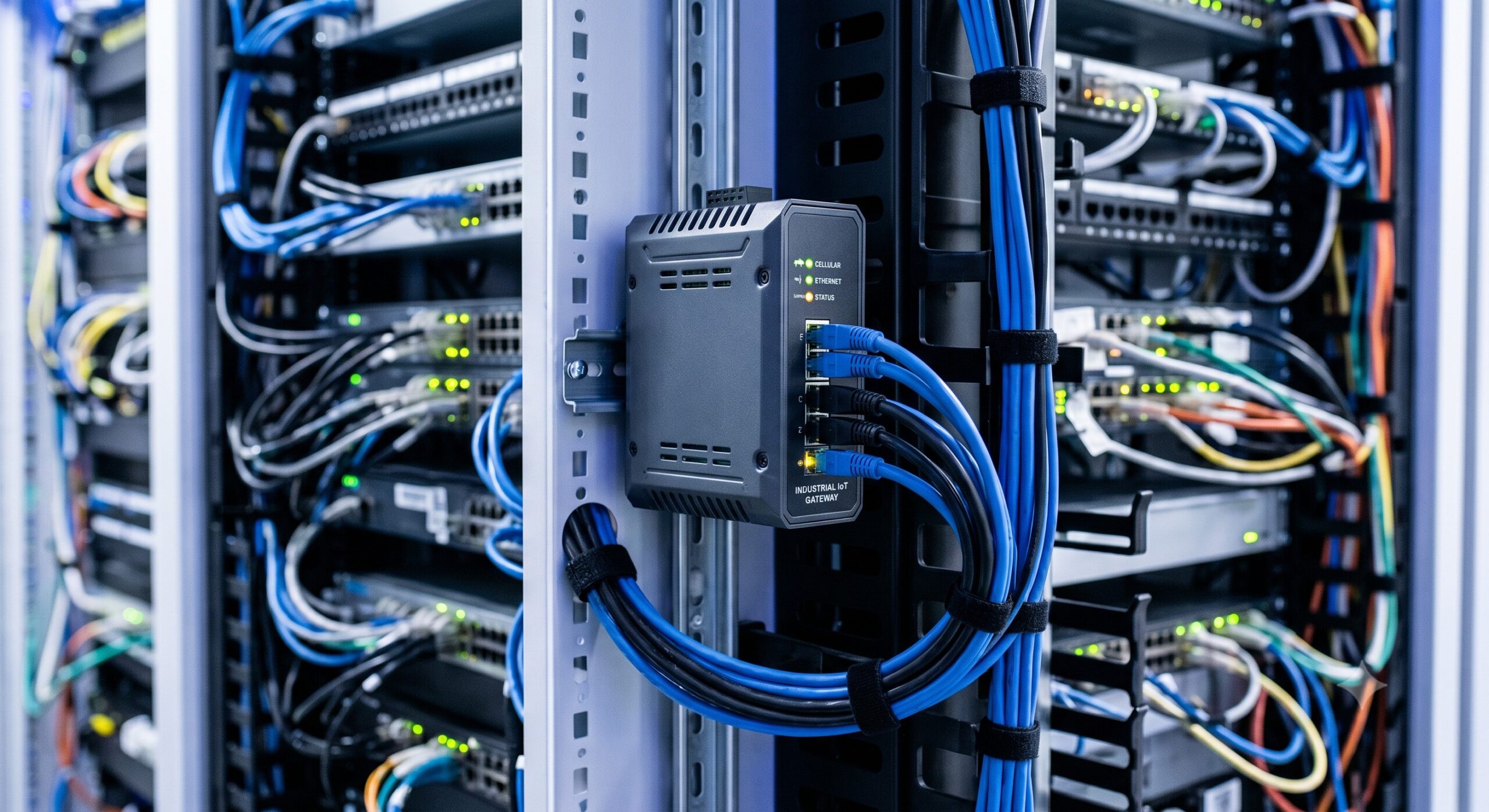
Frequently Asked Questions
- Q1: What are the key cellular and wired connectivity options for an industrial IoT gateway router?
- Industrial IoT gateway routers primarily support dual-band 4G LTE and emerging 5G cellular connectivity, along with multiple wired options like Gigabit Ethernet, RS-232/485 serial ports, and CAN bus for legacy device integration.
- For cellular, they often include dual SIM cards for carrier redundancy and automatic failover. Wired connectivity is crucial for stable, high-bandwidth backhaul or for connecting field devices that lack wireless capabilities. This multi-faceted approach ensures reliable data transmission in diverse industrial settings, from remote oil rigs to smart factories.
- Q2: How do I troubleshoot common connectivity dropouts or intermittent signal issues?
- Begin troubleshooting by checking the router’s signal strength (RSSI) and SIM card status via the management interface or CLI, and then verify the antenna placement and cabling integrity.
- Common solutions include moving antennas to a higher, more open location away from metal obstructions, checking for local interference from heavy machinery, and ensuring the firmware is up-to-date. Use the router’s built-in diagnostic tools like ping and traceroute to isolate the problem between the local network and the WAN. If signal is consistently low, consider upgrading to high-gain directional antennas.
- Q3: What are the essential security measures to configure on an industrial router to protect the network?
- Essential security measures include disabling default passwords, implementing strong, unique credentials, enabling firewall rules to restrict traffic, using VPNs (IPsec or OpenVPN) for all remote access, and regularly updating the router’s firmware.
- For advanced protection, configure MAC address filtering to limit device access to the local network and enable secure management protocols like HTTPS and SSH. It is also critical to segment the industrial network using VLANs to isolate operational technology (OT) from the corporate IT network, thereby containing potential breaches.
- Q4: Can an IoT gateway router handle MQTT and other industrial protocols, and how do I configure them?
- Yes, most industrial IoT gateways natively support MQTT, Modbus, DNP3, and OPC UA protocols to ensure seamless data ingestion from a variety of field devices and sensors.
- Configuration is typically done through a web-based GUI or CLI, where you define a local data source (e.g., a serial port or Modbus TCP) and map it to a cloud platform or MQTT broker. This often involves specifying the broker’s IP address, port, and topic structure. For complex data transformation, you may need to write simple rules or scripts within the router’s operating system.
- Q5: What is the process for remotely managing and monitoring a fleet of deployed industrial routers?
- Management is typically handled via a centralized cloud-based platform or an on-premises Network Management System (NMS) that provides a single dashboard for configuration, firmware updates, and real-time monitoring of all connected routers.
- These platforms offer alerting features for signal loss or device downtime, facilitate mass configuration changes, and provide logs for auditing. They often support secure VPN tunnels to allow direct CLI or web access to individual routers behind cellular networks for in-depth troubleshooting, reducing the need for costly on-site visits.
- Q6: How does the router maintain connectivity in harsh industrial conditions such as extreme temperatures or high vibration?
- Industrial-grade routers are built with a fanless, ruggedized design, a wide operating temperature range (typically -40°C to 75°C), and industrial shock and vibration certification (e.g., IEC 60068-2-6) to ensure reliability in harsh environments.
- These devices use components rated for industrial use, such as solid-state capacitors and conformal-coated PCBs to resist humidity and corrosion. Proper installation, such as using DIN-rail mounting and ensuring adequate ventilation, is also crucial to maintaining optimal thermal performance.
- Q7: What is the role of industrial IoT gateways in enabling edge computing?
- Industrial IoT gateways act as the edge computing hub, performing data processing, filtering, and analysis locally before sending information to the cloud. This reduces latency and bandwidth consumption.
- By running containerized applications (e.g., Docker) or using AWS Greengrass/Azure IoT Edge, the gateway can execute machine learning models or local logic to make real-time decisions without a cloud round-trip. This is vital for time-sensitive applications like predictive maintenance, anomaly detection in machine operation, and closed-loop control systems.

Leave a comment