
.svg)

.svg)

.svg)

.svg)




Description
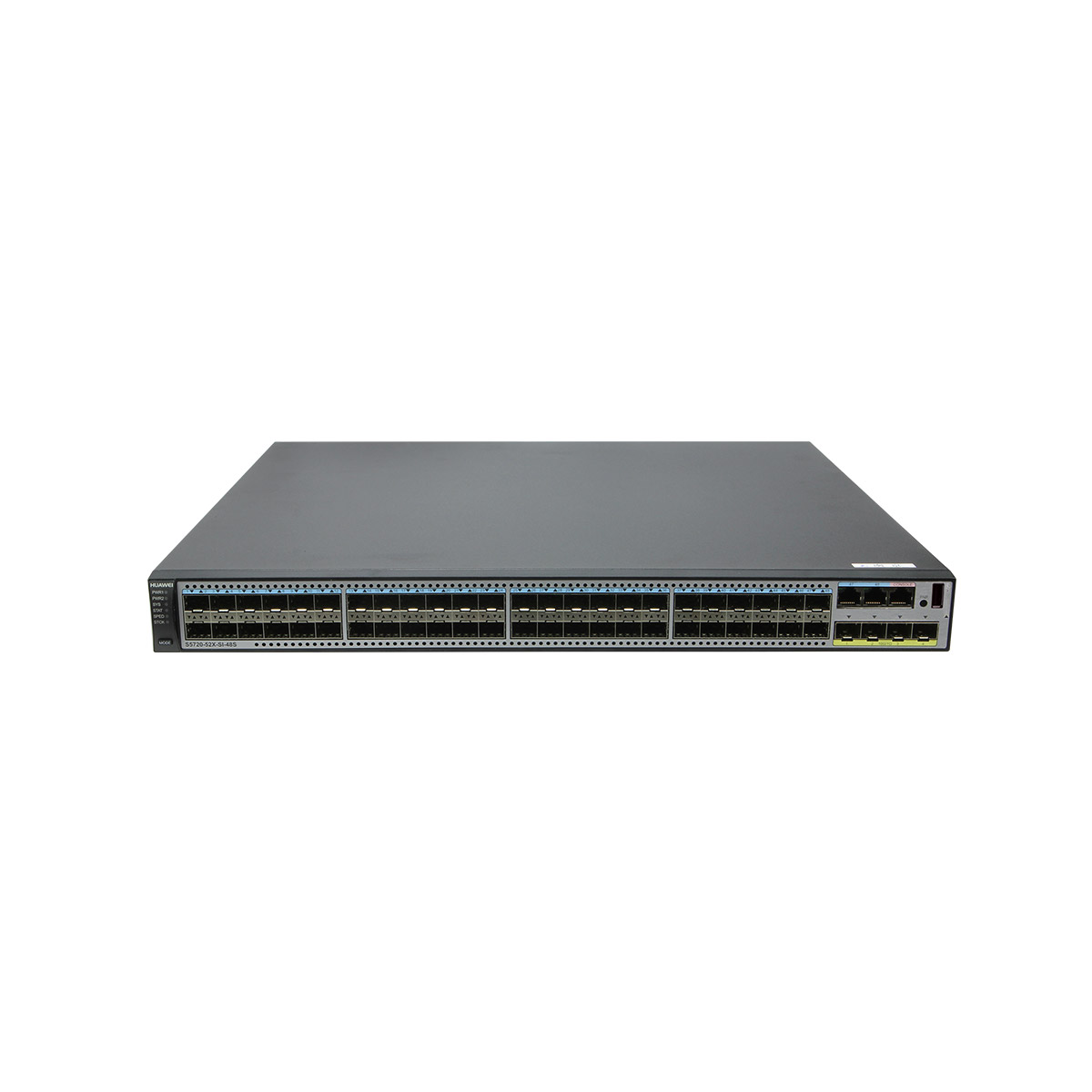
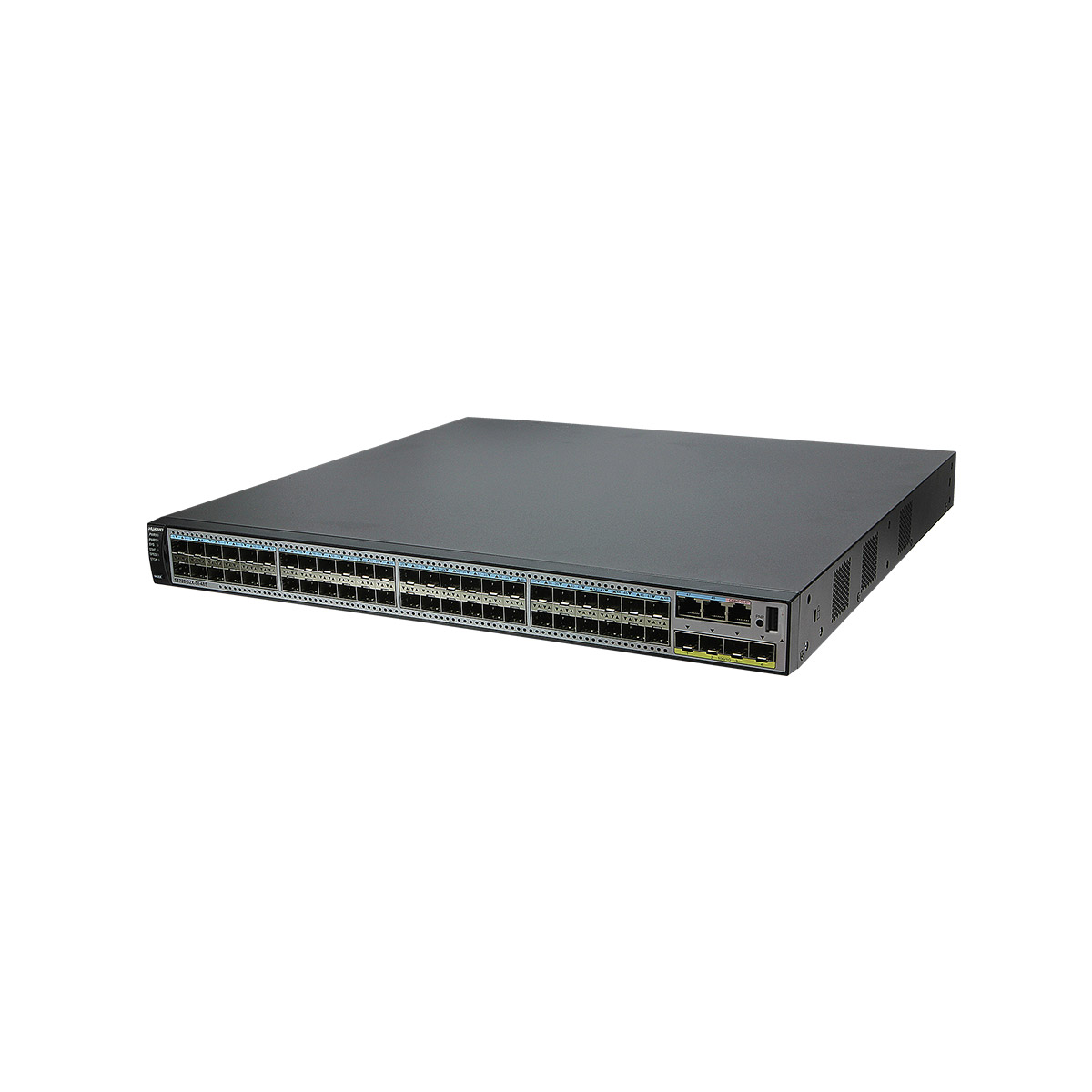
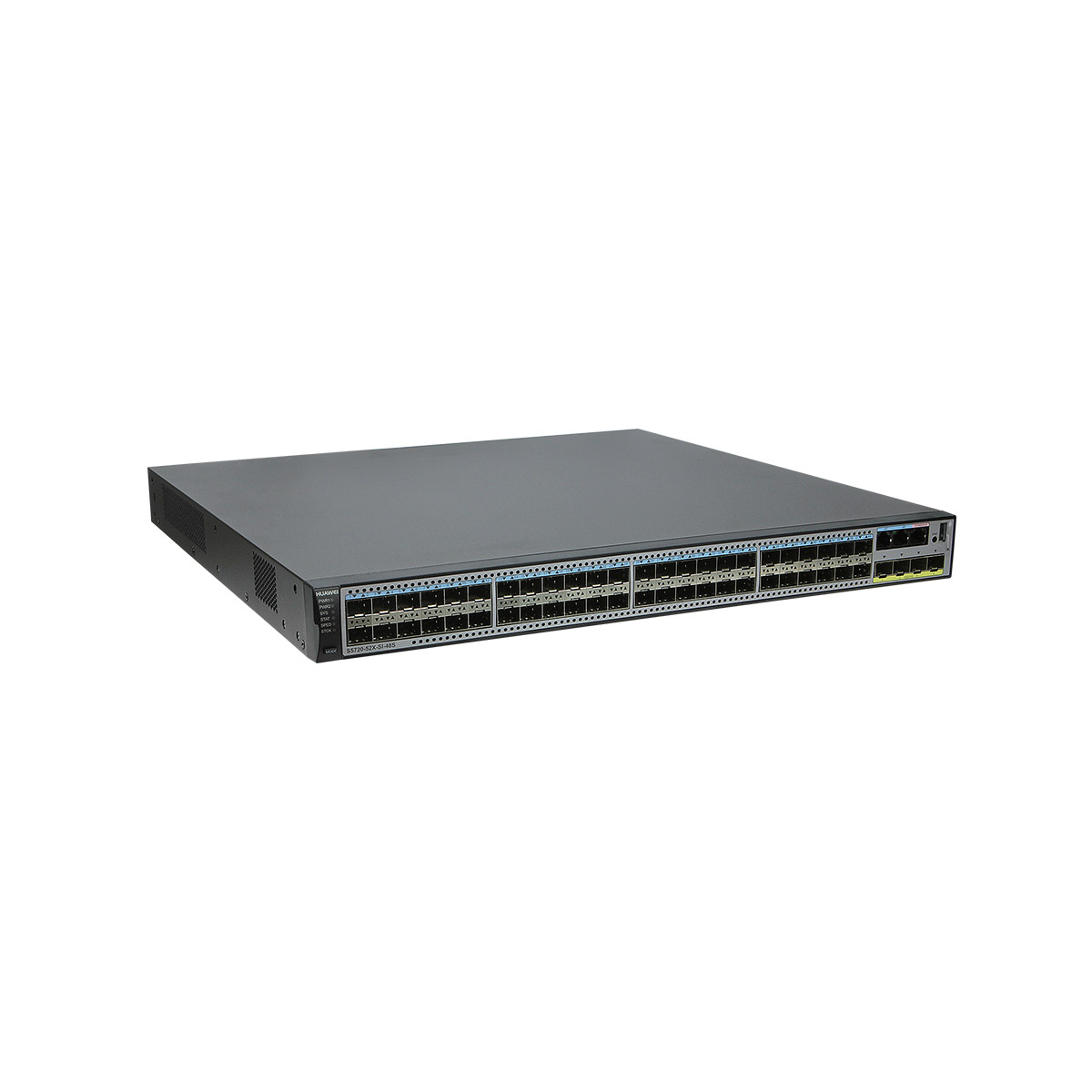
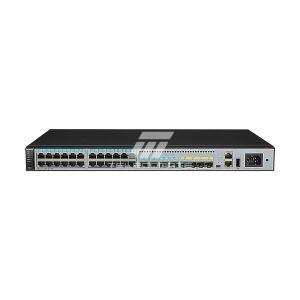
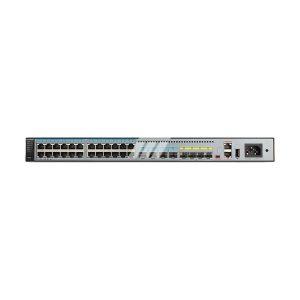
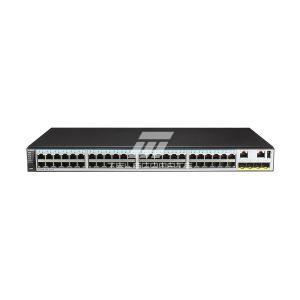
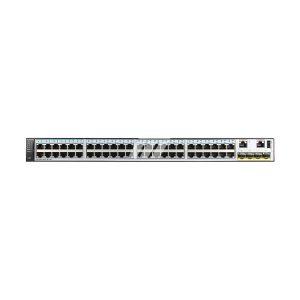
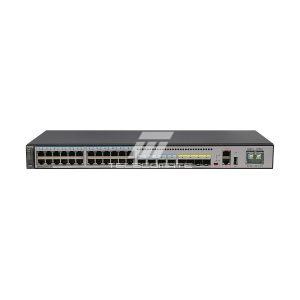
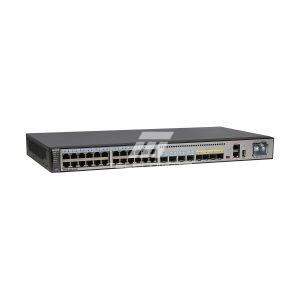
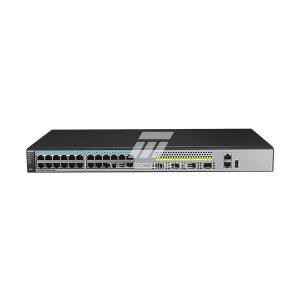
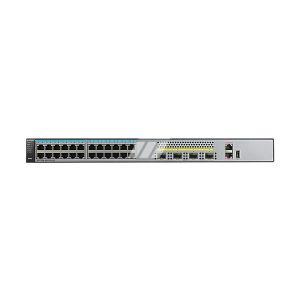
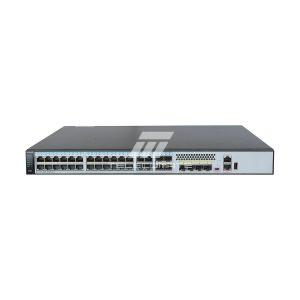
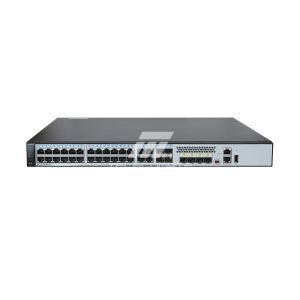
S5720-52X-SI-48S overview
The S5700 series Ethernet switches are a new generation of green, energy-efficient, full-Gigabit high-performance Ethernet switches launched by Huawei to meet the demands of high-bandwidth access and Ethernet multi-service aggregation. Based on next-generation high-performance hardware and Huawei’s unified platform, the S5700 series features large capacity, high reliability (dual power slots and hardware-level Ethernet OAM), and high-density Gigabit ports, with support for 10-Gigabit uplinks. It also supports EEE (Energy Efficient Ethernet) and iStack intelligent stacking, fully meeting the needs of enterprise campus network access, aggregation, IDC Gigabit access, and Gigabit-to-the-desktop applications.
| Item | Details |
|---|---|
| Description | S5720-52X-SI-48S switch (forty-six 100/1000BASE-X ports, two combo ports (10/100/1000BASE-T + 100/1000BASE-X)) |
| Part Number | 98010814 |
| Model | S5720-52X-SI-48S |
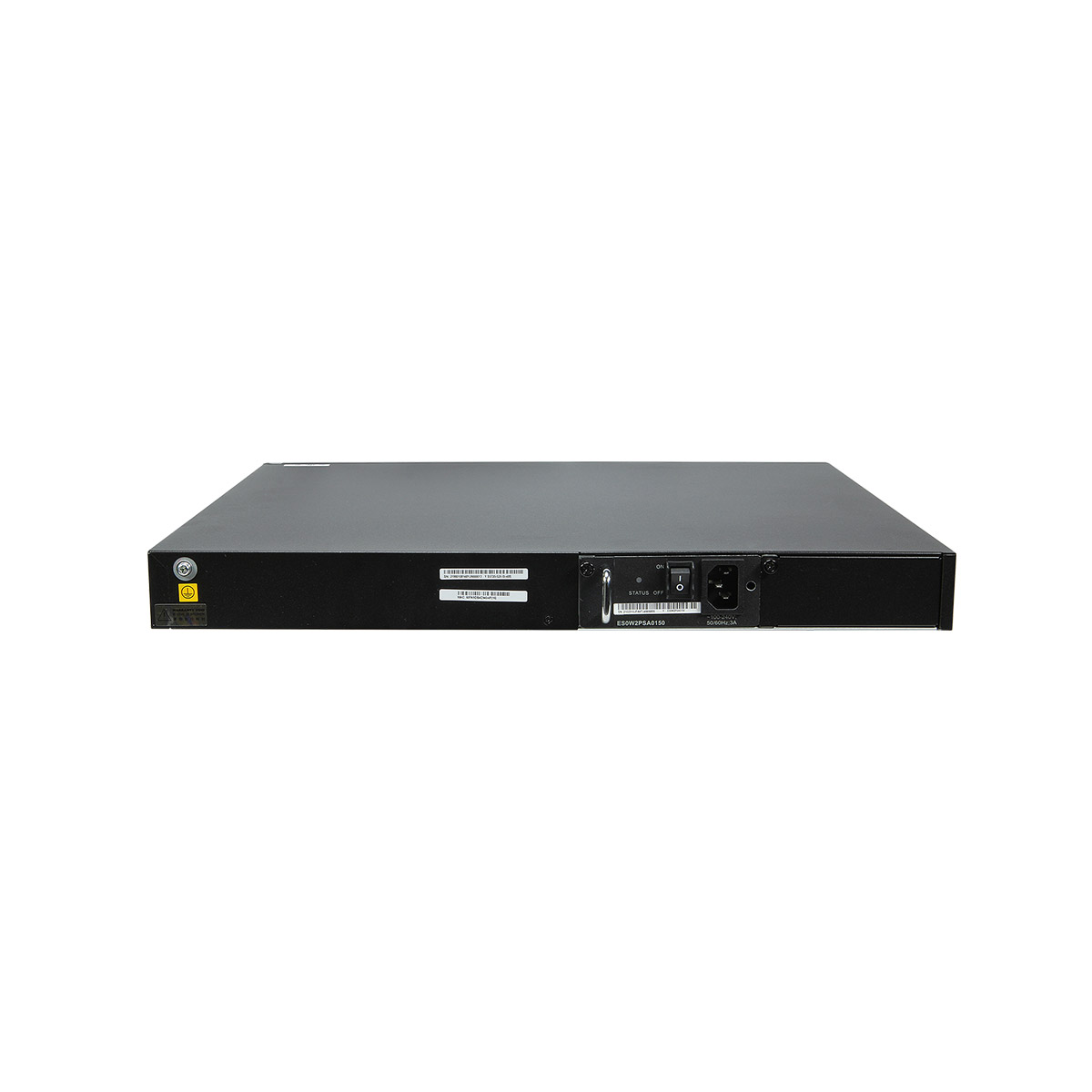
S5720-52X-SI-48S Appearance

| 1 | Forty-six 100/1000BASE-X ports
Applicable modules:
|
2 | Two combo ports (10/100/1000BASE-T + 100/1000BASE-X)
Modules applicable to combo optical ports:
|
| 3 | Four 10GE SFP+ ports
Applicable modules and cables:
NOTE: If one port uses a GPON optical module, other ports cannot be used. |
4 | One console port
NOTE: It is used with a console cable. The console cable is not delivered with the switch and needs to be separately purchased if needed. |
| 5 | One PNP button
NOTICE: To restore the factory settings and reset the switch, hold down the button for at least 6 seconds. To reset the switch, press the button. Resetting the switch will cause service interruption. Exercise caution when you press the PNP button. |
6 | One USB port |
| 7 | Ground screw
NOTE: It is used with a ground cable.
|
8 | Power module slot 2
NOTE: Applicable power modules:
|
| 9 | Power module slot 1
NOTE: Applicable power modules:
|
– | – |
Reviews
There are no reviews yet.