
Overview & Thematic Scope
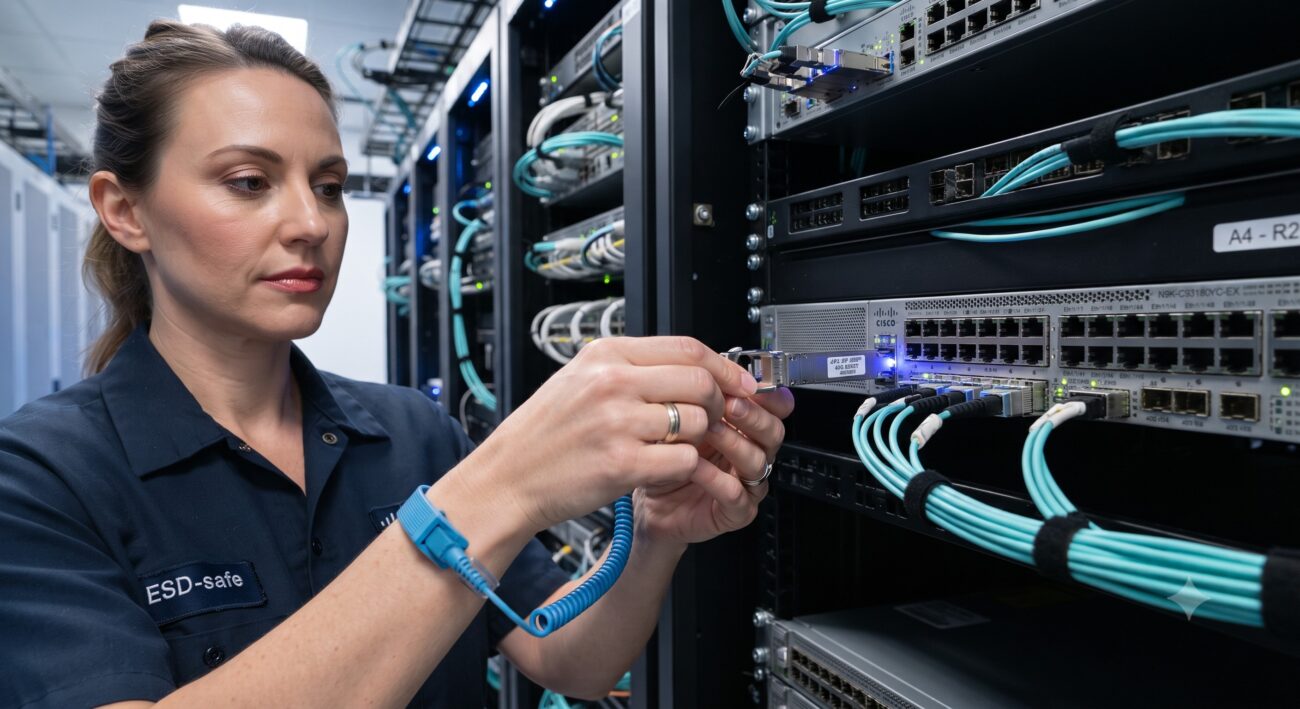
This FAQ guide is designed for network engineers and data center technicians who need to safely remove stuck or jammed QSFP transceivers from switches. The content covers not only the physical removal procedure but also critical pre-removal checks, ESD safety protocols, and post-removal troubleshooting for link failures. It addresses both pre-sales considerations (such as compatibility and power class) and post-sales support (step-by-step removal and diagnostics). The primary focus is on minimizing downtime and preventing hardware damage during the removal process.
Frequently Asked Questions
- Q1: What is the definitive first step when a QSFP transceiver is stuck?
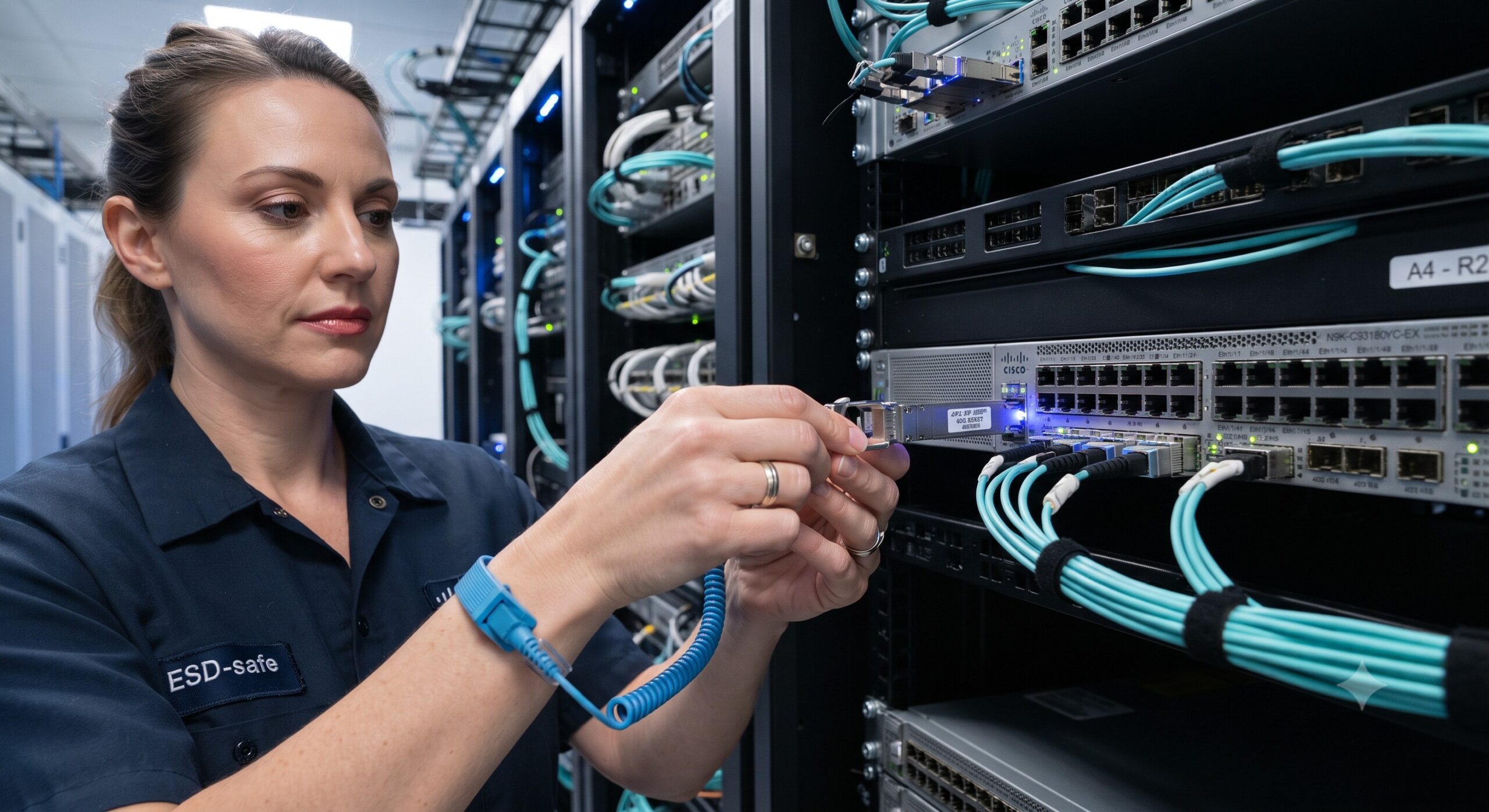
- The definitive first step is to stop forcing the module and begin the systematic safety protocol. Immediately disconnect the fiber optic cable and cover the transceiver and cable end with rubber safety caps to prevent eye damage from laser light. Attach an ESD wrist strap to ground yourself to prevent electrostatic discharge (ESD) damage. Label the cable before disconnection to ensure correct reconnection later .
- Q2: How do I physically release a stuck QSFP/QSFP28 transceiver?
- To physically release a stuck QSFP transceiver, you must properly disengage the ejector mechanism. For QSFP+ transceivers, use your fingers to pull open the ejector lever (bale clasp) completely until you hear it click, which fully unlocks it from the cage . For QSFP28, QSFP-DD, and OSFP modules, pull the integrated ejector tab straight back to automatically release the locking pins . Never pull the module out without fully disengaging the latch, as this can damage the port pins.
- Q3: Why is verifying the ejector lever fully open critical before pulling?
- Verifying the ejector lever is fully open is critical to prevent damage to the transceiver and the switch port. If the lever is not completely open (until it clicks), the locking mechanism is still engaged, and pulling the module can bend the electrical connector pins on the transceiver or damage the cage. A damaged port may require a full switch replacement or expensive RMA .
- Q4: What common mistakes cause a QSFP transceiver to get stuck?
- Common mistakes causing a QSFP to get stuck include: failing to open the bale clasp fully before pulling, inserting the transceiver upside down (which jams the connector), and excessive bending of fiber optic cables which puts strain on the module . Additionally, dust or debris in the port can cause it to seize, or thermal expansion in a high-heat environment may make the module difficult to slide out.
- Q5: What should I do if the transceiver won’t budge even with the latch open?
- If the transceiver remains stuck despite the latch being open, stop immediately to avoid breaking the port. Gently rock the transceiver from side to side while pulling it straight out, using very light pressure. Inspect the cage for bent pins or debris. If it is still stuck, consult the hardware vendor’s support team; do not use tools like pliers or screwdrivers, as they will cause permanent damage.
- Q6: What are the critical safety precautions before removing a QSFP module?
- Critical safety precautions include: (1) Wearing an ESD wrist strap connected to the rack’s grounding point . (2) Never looking directly into fiber optic transceivers or cables, as they emit invisible laser light that can damage eyes . (3) Always covering the transceiver and cable connector with rubber safety caps immediately after disconnecting to keep the optics clean and prevent laser exposure .
- Q7: Can I remove a QSFP transceiver while the switch is powered on?
- Yes, QSFP transceivers are hot-removable and hot-insertable Field-Replaceable Units (FRUs). You can safely remove them without powering down the switch or disrupting other device functions . However, after you remove the transceiver or change the media-type configuration, wait for 6 seconds for the interface to display operational commands and stabilize .
- Q8: How do I prevent link failure after removing and reinstalling a QSFP?
- To prevent post-removal link failure, ensure the module is firmly seated until the latch clicks. Use a fiber microscope to inspect and clean both the fiber optic connector and the transceiver port (Inspect → Clean → Inspect) . Verify that the port speed and FEC (Forward Error Correction) settings match on both ends of the link, and ensure the fiber polarity is correct .

Leave a comment