
Overview & Thematic Scope
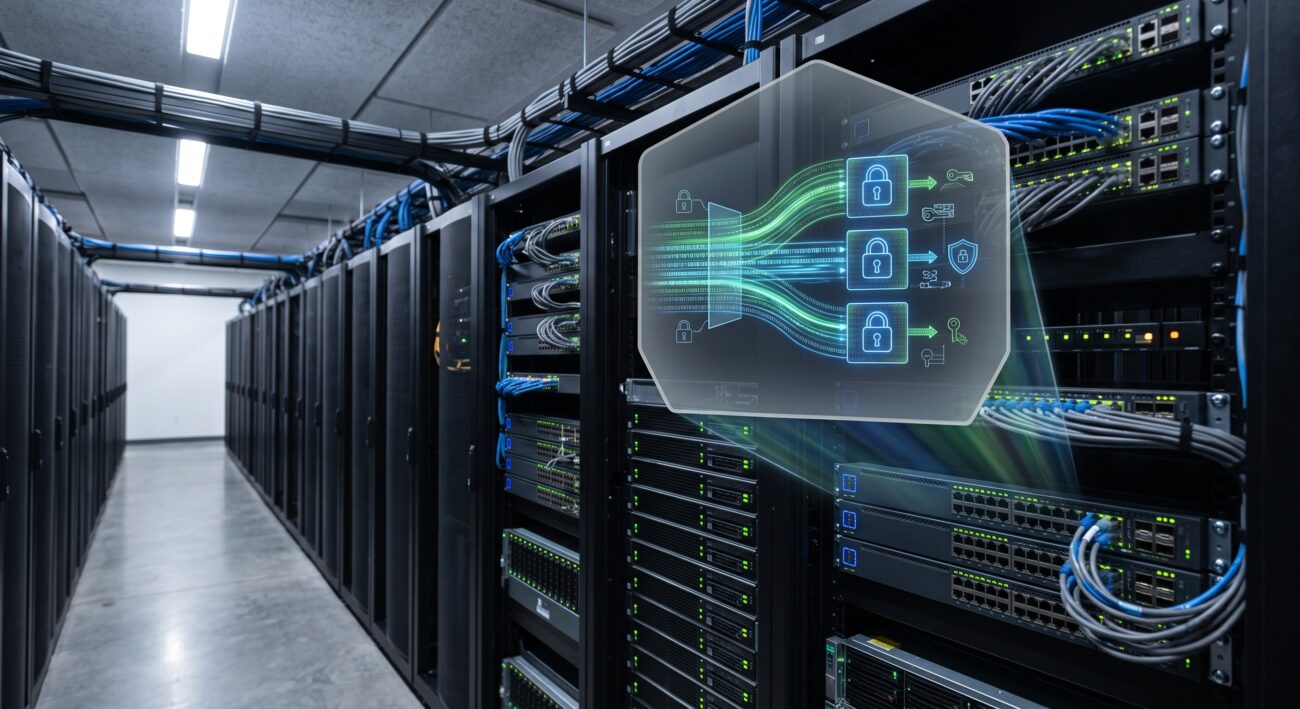
This FAQ provides expert-level answers on configuring MACsec (802.1AE) encryption on switch uplinks, with a specific focus on advanced security hardening. It addresses critical pre-sales and post-sales queries, from foundational configuration to troubleshooting complex compatibility issues, ensuring network engineers can securely and efficiently deploy line-rate encryption in datacenter and enterprise core environments.
Frequently Asked Questions
- Q1: What is MACsec (802.1AE) and why is it critical for switch uplink security?
- MACsec (Media Access Control Security) is an IEEE 802.1AE standard that provides point-to-point encryption and integrity verification for all traffic on a physical link. It is critical for switch uplinks because it secures data in transit between network devices, preventing eavesdropping, man-in-the-middle attacks, and unauthorized network access at Layer 2, which is a fundamental security control for datacenter and enterprise core networks.
- Q2: What are the pre-requisites for configuring MACsec on a switch uplink?
- The pre-requisites include hardware with MACsec-capable ASICs, a switch operating system image that supports the feature (e.g., Cisco IOS XE, Arista EOS, or similar), and a pre-shared key (PSK) or a configured 802.1X authentication (MKA) server for dynamic key management. Additionally, ensure the uplink interfaces are correctly cabled and have verified link-state connectivity.
- Q3: How do I configure a basic MACsec static key on a switch uplink?
- To configure basic static MACsec, use the CLI command ‘macsec policy’ to define a security policy, specify the connectivity association key (CAK) and the connectivity association key name (CKN), and then apply the policy to the target uplink interface. For example, on a Cisco switch, this involves creating the policy, setting the key, and enabling it under the interface configuration mode.
- Q4: What is the difference between MACsec static key and dynamic key (MKA) configuration?
- Static MACsec uses a pre-configured key that does not change, which is simpler but less secure for long-term deployments. In contrast, dynamic MACsec uses the MACsec Key Agreement (MKA) protocol, which is part of the 802.1X framework. MKA provides better security by automatically generating and rotating encryption keys, and it requires an authentication server (RADIUS) to validate devices, making it the recommended method for secure, scalable networks.
- Q5: Which industry-standard algorithms and cipher suites does MACsec support?
- MACsec supports several cipher suites, including the default GCM-AES-128 for 128-bit encryption and GCM-AES-256 for 256-bit encryption, which is the most secure. The choice depends on the switch hardware capabilities. It also supports XPN (Extended Packet Numbering) for enhanced replay protection. The selection is configured as part of the MACsec security policy.
- Q6: What are the common configuration errors and how do I troubleshoot a MACsec link that is not coming up?
- Common errors include mismatched CKN/CAK keys, unsupported cipher suite configuration, incorrect policy application, or a missing ‘security’ command on the interface. To troubleshoot, first verify ‘show macsec summary’ and ‘show macsec interface’ to check the session status. Next, ensure both ends have identical configuration parameters. If using MKA, verify connectivity to the RADIUS server and that 802.1X is correctly enabled on the ports.
- Q7: How do I harden the control plane when deploying MACsec on uplinks?
- To harden the control plane, enable MACsec on trusted interfaces only, disable MKA on untrusted ports, and implement MKA to authenticate peer devices. Additionally, configure management plane protection by using dedicated management interfaces and applying ACLs to restrict access to the switch CPU. It is also recommended to use secure protocols like SSHv2 and HTTPS for management, and to enable system logging and alerts for MACsec failures.
- Q8: How does MACsec impact switch performance and what is the typical latency?
- MACsec is typically processed in hardware by the switch ASIC, resulting in negligible performance impact. For enterprise-grade switches, wire-speed encryption is common, and latency is increased by only a few microseconds due to the encryption and decryption process. For accurate figures, consult the specific switch model’s data sheet, but generally, it does not affect the throughput of aggregated uplinks.

Leave a comment