
Overview & Thematic Scope
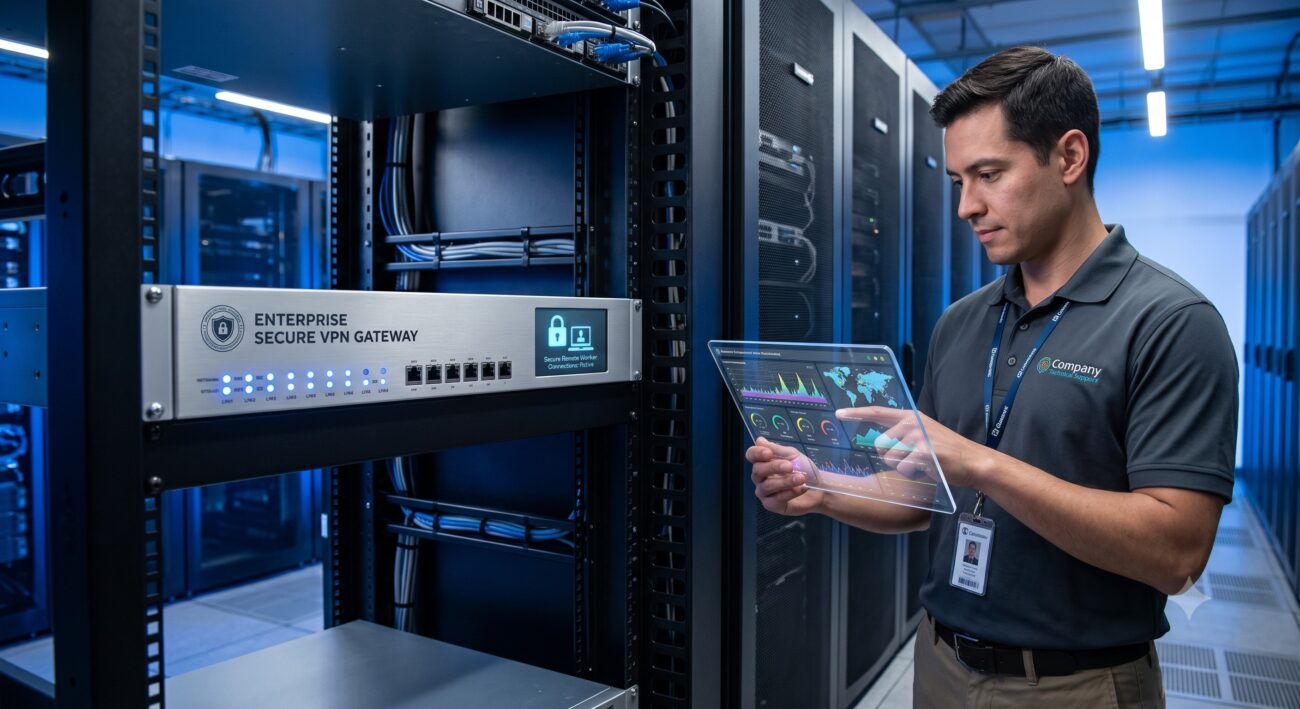
Welcome to the definitive technical FAQ for corporate network VPN gateways purpose-built for the modern remote workforce. This resource addresses critical questions from network architects, security engineers, and IT managers, covering everything from pre-sales capacity planning to post-deployment troubleshooting and security hardening.
Frequently Asked Questions
- What is a corporate network VPN gateway and why is it essential for a remote workforce?
- A corporate network VPN gateway is a hardware or software appliance that establishes secure, encrypted tunnels between remote employee devices and the corporate network. It is essential for a remote workforce because it ensures data confidentiality and integrity over public internet connections, acting as the primary access control point to internal resources. This provides a secure, scalable way to extend the corporate network perimeter to any location.
- What is the maximum concurrent user capacity and throughput for a typical remote access VPN gateway?
- The maximum capacity varies widely by model, from 50 to over 10,000 concurrent users, with throughput ranging from 100 Mbps to 100+ Gbps. Enterprise-grade gateways are designed with dedicated security processors to handle heavy encryption workloads without introducing latency. Always match the gateway’s maximum concurrent session and IPSec throughput specifications to your current and projected remote workforce size.
- How do I configure split tunneling to optimize remote worker internet traffic and VPN performance?
- Split tunneling allows you to route only traffic destined for the corporate network through the VPN tunnel, while all other internet traffic goes directly out the user’s local connection. To configure it, define the specific corporate subnets and resources in the VPN policy that require secure access. This optimization reduces VPN server load and improves performance, but be sure to implement security controls like forced DNS filtering for non-tunneled traffic to maintain compliance.
- Why is my VPN gateway experiencing high latency or packet loss, and how do I troubleshoot it?
- High latency and packet loss are typically caused by insufficient WAN bandwidth, an overloaded CPU, or degraded ISP peering. Begin by checking the gateway’s CPU and memory utilization; if they exceed 80%, consider upgrading your hardware or fine-tuning security policies. Next, analyze the WAN link quality and consider implementing QoS (Quality of Service) to prioritize VPN traffic.
- How do I implement Multi-Factor Authentication (MFA) on my corporate VPN gateway?
- Implementing MFA requires integrating the VPN gateway with a third-party identity provider (IdP) that supports RADIUS, LDAP, or SAML protocols. Most modern VPN gateways support native integration with platforms like Duo, Okta, or Azure AD, and can be configured to challenge users for an additional verification code post-password. This significantly hardens access and is a foundational element of a zero-trust security architecture.
- What are the best practices for deploying a highly available VPN gateway to eliminate single points of failure?
- Deploy an active/active or active/passive cluster of VPN gateways using a Virtual Router Redundancy Protocol (VRRP) or load balancer. This ensures if one appliance fails or requires maintenance, the other seamlessly takes over, minimizing downtime for the remote workforce. Ensure you also configure synchronized session state between nodes to preserve active VPN connections during failover.
- Which VPN protocol is best for corporate environments: IPsec, SSL/TLS, or WireGuard?
- SSL/TLS VPNs are the most widely recommended for corporate remote access due to their ability to traverse firewalls and NAT (Network Address Translation) easily using standard port 443. IPsec is a robust standard for site-to-site connections but can be complex to configure with client software. While WireGuard offers high performance and modern cryptography, enterprise support and mature management features still favor SSL/TLS and IPsec for full corporate deployment.
- How should I monitor and manage VPN gateway performance for a growing remote workforce?
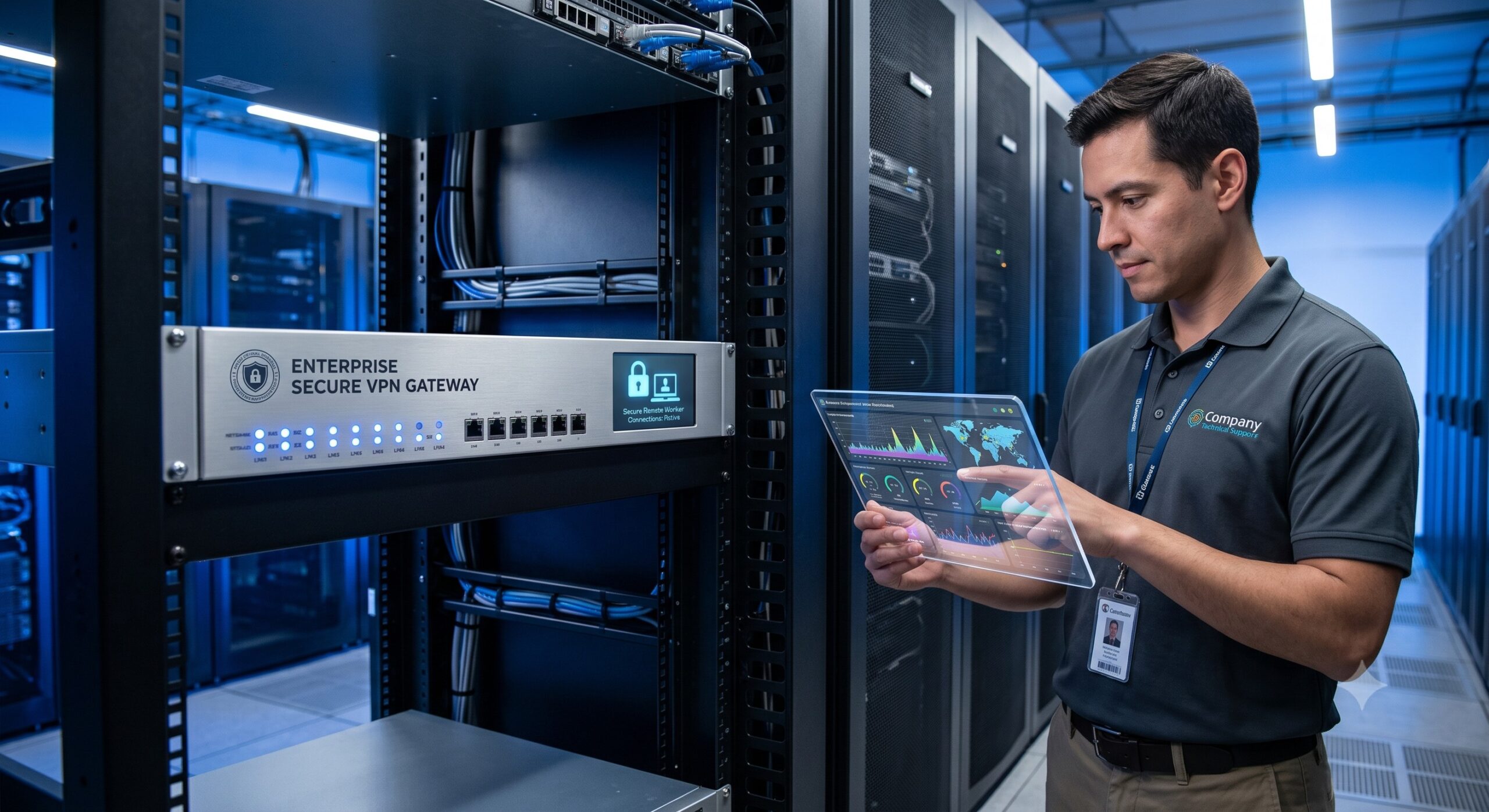
- Proactive monitoring should track key metrics such as concurrent user count, CPU utilization, memory usage, and IPSec tunnel status via SNMP or RESTful APIs. Set up alerts for threshold breaches and integrate the data into your existing SIEM (Security Information and Event Management) or NMS (Network Management System) to correlate with network health. Regular firmware updates and capacity reviews are essential to ensure the platform scales effectively with your remote workforce growth.

Leave a comment