
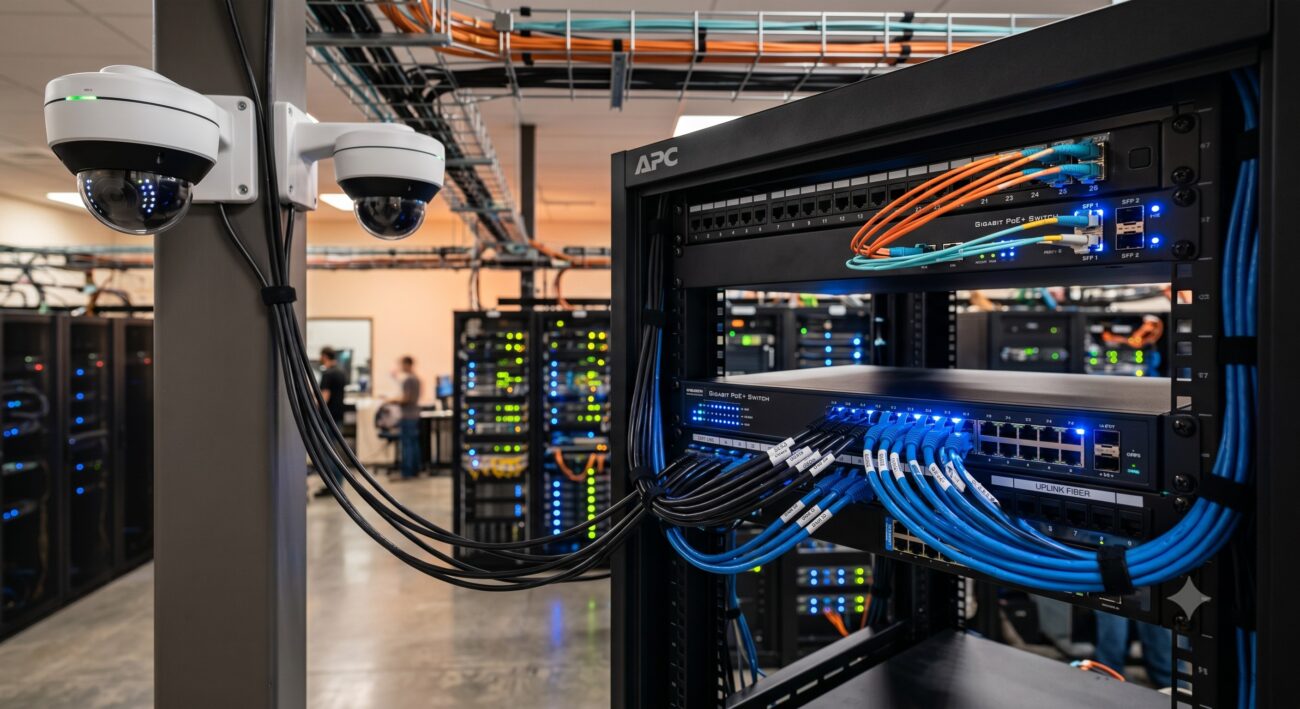
Overview & Thematic Scope
Deploying a reliable IP camera CCTV system requires precise planning of your network switch layout, especially at the enterprise edge where surveillance meets campus LAN infrastructure. This FAQ addresses pre-sales capacity planning, post-sales troubleshooting, PoE budgeting, and topology best practices for engineers and procurement teams.
Frequently Asked Questions
- Q1: What is the optimal network switch layout for IP camera CCTV deployment at the campus edge?
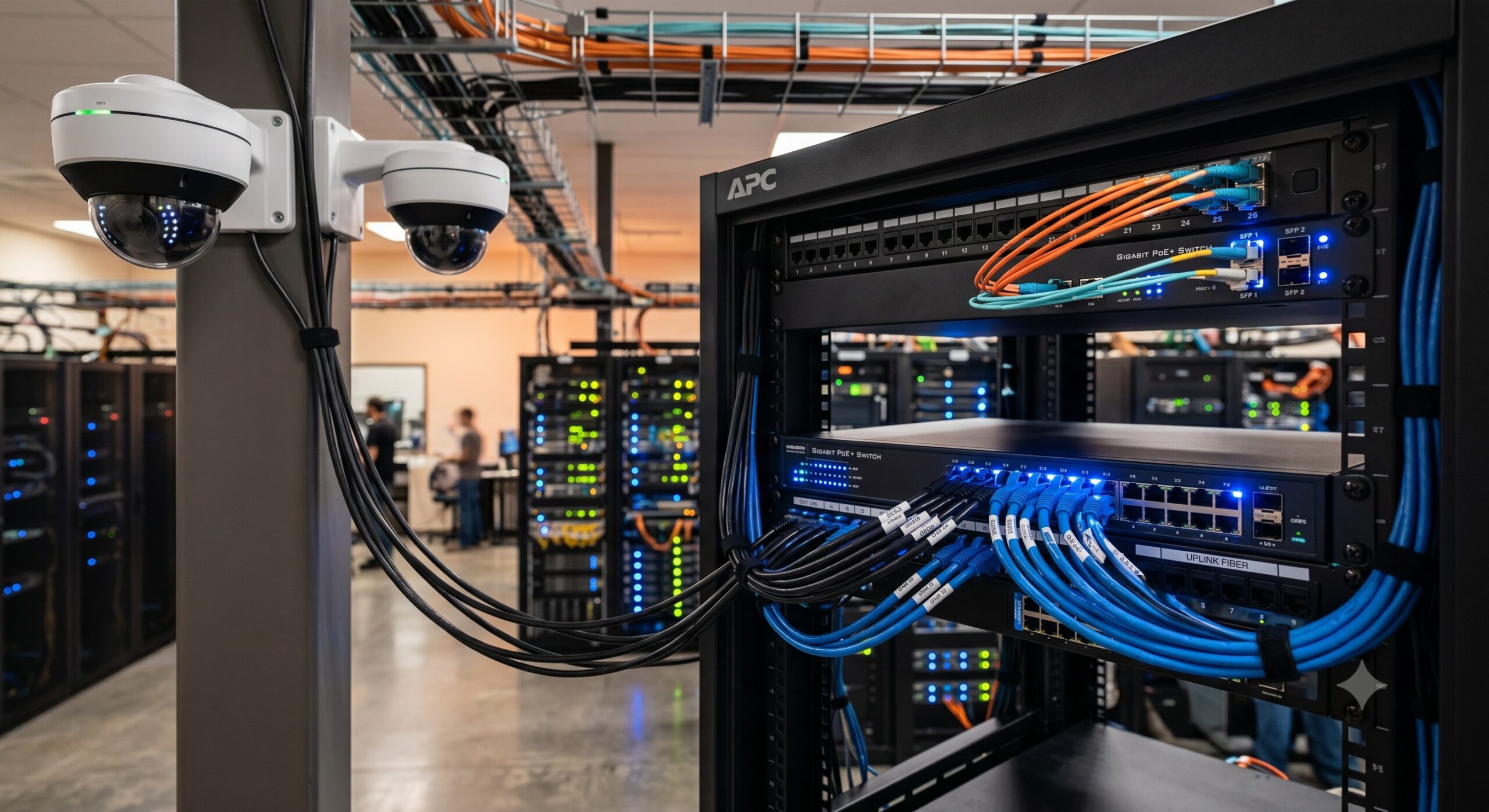
- The optimal layout is a hierarchical star topology with Layer 2 access switches directly connected to cameras via Cat6 or fiber, then uplinked to a Layer 3 distribution switch. This minimizes latency and simplifies troubleshooting. For large campuses, use collapsed core architecture: place PoE+ access switches within 100 meters of cameras, aggregate uplinks at 1Gbps or 10Gbps, and configure dedicated VLANs for CCTV traffic to avoid broadcast storms.
- Q2: How do I calculate PoE budget and power requirements for a CCTV switch?
- Calculate total PoE budget as (Number of cameras × Camera max draw) × 1.2 safety margin. For example, 16× 802.3at (30W) cameras require 16×30W=480W, ×1.2=576W minimum switch PoE budget. Always check switch datasheet for “PoE power budget” not just total ports. High-resolution PTZ cameras with heaters draw up to 60W (802.3bt Type 3). Reserve 20% headroom for future upgrades and inrush current during boot.
- Q3: What is the maximum cable distance between an IP camera and the network switch?
- The maximum certified distance is 100 meters (328 feet) for Cat5e/Cat6 Ethernet from switch port to camera. Beyond 100m, you must install a midspan PoE extender or fiber media converter. For distances up to 250m, use a PoE extender (repeater) that regenerates signal and power. For longer runs exceeding 250m, deploy a hardened industrial switch with SFP fiber uplink—single-mode fiber supports up to 10km without signal degradation.
- Q4: Do I need a Layer 3 switch or is Layer 2 sufficient for CCTV networks?
- Layer 2 is sufficient for standalone CCTV systems under 64 cameras. Choose Layer 3 when: inter-VLAN routing is required (e.g., separate VLANs for cameras, NVRs, and corporate LAN), subnet segmentation for security, or remote access management across campus buildings. A Layer 3 access switch at the edge reduces broadcast domain size and prevents camera traffic from congesting the core router. For systems exceeding 200 cameras, Layer 3 with IGMP snooping is mandatory to control multicast traffic.
- Q5: Why are my IP cameras losing connection or showing intermittent video freezes?
- The most common cause is insufficient switch backplane bandwidth or broadcast storms. First, verify each camera port is set to 100Mbps or 1Gbps auto-negotiation—force 100Mbps full-duplex on older cameras. Second, check switch CPU utilization: sustained over 60% indicates oversubscription. Third, enable Storm Control and IGMP snooping to throttle multicast video floods. Fourth, test with a port mirror to analyze packet drops. If using daisy-chain topology, reconfigure to star topology immediately—daisy-chain fails under 4K video load.
- Q6: Can I mix different camera brands (Hikvision, Dahua, Axis) on the same PoE switch?
- Yes, standards-compliant 802.3af/at/bt PoE switches work with any brand camera. However, compatibility issues arise with proprietary protocols like Hikvision’s PoE power negotiation or Axis’ dynamic LED control. Best practice: disable LLDP power negotiation on switch ports and manually set PoE type to 802.3at. Also, allocate dedicated untagged VLAN per manufacturer if using multicast video streams. For large mixed deployments, use a managed switch to configure per-port power limits and QoS (DSCP 46 for video).
- Q7: What is the best practice for VLAN segregation in CCTV switch layout?
- Create a dedicated CCTV VLAN (e.g., VLAN 100) with no routing to corporate VLANs except via a firewall. Assign all camera access ports as untagged members (access mode). Assign NVR ports as tagged trunks carrying only CCTV VLAN. For security, configure ACLs to block all traffic to cameras except from NVR IP addresses. Additionally, set a separate voice VLAN for intercom cameras. This segmentation prevents malware lateral movement and reduces broadcast noise on the enterprise core.
- Q8: How does switch buffer memory affect video recording quality in CCTV networks?
- Buffer memory directly prevents packet loss during burst traffic. Cameras transmitting at 4K/15fps generate ~8Mbps each. When 10 cameras send I-frames simultaneously, a switch with 4MB buffer may drop packets, causing pixelation or frozen frames on NVR. Use a switch with shared 12MB+ buffer per eight ports or dynamic buffer allocation. For high-density sites (50+ cameras), select a switch with cut-through switching below 1μs latency and 2MB per port buffer to absorb micro-bursts without retransmission.

Leave a comment