
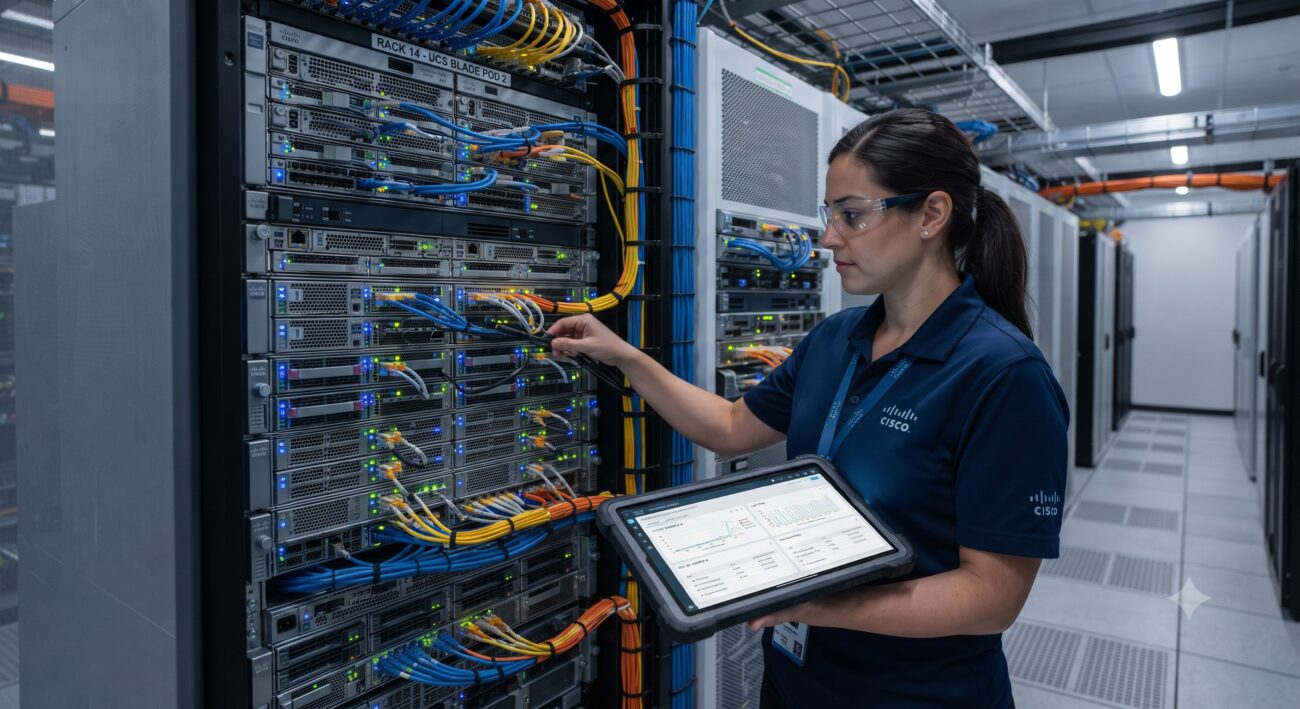
Overview & Thematic Scope
Navigating SSD compatibility with older generation Cisco UCS servers (e.g., M2, M3, M4 series) is a critical challenge for network engineers balancing performance upgrades against legacy hardware constraints. This technical FAQ addresses the most common pre-sales and post-sales questions, focusing on controller limitations, firmware dependencies, and safe procurement strategies.
Frequently Asked Questions
- Q1: Are standard enterprise SATA SSDs physically and logically compatible with older Cisco UCS B-Series and C-Series servers?
- No, not without significant caveats. While a standard 2.5-inch SATA SSD may physically fit in a drive sled, logical compatibility is severely restricted by the UCS RAID controller and backplane. The server will typically detect the drive, but you will encounter performance degradation, inability to create virtual drives, or Predictive Drive Failure errors due to missing SMART data and non-qualified drive firmware.
- Q2: What are the specific controller and firmware limitations when installing third-party SSDs in a UCS C220 M3 server?
- The Cisco UCSC-RAID-9286CV-8E or similar controllers in M3 generation servers are primarily optimized for spinning HDDs. They lack native TRIM support and have limited queue depth management for modern NVMe or high-performance SATA SSDs. Furthermore, the UCS Manager (UCSM) firmware must be at a minimum version (e.g., 2.2(8c) or later) to reduce drive drop-off issues; however, performance will still be capped at SATA II speeds (3 Gbps) on many older backplanes, negating the SSD speed advantage.
- Q3: Can I use an SSD as a boot drive on a legacy UCS server without invalidating the hardware support contract?
- Using a non-Cisco-branded SSD will immediately void support for the storage subsystem if a failure occurs, and it may affect the entire RMA process for the server chassis. Cisco’s TAC support policy strictly requires Cisco Validated Design (CVD) components. While you can technically install an OS on a third-party SSD, TAC will not assist with boot failures, driver issues, or performance troubleshooting. For boot duties, it is highly recommended to source a Cisco-certified SSD (part numbers ending in ‘SSD’) even for older generations.
- Q4: What is the maximum SSD capacity supported on older UCS C240 M4 servers?
- For the UCS C240 M4 with the Cisco 12G SAS Modular RAID Controller (UCSC-MRAID12G-4i), the maximum tested and supported capacity per SSD is 3.84 TB. While larger 7.68 TB drives may physically work in JBOD (Just a Bunch of Disks) mode, they are not qualified for RAID configurations and will cause latency spikes during rebuild operations. Always cross-reference the latest Cisco Hardware Compatibility List (HCL) for the specific UCSM firmware revision; the absolute controller limit is 256 virtual drives per RAID group, but total array capacity is capped by the controller cache and battery backup unit (BBU) capabilities.
- Q5: How do I resolve the persistent ‘Drive Unsupported’ or ‘Predictive Failure’ errors after installing a new SSD in an older UCS chassis?
- This error is a direct result of the drive’s firmware not matching the Cisco PID (Product ID) in the UCSM database. Resolving this requires a multi-step troubleshooting process: First, ensure the BIOS and the Storage Controller firmware are updated to the latest supported versions for that generation. Second, clear the controller’s foreign configuration and reconfigure the virtual drive from scratch using the LSI/Cisco Configuration Utility (CU) during POST. If the error persists, the drive firmware must be flashed using a third-party tool, or the drive must be replaced with a Cisco-branded SSD, as TAC will not provide a firmware downgrade for unsupported hardware.
- Q6: What are the procurement risks of buying cheap ‘compatible’ SSDs from third-party vendors for legacy UCS refresh projects?
- The primary risks include lack of end-to-end enterprise Data Path Protection (DPP), absence of cold-temperature and shock tolerance found in enterprise eMLC drives, and most critically, the incompatibility with the UCSM’s drive lifecycle management policies. These drives often lack the proprietary threshold tables that Cisco uses to gauge wear leveling. A drive that fails in the field will not provide predictive failure alerts, leading to data loss. Additionally, lead times for ‘compatible’ drives are often unpredictable, whereas Cisco’s Gold Partner network ensures a 5-10 business day lead time for certified spares.
- Q7: Is migrating an existing OS from a legacy HDD to a new SSD possible on a Cisco UCS M2 server using standard cloning software?
- Physical migration is possible but often fails due to the mismatch in sector block sizes and the lack of native 4K sector alignment in older UCS controllers. Standard cloning software like Clonezilla or Acronis will copy the partition table, but the server will likely fail to boot (BSOD on Windows, Kernel Panic on Linux) due to the controller driver failing to re-map the boot volume. The recommended migration path is to use the Cisco UCS OS Installation Utility (found in the CIMC) to perform a fresh OS installation on the new SSD with the correct drivers pre-loaded, ensuring optimal sector alignment and performance.
- Q8: Does adding an SSD to an older UCS system require specific cabling or power adapter modifications?
- No, physical cabling modifications are generally not required. The SSD utilizes the same SATA/SAS backplane interface and power rails as a standard 2.5-inch HDD in the UCS 2.5-inch drive sleds. However, for the C-Series rack servers, ensure you are using the correct 6 Gbps-rated SAS/SATA cable (not the older 3 Gbps cables) to connect the backplane to the RAID controller, as older C200 servers may have legacy cabling that bottlenecks the signal integrity.

Leave a comment