
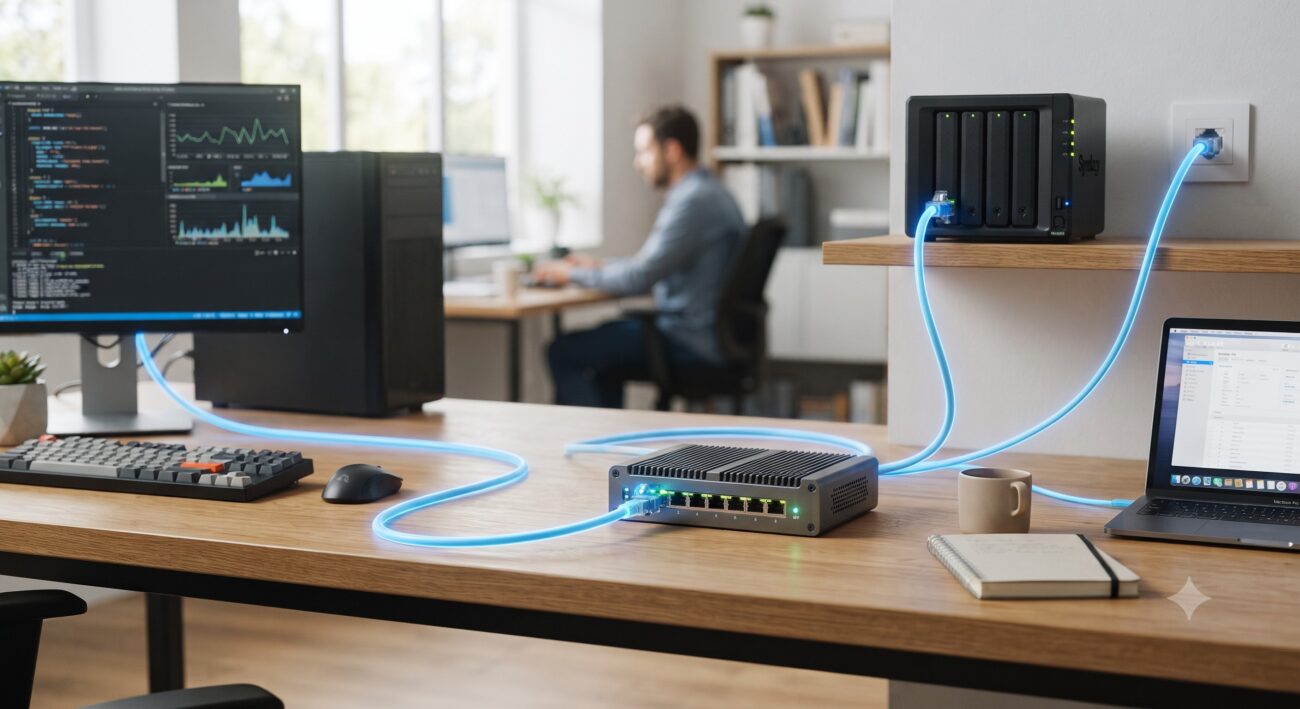
Executive Summary: The Small Business Bandwidth Imperative
For the modern small-to-medium business (SMB), the network is the central nervous system of operations. The explosion of high-bandwidth applications—from 4K/8K video editing and large-scale data backups to AI-driven analytics and unified communications—has rendered traditional 1-Gigabit Ethernet (GbE) infrastructure a critical bottleneck. Migrating to a 10GbE switch for small business is no longer a luxury for the future; it is a strategic imperative for maintaining competitive parity and operational efficiency today. This guide provides a comprehensive, data-driven analysis of 10GbE switching technology, tailored for the SMB environment.
Based on an in-depth examination of the latest hardware releases and industry standards, this article will dissect the architectural choices, technical specifications, and deployment strategies for small business 10GbE switches. We will explore the critical features, from switching capacity and NBASE-T support to advanced management capabilities like VLAN and Link Aggregation Control Protocol (LACP), ensuring that your investment delivers maximum performance and a demonstrable return on investment (ROI).
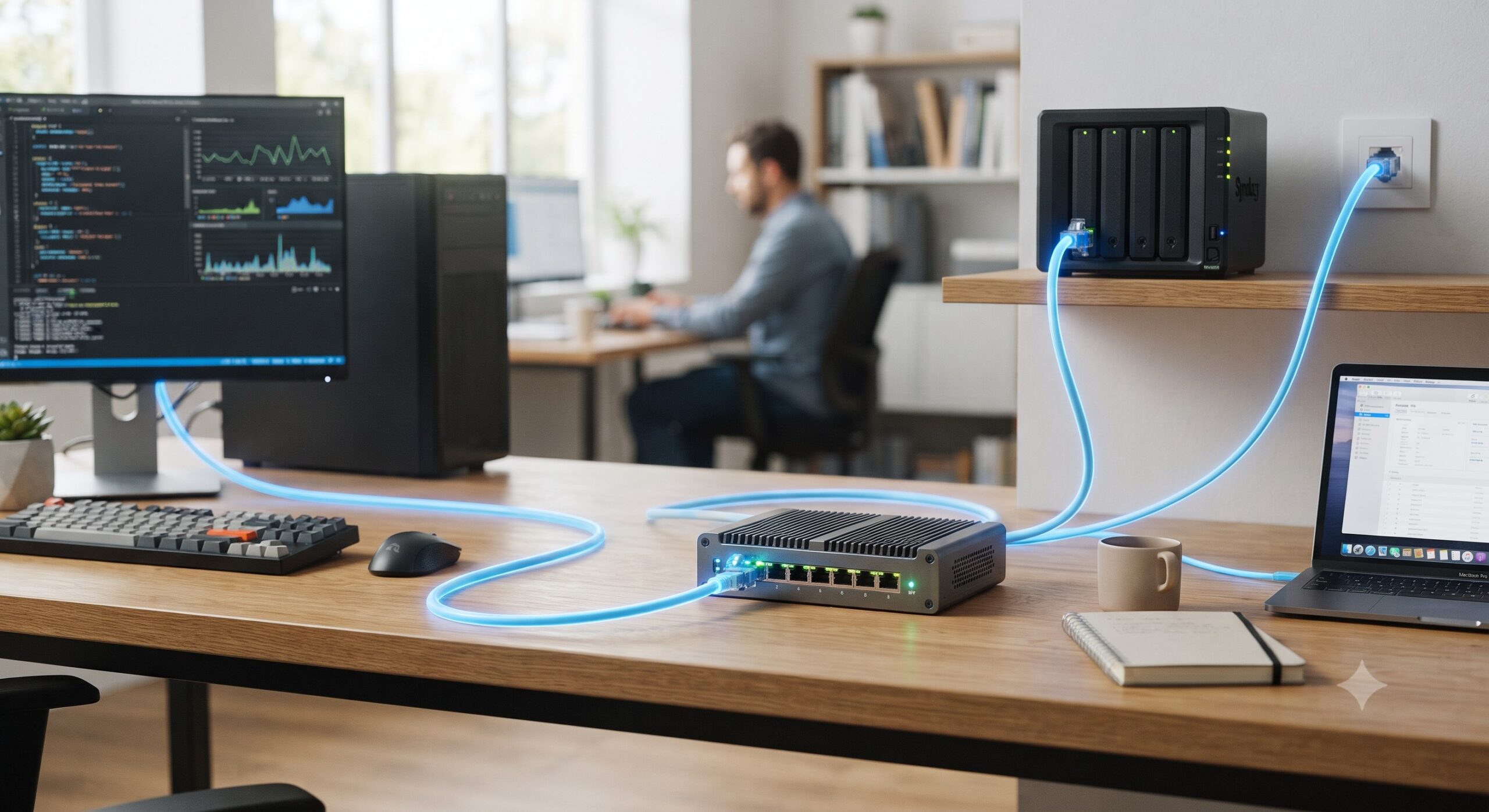
Core Architecture & Hardware Topology: Unmanaged vs. Lite-Managed
The first critical decision in selecting a 10GbE switch is understanding the architectural trade-offs between unmanaged and managed (or lite-managed) platforms. For many small businesses, the simplicity of an unmanaged switch is attractive, but it comes with significant limitations.
Unmanaged 10GbE Switches: The Plug-and-Play Solution
Unmanaged switches, such as the QNAP QSW-3205-5T, offer a straightforward, cost-effective entry point into 10GbE networking . They require no configuration, featuring Auto Negotiation to automatically detect the optimal transmission speed of connected devices. This ‘set-and-forget’ nature is ideal for very small teams or specific use cases where network segmentation and traffic prioritization are not required.
However, the lack of management features means you have no control over network traffic, making it difficult to prioritize critical applications or troubleshoot performance issues. The total switching capacity is a key metric here; a 5-port unmanaged switch often provides up to 100Gbps of non-blocking throughput, which is sufficient for a small cluster of high-performance workstations and a NAS .
Lite-Managed 10GbE Switches: The SMB Sweet Spot
For most small businesses, a ‘lite-managed’ switch represents the optimal balance between cost, complexity, and control. Products like the QNAP QSW-L3208-2C6T and QSW-L3205-1C4T bridge the gap between unmanaged and fully managed enterprise switches .
These switches incorporate an embedded web-based management interface, typically QNAP’s Switch System (QSS), which allows administrators to configure essential features without the steep learning curve of a full Layer 2/3 CLI. This enables granular control over the network, ensuring that data flows efficiently and securely.
Deep Dive: Technical Specifications and Performance Metrics
Understanding the technical specifications of a 10GbE switch is crucial for ensuring it meets the demands of your specific workflow. Key performance indicators such as port density, switching capacity, and forwarding rate define the hardware’s capabilities.
For a typical small business deployment, a switch with a mix of port types is highly desirable. Multi-Gigabit RJ45 ports (10G/5G/2.5G/1G/100M) provide flexibility, allowing you to use existing Cat 6 or Cat 6a cabling to achieve 10Gbps speeds over shorter distances, a significant cost-saver in legacy office environments .
Additionally, the inclusion of SFP+ ports (often in combo with RJ45) offers the flexibility to connect to fiber optic infrastructure for longer uplinks to a core network or for connecting to devices located further away . The QSW-L3208-2C6T, for instance, features six 10GbE RJ45 ports and two SFP+/RJ45 combo ports, providing a total switching capacity of 160Gbps .
| Feature | QSW-3205-5T (Unmanaged) | QSW-L3205-1C4T (Lite-Managed) | QSW-L3208-2C6T (Lite-Managed) |
|---|---|---|---|
| Port Configuration | 5x 10GbE RJ45 | 4x 10GbE RJ45 + 1x SFP+/RJ45 Combo | 6x 10GbE RJ45 + 2x SFP+/RJ45 Combo |
| Switching Capacity | 100 Gbps | 100 Gbps | 160 Gbps |
| Non-Blocking Throughput | N/A (Unmanaged) | 50 Gbps | 80 Gbps |
| Jumbo Frame Support | 12 KB | 12 KB | 12 KB |
| Key Management Features | Auto Negotiation, Loop Detection | LACP, VLAN, QoS, IGMP Snooping | LACP, VLAN, QoS, IGMP Snooping |
| Cooling Design | Fanless | Fanless | Active Fan |
| Form Factor | Desktop | Desktop | Desktop |
Advanced Features for Performance and Security (VLAN, QoS, LACP)
A lite-managed 10GbE switch unlocks a suite of features that can dramatically enhance network performance and security. These are not mere marketing checkboxes; they are foundational tools for building a robust and efficient network.
Link Aggregation Control Protocol (LACP)
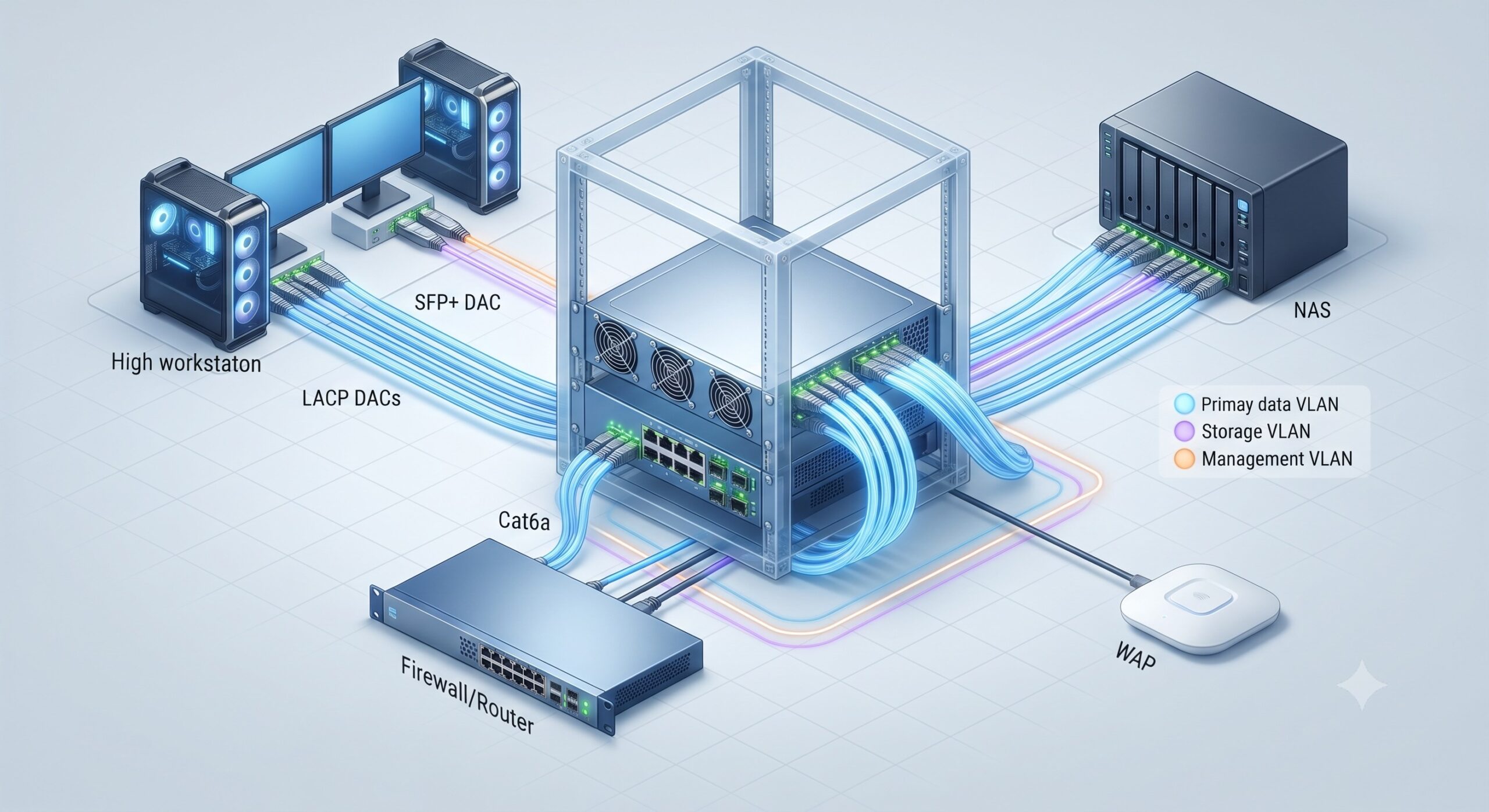
LACP, standardized under IEEE 802.3ad, allows you to combine multiple physical ports into a single logical link, aggregating bandwidth and providing link redundancy . For example, the QSW-L3205-1C4T supports LACP to aggregate up to 20Gbps of bandwidth . This is a game-changer for environments like a video editing studio, where a 10GbE NAS is simultaneously serving 4K/8K files to multiple editors. By bonding two 10GbE ports, you can double the available bandwidth to the server, alleviating potential bottlenecks.
VLAN for Secure Segmentation
Virtual Local Area Networks (VLANs), as defined by IEEE 802.1Q, are essential for network security and traffic management. A VLAN allows you to logically segment a physical network into smaller, isolated broadcast domains . In an SMB context, this means you can create a separate VLAN for your IP-based security cameras, another for your VoIP phones, and a third for your employee workstations.
By isolating traffic, you can prevent broadcast storms from affecting voice quality and restrict access to sensitive internal resources, thereby improving overall network stability and security.
Quality of Service (QoS)
QoS, governed by standards like IEEE 802.1p, enables traffic prioritization. In a converged network where data, voice, and video share the same infrastructure, it is vital to ensure that latency-sensitive traffic, such as VoIP calls or video conferencing, is given priority over less critical traffic like email or web browsing.
Modern 10GbE switches come with pre-optimized QoS settings for common applications like VoIP and streaming, making deployment faster and simpler .
Jumbo Frames
Support for Jumbo Frames (typically up to 9K or 12K bytes) is a critical feature for maximizing throughput in data-intensive applications . By allowing a single frame to carry more data than the standard 1,500-byte Ethernet frame, Jumbo Frames reduce the overhead of frame headers and the number of interrupts required to process data, leading to significant performance improvements for large file transfers. The QNAP QSW-L3205-1C4T supports Jumbo Frames up to 12K bytes, a specification higher than many competing models, making it ideal for data backup and media storage workflows .
Deployment Scenarios: Powering SMB Workflows
Selecting the right 10GbE switch architecture is heavily dependent on the specific use case. Here are a few common SMB deployment scenarios:
Creative Studio / Video Production
Primary Needs: High throughput for 4K/8K video editing, reliable backup, and minimal latency.
Recommended Configuration: A lite-managed switch like the QSW-L3205-1C4T or QSW-L3208-2C6T. Connect workstations to the 10GbE RJ45 ports using Cat 6a cabling, and use LACP to aggregate two ports to a high-performance 10GbE NAS for a 20Gbps link. This setup ensures smooth, multi-user collaboration without dropped frames or buffer underruns.
Growing Office / Professional Services
Primary Needs: Connectivity for workstations, IP phones, and servers; network segmentation; and voice/video quality.
Recommended Configuration: A lite-managed switch is ideal. Segment traffic via VLANs (data, voice, guest) to enhance security and performance. Utilize QoS to prioritize VoIP and video conferencing traffic, ensuring crystal-clear communication.
High-Performance Home Office / Prosumer
Primary Needs: High-speed connection to a NAS for file sharing, media streaming, and backups.
Recommended Configuration: An unmanaged 5-port 10GbE switch is a cost-effective and silent option. A fanless design is ideal for a quiet office environment, and features like IEEE 802.3az Energy Efficient Ethernet (EEE) help reduce power consumption .
Conclusion: Future-Proofing Your SMB Network
Investing in a 10GbE switch for small business is a forward-looking decision that addresses the immediate bandwidth demands of modern workloads while providing a scalable foundation for future growth. The choice between an unmanaged, lite-managed, or fully managed switch should be driven by a clear-eyed assessment of your operational needs, technical expertise, and budget.
For most SMBs, a lite-managed switch offers the ‘sweet spot’—providing essential management features like LACP, VLAN, and QoS to optimize network performance and security without the complexity and cost of enterprise-grade gear. By carefully evaluating the technical specifications and aligning them with your specific use cases, you can ensure a seamless, high-performance network that powers your business for years to come.

Leave a comment