
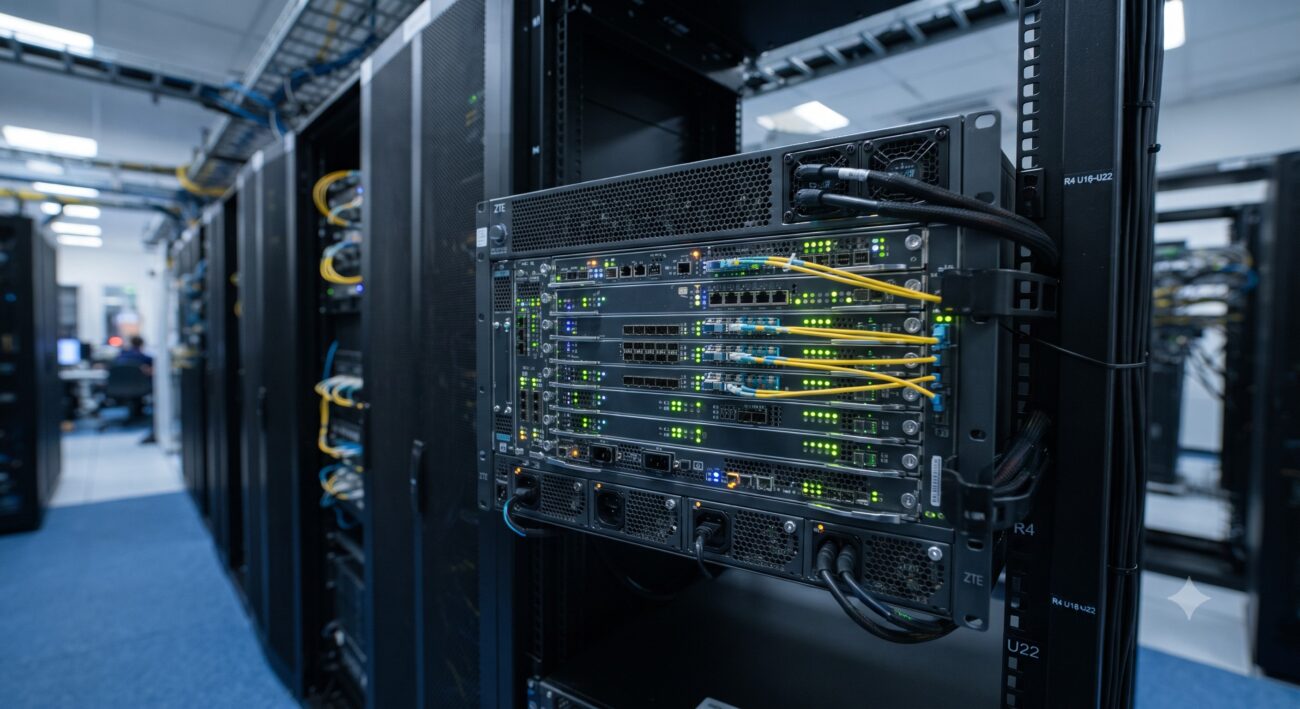
Overview & Thematic Scope
This FAQ provides expert-level guidance on monitoring and troubleshooting the alarm system of the ZTE ZXONE 9700 series multiservice access platform. Covering initial power-on procedures, LED status interpretation, command-line interface (CLI) commands, and UME management system integration, this guide is designed to answer the most common pre-sales and post-sales technical questions network engineers ask when deploying and maintaining this platform.
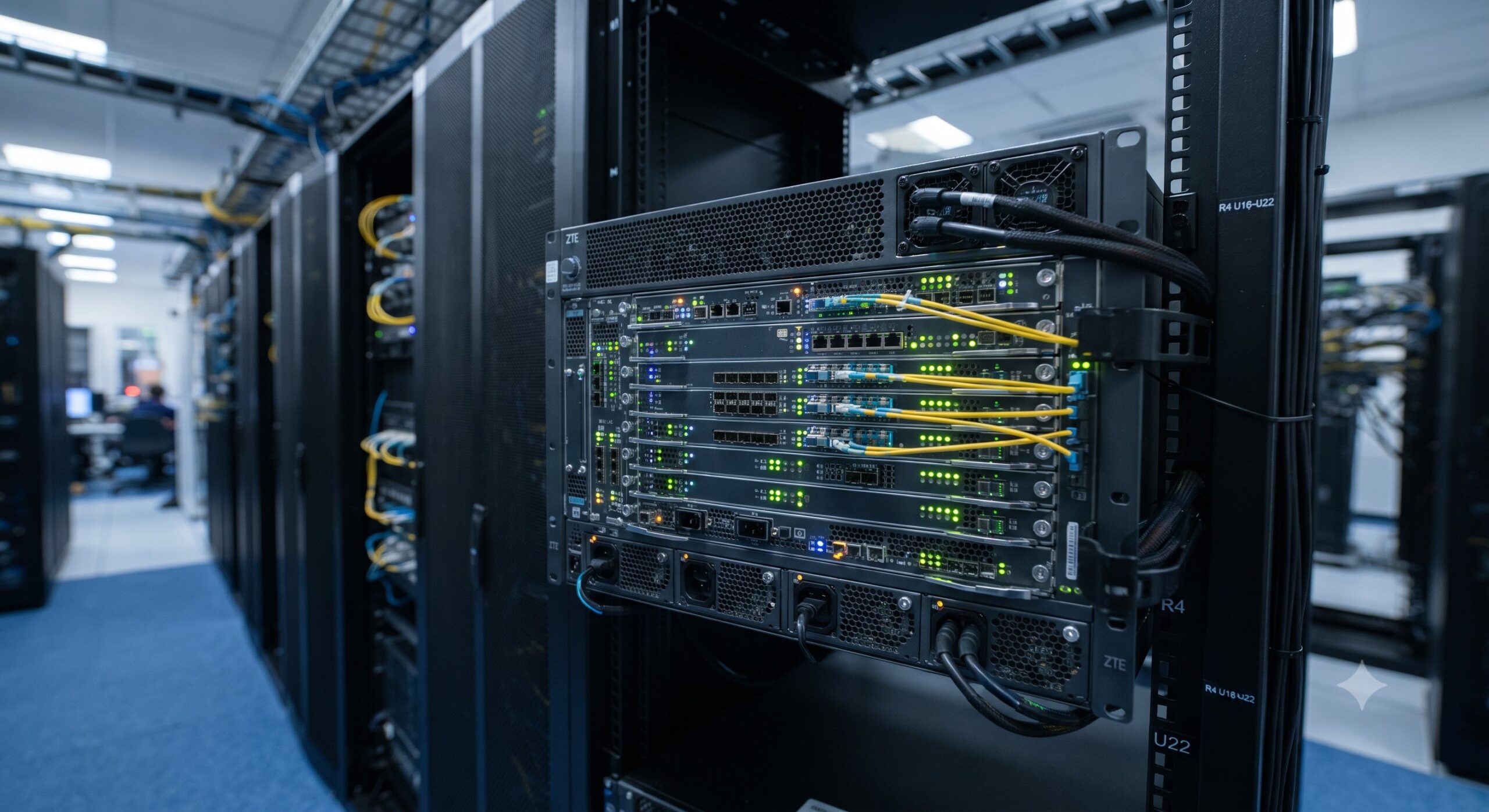
Frequently Asked Questions
- Q1: How do I check for hardware faults using the front-panel LEDs during initial boot?
- Perform a visual inspection of the Control Module (CM) LEDs; all alarm LEDs (CRIT, MAJOR, MINOR) must be OFF, and the ACT LED must be ON for the active module .
-
- For the active CM in slot 8/9: Ensure ACT = ON, PULL = OFF, FAULT = OFF, INSRV = ON.
- For the inactive CM: Ensure ACT = OFF, PULL = OFF, FAULT = OFF, INSRV = ON.
- Q2: What CLI command do I use to display current alarms on the ZXONE 9700?
- Use the
SHOW ALARMS ALLcommand in the system’s user interface to list all active alarms . - This command provides a comprehensive list of all faults, including the slot, port, alarm type, and severity level, enabling rapid identification of issues such as Loss of Signal (LOS) or Loss of Link.
- Q3: Why is a Major alarm triggered on unused ports and how do I clear it?
- A Major alarm is raised when an enabled NM (Network Module) port is not connected to an uplink .
- To clear this, log into the system, identify the unused ports via
SHOW ALARMS ALL, and disable them using theDISABLE PORTcommand (e.g.,disable port 10.1, 10.2) . This confirms they are administratively down. - Q4: How can I diagnose a MAC address reading failure during system startup?
- If a defective MAC card is present, a Major alarm is set against the shelf and a
SYs009log is generated reading “Cannot Read MAC Address” . - Verify this failure by using the
SHOW SYSTEMcommand. The output will display “MGMT MAC address: Cannot Read MAC Address” indicating the card is faulty and requires replacement. - Q5: What are the common alarm severity levels and how do I prioritize troubleshooting?
- The ZXONE 9700 typically categorizes alarms into Critical (CRIT), Major (MAJOR), and Minor (MINOR) levels, as indicated by its front-panel LEDs .
- Prioritize Critical and Major alarms as they indicate service-affecting conditions. Reference the UME management system or the
SHOW ALARMS ALLcommand to identify the specific nature of the fault for targeted troubleshooting. - Q6: How does the UME management interface integrate with the alarm system?
- ZTE’s UME (Unified Management Engine) provides a graphical interface for monitoring alarms, performance, and configuring the 9700 series .
- It allows engineers to view current alarms, set threshold alerts, and perform routine maintenance tasks. UME is essential for initializing network elements and end-to-end service creation, with alarm management being a key part of the device initialization and maintenance modules.
- Q7: What are the typical post-sales maintenance tasks related to alarms?
- Routine maintenance includes monitoring common alarms, checking performance settings, and ensuring environmental parameters are within operational limits .
- Engineers should regularly review alarm logs, verify power budgets and thermal limits, and perform software upgrades. The OTN product routine maintenance module recommends periodic checks of equipment parameters and the UME system for any new fault indicators.

Leave a comment