
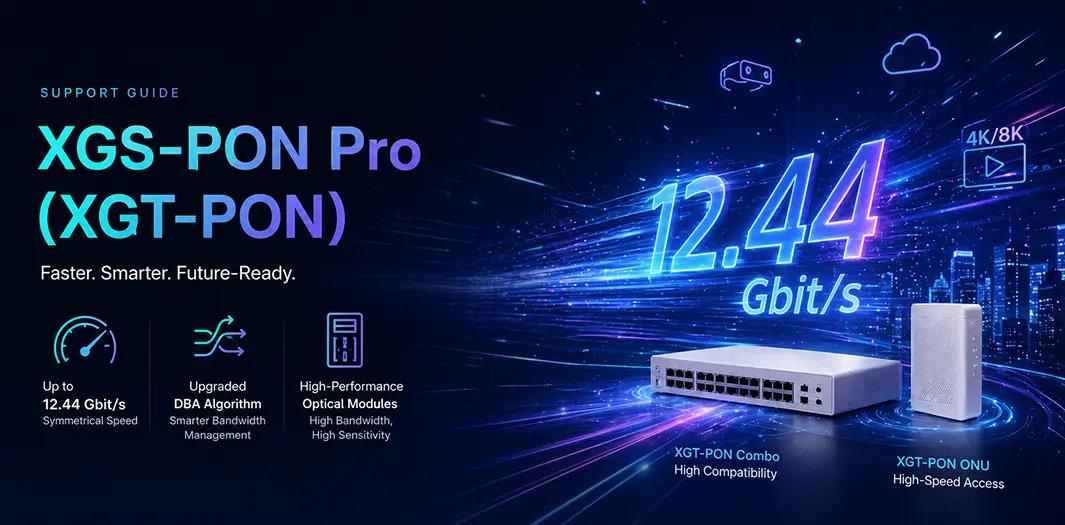
XGS-PON Pro, also called XGT-PON (XGS-PON Turbo), is Huawei’s upgraded version of XGS-PON. It is designed to deliver faster speeds and support high-bandwidth applications. This guide explains its features, key improvements, configuration, and common questions.
1. What is XGT-PON?
Full Name: XGS-PON Pro / XGT-PON (XGS-PON Turbo)
Purpose: To increase speed and bandwidth management on top of standard XGS-PON, supporting high-bandwidth services like 4K/8K video, cloud apps, and big data transfers
Where it’s used:
High-speed home broadband
Enterprise campuses
Data centers
2. Key Improvements Over XGS-PON
| Feature | What’s New in XGT-PON |
|---|---|
| Max Line Rate | Up 25%: Downlink 12.44 Gbit/s, Uplink 12.44 Gbit/s |
| DBA (Dynamic Bandwidth Allocation) | Upgraded algorithm; Maximum BW now 12.44 Gbit/s |
| Optical Modules | High bandwidth and high receiver sensitivity |
3. OLT Configuration
3.1 Flex-PON Port Mode
Flex-PON ports do not have a separate XGT-PON mode.
Use XGT-PON Combo mode to connect XGT-PON ONUs.
3.2 XGT-PON Combo Mode
Example command:
interface gpon 0/1
port-mode xgt/g combo-pon
Supports:
XGT-PON ONU (XGS-PON Pro ONU)
GPON ONU
Does NOT support:
Standard XGS-PON ONU
4. Optical Module Requirements
4.1 OLT Side
Type: xgt-combo-pon
Supports high bandwidth and sensitive reception to maintain 12.44 Gbit/s speed
4.2 ONU Side
Type: xgt-pon
Supports high-speed downlink and uplink
4.3 How to Check
Use commands like show interface or check optical module info.
Correct module types are required for proper XGT-PON operation.
5. Typical Use Cases & Recommendations
5.1 Home High-Speed Broadband
Provides 10+ Gbit/s symmetrical speed
Supports 4K/8K video, VR/AR applications
Connect through XGT-PON Combo port with XGT-PON ONU
5.2 Enterprise Campus Networks
Suitable for video conferencing, cloud storage, and office networks
DBA ensures bandwidth during peak hours
5.3 Data Center Access
High-speed symmetrical links for large data transfers
Coexists with GPON/10G networks for smooth upgrades
6. Common FAQ
Q1: How do I set Flex-PON ports to XGT-PON mode?
A: Use XGT-PON Combo mode (xgt/g combo-pon). There’s no separate XGT-PON mode.
Q2: Can XGT-PON Combo ports connect standard XGS-PON ONUs?
A: No, only XGT-PON ONUs or GPON ONUs are supported.
Q3: How can I check if my optical module supports XGT-PON?
A: OLT: xgt-combo-pon
ONU: xgt-pon
Q4: What benefits does XGT-PON’s higher bandwidth bring?
A: Supports faster speeds for high-demand applications and provides a smoother experience in busy networks.
This article is sourced from the internet and is for informational purposes only. If you have any questions pls contact sales@telecomate.com.

Leave a comment