
1. Problem Description
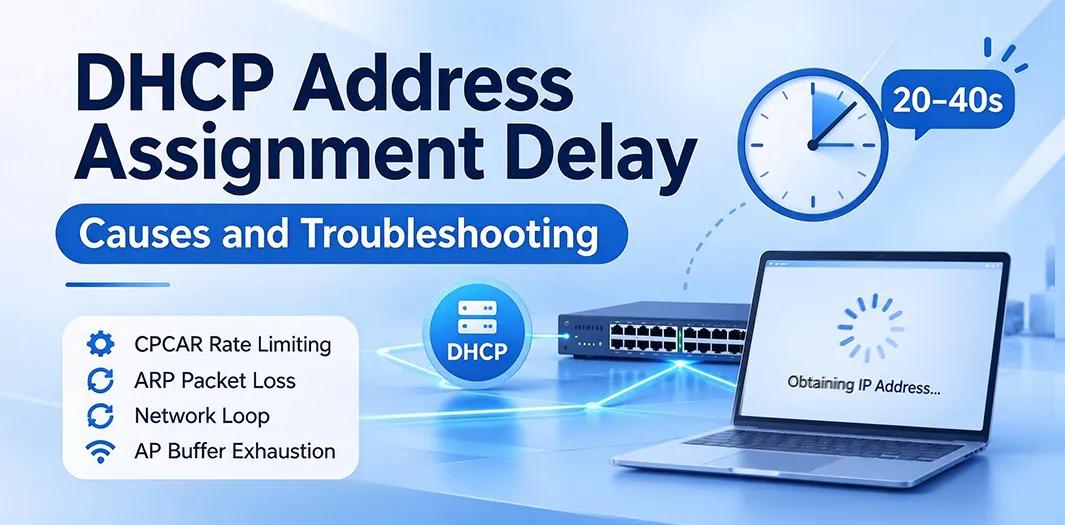
During peak hours, approximately one-third of terminals experience a 20–40-second delay in obtaining an IP address after startup.
However, manually renewing the IP address or changing the switch port allows the terminal to obtain an address quickly.
The DHCP address pool, relay configuration, interface CRC counters, and CPU utilization have been checked and appear normal.
2. Possible Causes
Besides STP convergence delays, the following factors may also cause slow DHCP address assignment:
| Possible Cause | Description |
| ARP Packet Loss | ARP requests or replies may be dropped, delaying ARP learning and network communication. |
| CPCAR Rate Limiting | DHCP packets may be dropped when simultaneous requests exceed the CPU defense rate limit. |
| Network Loop | Excessive broadcast traffic may affect normal DHCP packet forwarding. |
| AP Buffer Exhaustion | In wireless networks, insufficient AP buffer resources may cause DHCP packet loss. |
Note: CPCAR rate limiting is worth checking, especially when the issue mainly occurs during peak hours.
3. How to Check CPCAR DHCP Statistics
On the core device, run:
display cpu-defend statistics all
Locate the DHCP-related packet types, such as dhcp-client and dhcp-server (if supported by the device model and software version).
Pay attention to the following counters:
| Counter | Description |
| Pass Packets | Number of packets successfully passed to the CPU. |
| Drop Packets | Number of packets dropped by CPU defense policies. |
If DHCP-related Drop Packets counters increase significantly during peak hours, CPCAR rate limiting may be affecting DHCP packet processing.
4. Recommended Troubleshooting Procedure
To obtain more accurate results, compare the packet statistics before and after reproducing the issue.
Step 1: Clear the CPU Defense Statistics
reset cpu-defend statistics
Step 2: Reproduce the Issue
Wait several minutes during peak hours or simulate simultaneous terminal startup to reproduce the initial DHCP address assignment delay.
Step 3: Check the Statistics Again
display cpu-defend statistics all
Step 4: Analyze the Counter Changes
Compare the Pass Packets and Drop Packets counters for DHCP-related packet types.
If DHCP-related drop counters continue increasing during the test, investigate the CPCAR configuration and packet processing behavior further.
If there are no corresponding DHCP packet drops, continue checking ARP resolution, STP forwarding states, network loops, and packet loss along the DHCP forwarding path.
5. Summary
When DHCP address assignment is slow during peak hours but manual renewal works normally, the problem may not necessarily be related to the DHCP address pool or relay configuration.
In addition to STP convergence, the following factors should be considered:
- ARP packet loss or delayed ARP learning
- CPCAR rate limiting on DHCP packets
- Layer 2 network loops or broadcast storms
- AP buffer resource exhaustion in wireless networks
Among these factors, checking CPU defense statistics is an important step in determining whether DHCP packets are being dropped due to CPCAR rate limiting.
By comparing packet statistics before and after reproducing the issue, network engineers can narrow down the root cause and identify the appropriate troubleshooting direction.
Leave a comment