
1. Problem Description
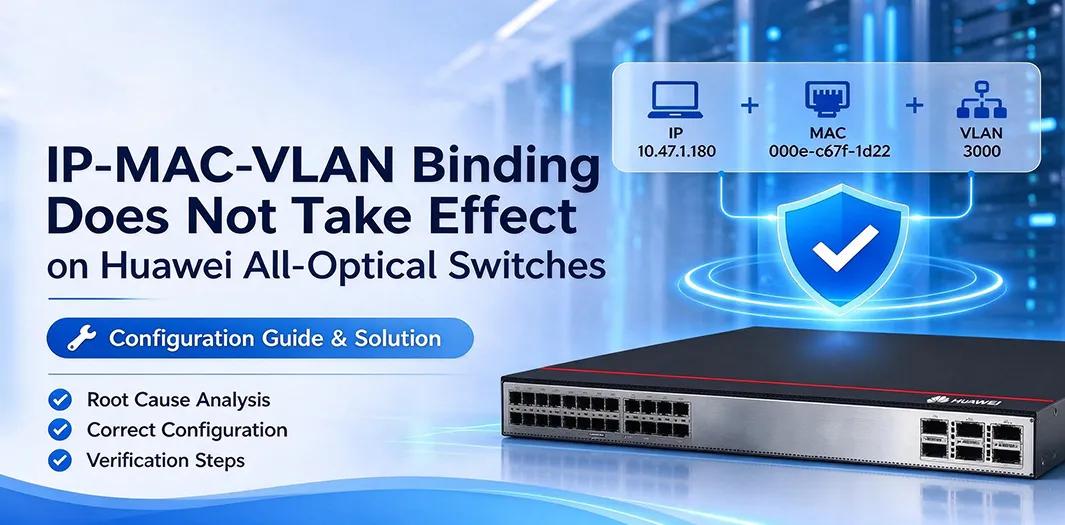
When configuring static IP-MAC-VLAN binding on a Huawei all-optical switch, the binding does not take effect as expected.
After connecting a PC to the configured interface, the PC can still communicate with the switch’s VLANIF IP address (10.47.1.166) even when using an IP address different from the statically bound IP address (10.47.1.180).
Additionally, removing the static binding entry does not affect connectivity. The PC can still communicate with the switch regardless of its IP address.
The command display dhcp snooping user-bind all may also fail to show the expected binding information.
2. Root Cause
The issue is caused by incorrect IPSG (IP Source Guard) configuration.
The command ip source check user-bind enable must be configured under the VLAN view rather than the interface view on the applicable switch model and software version.
If IPSG is enabled only under the interface view, the expected source IP verification based on the user binding table may not take effect.
3. Solution
To resolve this issue, configure IPSG under the corresponding VLAN view and ensure that the static binding entry is correctly configured.
Step 1: Enable IPSG in the VLAN View
Enter system view and configure IPSG under VLAN 3000:
<HUAWEI> system-view
[HUAWEI] vlan 3000
[HUAWEI-vlan3000] ip source check user-bind enable
[HUAWEI-vlan3000] quit
Step 2: Configure the Static IP-MAC-VLAN Binding
Configure the static binding entry for the authorized device:
[HUAWEI] user-bind static ip-address 10.47.1.180 mac-address 000e-c67f-1d22 interface GigabitEthernet0/0/1 vlan 3000
This configuration binds the following parameters:
- IP Address: 10.47.1.180
- MAC Address: 000e-c67f-1d22
- Interface: GigabitEthernet0/0/1
- VLAN: 3000
Step 3: Verify the Configuration
Run the following command to check the binding entries:
[HUAWEI] display dhcp snooping user-bind all
Check whether the static binding entry appears in the output.
4. Expected Result
After IPSG is correctly enabled and the static binding is configured:
- Only the device matching the configured IP address, MAC address, interface, and VLAN binding is allowed to pass source IP verification.
- Packets using an unauthorized source IP or MAC address should be discarded.
- Removing the static binding entry should prevent the corresponding device from passing IPSG verification, provided no other valid binding or forwarding exception applies.
For example, a PC connected to GigabitEthernet0/0/1 should use the following authorized settings:
- IP Address: 10.47.1.180
- MAC Address: 000e-c67f-1d22
- VLAN: 3000
Using a different IP address should cause the packets to be discarded by IPSG.
5. Notes
Ensure that IPSG is enabled in the correct VLAN view.
Verify that the static binding entry matches the actual IP address, MAC address, interface, and VLAN.
Command availability and configuration behavior may vary depending on the switch model and VRP software version. Refer to the device-specific documentation when necessary.
This article is sourced from the internet and is for informational purposes only. If you have any questions pls contact sales@telecomate.com.
Leave a comment