
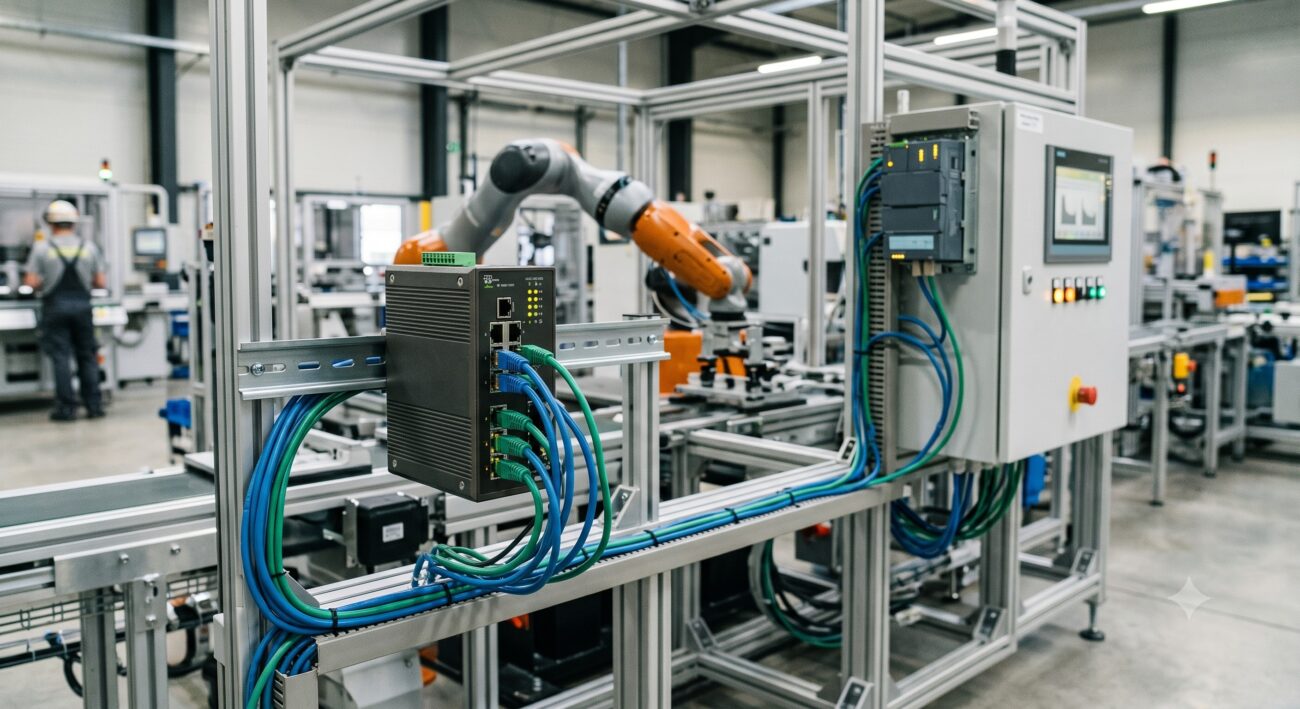
Overview & Thematic Scope
Smart manufacturing automation demands deterministic latency, industrial-grade ruggedness, and seamless OT/IT convergence. This FAQ addresses real-world deployment questions for network switches in automated production lines, robotic workcells, and edge compute nodes—covering pre-sales specs to post-sales troubleshooting.
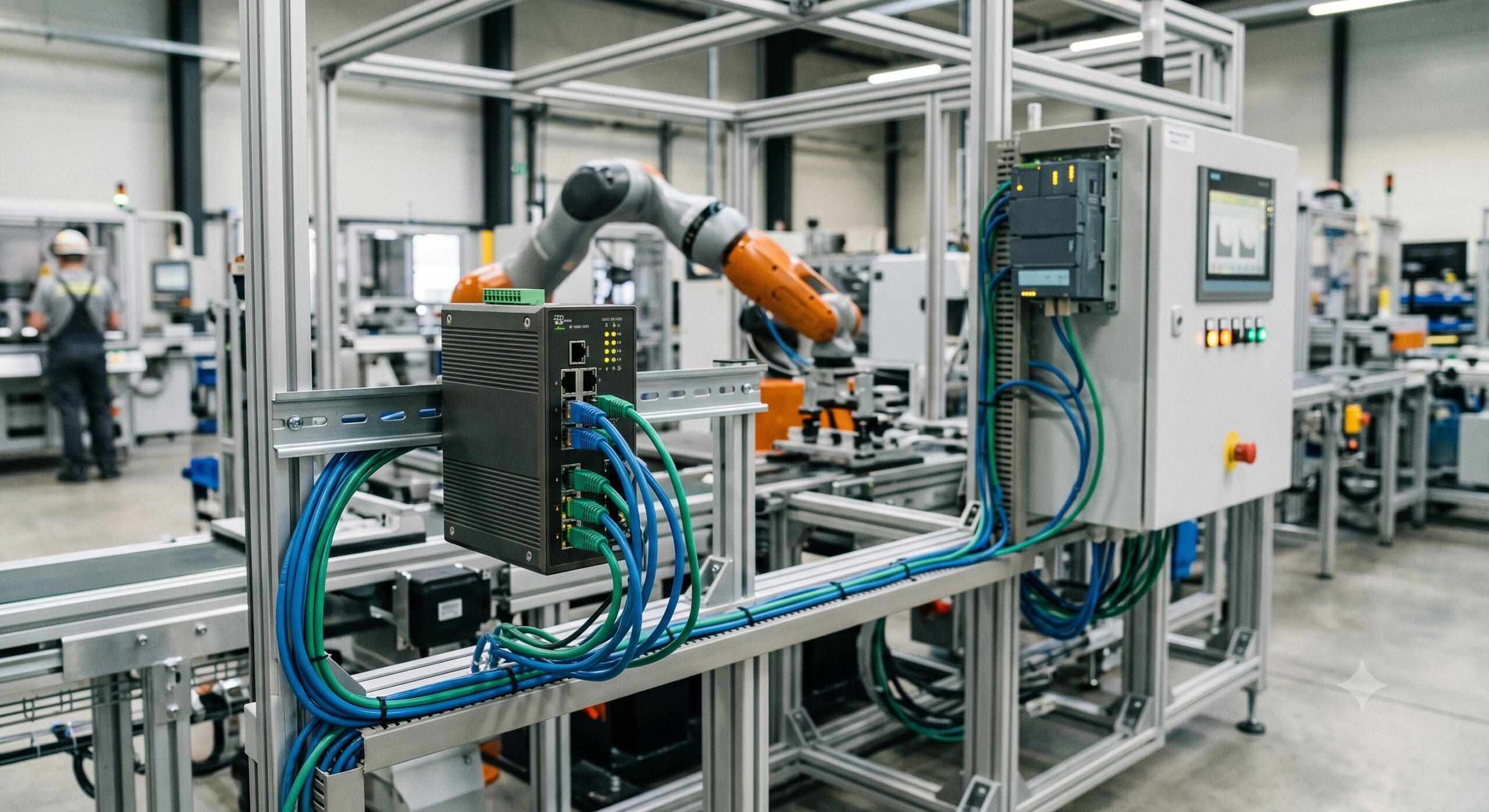
Frequently Asked Questions
- Q1: What minimum specification should a network switch meet for real-time industrial Ethernet protocols like PROFINET or EtherCAT?
- A network switch for real-time industrial automation must support IEEE 802.1Q VLAN tagging, Quality of Service (QoS) with strict priority queuing, and sub-10µs cut-through latency. Minimum specs include: 100Mbps/1Gbps copper ports with auto-negotiation disabled for fixed speeds, multicast filtering (IGMP snooping), and jumbo frames (up to 9,600 bytes). Avoid store-and-forward switches without hardware-based timestamping for isochronous applications.
- Q2: How do I calculate Power over Ethernet (PoE) budget for a smart factory switch with IP cameras and IIoT sensors?
- Total PoE budget required = (number of devices × their class’s maximum power) + 25% reserve. For example: 8x IP cameras (PoE+ Class 4, 25.5W each) + 12x IIoT sensors (PoE Class 2, 7W each) = (8×25.5) + (12×7) = 204W + 84W = 288W base; with 25% reserve = 360W. Select a switch with a PoE power budget ≥ 360W and per-port output matching device class. Also confirm thermal derating if ambient exceeds 50°C.
- Q3: My managed switch in a welding cell reboots intermittently. What are the top three causes and fixes?
- Top three causes: 1) Undersized power supply voltage sag due to high inrush loads; 2) Electrostatic discharge (ESD) or conducted EMI from welding arcs; 3) Fan failure leading to overtemperature shutdown. Fixes: Install a line-interactive UPS with output voltage regulation (buck/boost) on the switch’s power feed. Bond the switch chassis to a common ground busbar (≤0.1Ω ground impedance). Replace fan modules if RPM monitoring shows deviation >15%, and maintain intake filter cleanliness weekly in high-particulate environments.
- Q4: Does a smart manufacturing switch need support for Time-Sensitive Networking (TSN) standards?
- Yes, if your automation cycle requires TSN features (IEEE 802.1Qbv time-aware shaping, 802.1AS timing, and 802.1CB redundancy) are essential for coordinated multi-robot motion, closed-loop control over Ethernet, and merging video streams with real-time I/O. For standalone PLC-to-sensor traffic using PROFINET IRT or EtherCAT, a standard managed industrial switch with cut-through forwarding suffices.
- Q5: How do I configure VLAN segmentation to separate OT, IT, and safety networks on one physical switch?
- Create three VLANs: OT-VLAN (ID 10, ports 1-12), IT-VLAN (ID 20, ports 13-20), and Safety-VLAN (ID 30, ports 21-24). Assign each port as an access port with its PVID, except uplinks which use 802.1Q trunking. Step-by-step: 1) Define VLANs with names. 2) Set port mode: access for endpoints, trunk for upstream firewall. 3) Apply access control lists (ACLs) between VLANs to permit only required protocols (e.g., permit Modbus/TCP from IT to OT but block HTTP). 4) Enable spanning tree (RSTP/MSTP) per VLAN to avoid loops while keeping zones isolated.
- Q6: What is the maximum recommended fiber distance between an automation cell switch and the core switch, and what transceiver types work?
- Maximum recommended distance: 10 km (6.2 miles) using single-mode fiber (SMF) with 1310nm or 1550nm optics; for multimode (OM4), limit to 400 meters at 10Gbps or 1 km at 1Gbps. Recommended transceivers: For ≤2 km — 1000BASE-LX/LH SMF (SFP); for ≤500m — 1000BASE-SX MMF (SFP). In industrial vibration zones, use locked or screw-retained SFP cages and armored fiber patch cords with bend-insensitive fiber (ITU-T G.657.A2). Always verify the switch supports DOM (Digital Optical Monitoring) for real-time Rx/Tx power alerts.
- Q7: How do I harden a network switch against cyberattacks in a smart factory without slowing down real-time traffic?
- Implement a three-layer control plane protection: 1) Disable unused services (HTTP, Telnet, SNMPv1/v2c); 2) Enable port security (MAC sticky, limit 1-2 MACs per port); 3) Configure ACLs and rate-limit ARP/ICMP to 100pps. For real-time traffic, use CPU protection policies (CoPP) that prioritize forwarding plane over control plane. Deploy 802.1X MAC Authentication Bypass (MAB) for legacy PLCs. Change default SNMP community strings and enable SNMPv3 with AES encryption. Never disable storm control—set broadcast/multicast rate limits at 10% of port speed.
- Q8: What replacement cycle and firmware update strategy do you recommend for switches in 24/7 manufacturing lines?
- Recommended replacement cycle: 7-10 years for industrial-grade switches with no moving parts (fanless); 5-7 years for fan-cooled models. Firmware strategy: Subscribe to vendor security bulletins. Perform staged updates every 12 months or within 30 days of a critical CVE (CVSS ≥7.5). Always test firmware in an offline staging rack mirroring production traffic. Use dual-image flash to keep a rollback version. Schedule updates during planned maintenance windows (e.g., monthly 2-hour line stoppage). Keep a hardware spare (same config, same firmware) in a hot-swap ready state.

Leave a comment