
Overview & Thematic Scope
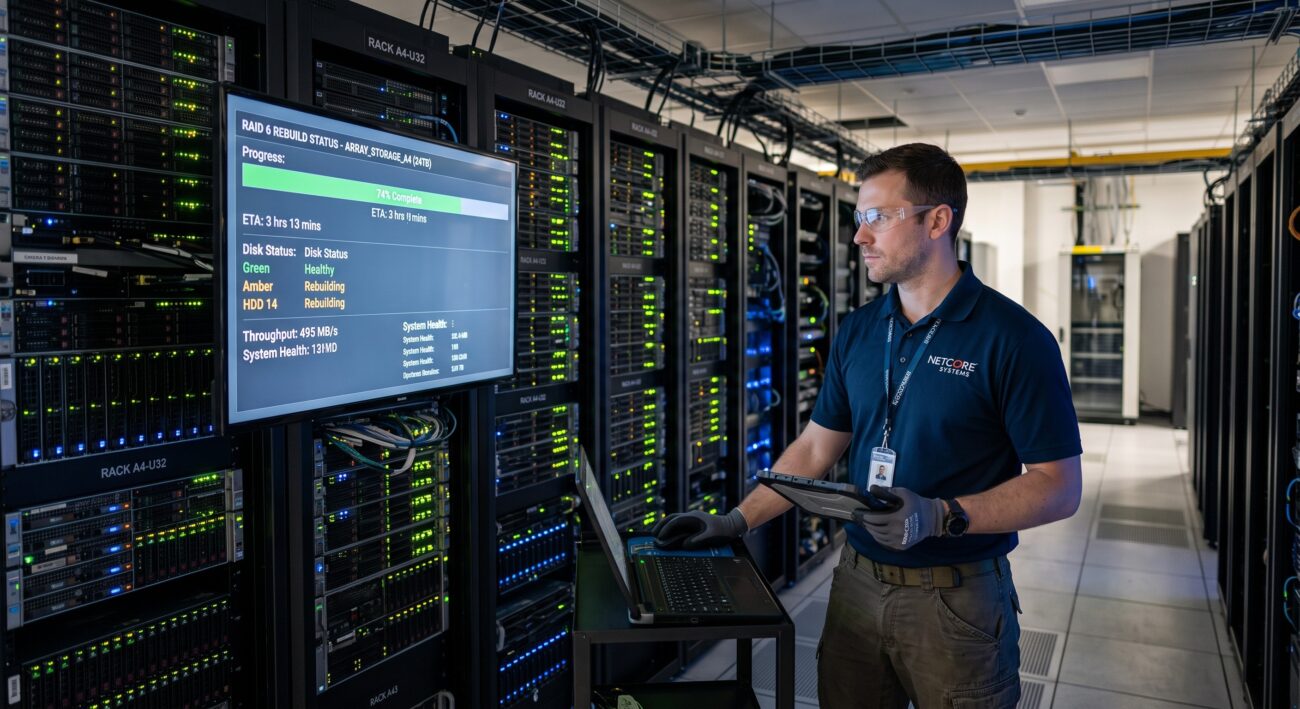
RAID 60 (RAID 6+0) offers a compelling blend of high capacity, performance, and dual-parity fault tolerance, making it a staple for large enterprise storage arrays. However, with the increasing size of modern HDDs (16TB, 20TB, and beyond), the rebuild time after a drive failure has become a critical operational concern. This FAQ addresses the most pressing technical questions from pre-sales capacity planning to post-sales troubleshooting, providing network engineers and IT administrators with definitive answers to master RAID 60 rebuild dynamics.
Frequently Asked Questions
- Q1: How do you calculate the exact rebuild time for a RAID 60 array on enterprise HDDs?
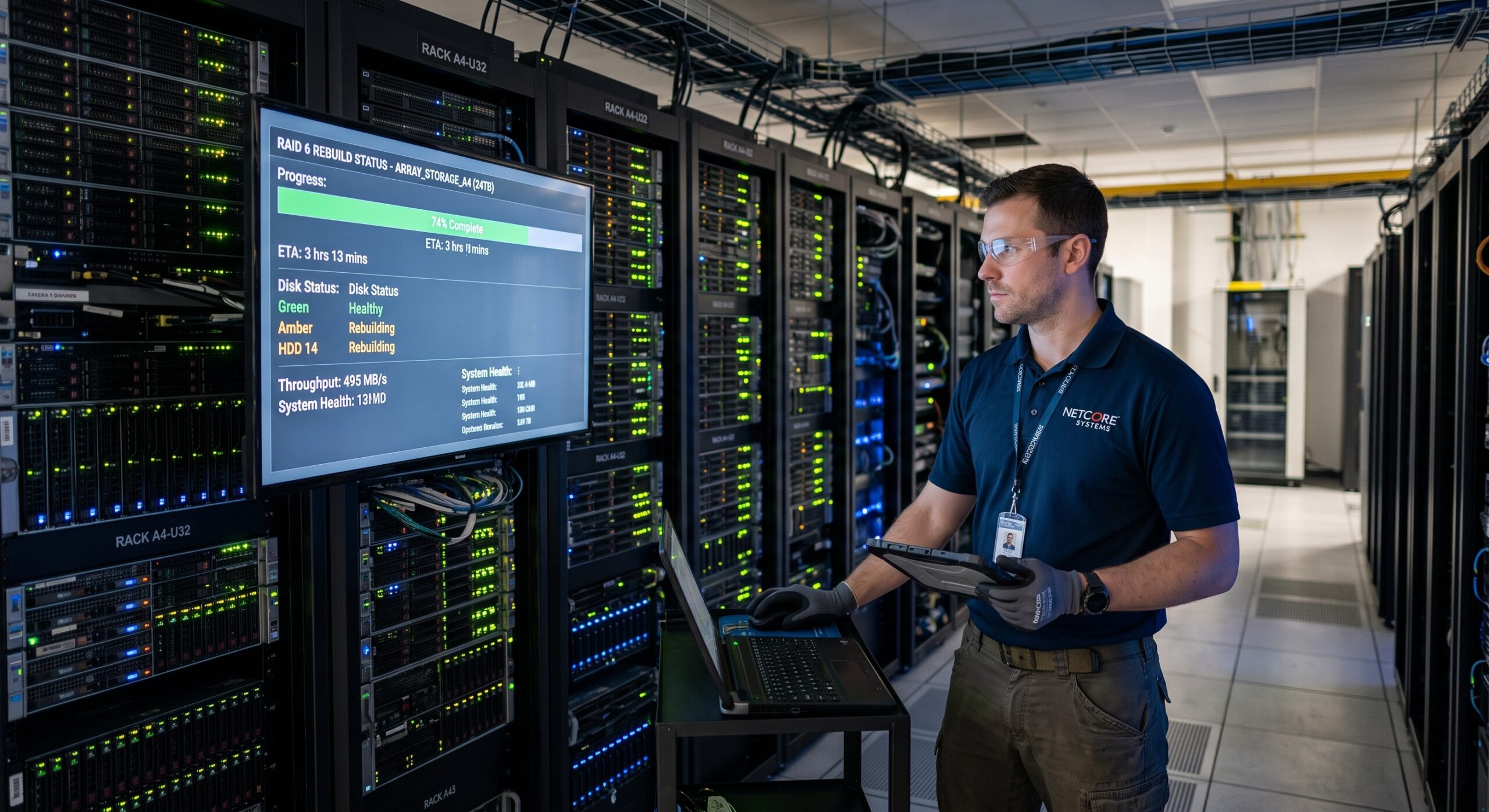
- The formula to calculate rebuild time is: (Drive Capacity in GB * 1024) / (Rebuild Transfer Rate in MB/s). A 16TB drive rebuilding at 120 MB/s takes approximately 38.9 hours (16,384,000 MB / 120 MB/s / 3600). However, actual time is increased by the RAID controller’s overhead and parity calculations, which can add 20-30% to the raw throughput time. For a precise estimate, use your RAID controller’s management tool, which factors in the specific disk performance and system load.
- Q2: What is the typical rebuild speed range for large-capacity enterprise SATA/SAS HDDs?
- Typical rebuild speeds range between 80 MB/s and 180 MB/s per drive. The exact speed is dependent on the drive’s RPM (7.2k vs 10k), interface (SAS generally has lower latency than SATA), and the current workload on the array. At 100 MB/s, a 20TB drive will take roughly 55.9 hours to rebuild; at 180 MB/s, this drops to about 31 hours. Always consult your storage vendor’s specifications for the maximum sustainable throughput.
- Q3: What are the most critical factors that prolong RAID 60 rebuild times?
- Array workload and disk priority are the most critical factors. A heavily utilized array will deprioritize rebuild I/O to maintain production performance, extending the rebuild by hours or days. Other factors include the size of the RAID groups, the number of member drives, the controller’s processing power, and the presence of media errors on the surviving drives. High latency and increased error correction on the source drives also dramatically slow the process.
- Q4: How can I optimize my RAID 60 configuration to minimize rebuild time?
- To minimize rebuild time, configure a dedicated hot spare drive per array and tune the RAID controller settings to ‘Rebuild Priority – High’ during maintenance windows. Strategically, limit the number of drives per RAID 6 group (e.g., 8-10 drives) to keep the stripe size manageable. Using faster drives (e.g., 10K or 15K RPM SAS HDDs) for the array is the most effective optimization, although SSDs in a cache tier can also accelerate rebuilds by acting as a high-speed buffer.
- Q5: Should I set the RAID controller rebuild priority to ‘High’ or ‘Low’?
- Set rebuild priority to ‘High’ only if you can tolerate degraded read performance during the process. Setting it to ‘High’ dedicates maximum I/O resources to the rebuild, finishing the operation 30-50% faster. If your application is latency-sensitive, set it to ‘Low’ to preserve production performance, accepting that the rebuild will take longer. The ‘Medium’ setting offers a balanced approach for mixed-use environments.
- Q6: During a RAID 60 rebuild, is it safe to continue writing data to the array?
- Yes, it is safe to write data during a rebuild, as RAID 6 provides full fault tolerance even during the reconstruction process. However, writing data slows down the rebuild because the controller must allocate resources to both write I/O and the read-modify-write sequence required for parity updates. For the fastest recovery, schedule rebuilds during low-activity periods.
- Q7: What happens to the rebuild time if I have a second drive failure during the process?
- A second drive failure during a RAID 60 rebuild will result in catastrophic data loss. RAID 60, while tolerant of up to two drive failures per RAID 6 subset, cannot survive a simultaneous failure during the vulnerability window of a rebuild. This is why it is critical to have a robust backup strategy and proactive drive health monitoring to prevent the ‘URE’ (Unrecoverable Read Error) risk during these lengthy operations.
- Q8: How does a large-capacity 20TB HDD rebuild time impact my SLA?
- A 20TB HDD rebuild on a highly utilized SAS array (performing at ~100 MB/s) can take over 55 hours, significantly impacting SLAs that require rapid restore of full redundancy. To mitigate this risk, consider architectural solutions such as using a pool of hot spare drives, implementing a 3-way mirroring strategy, or deploying a distributed storage system that can rebuild in parallel across multiple nodes, reducing recovery windows to under 12 hours.

Leave a comment