
Overview & Thematic Scope
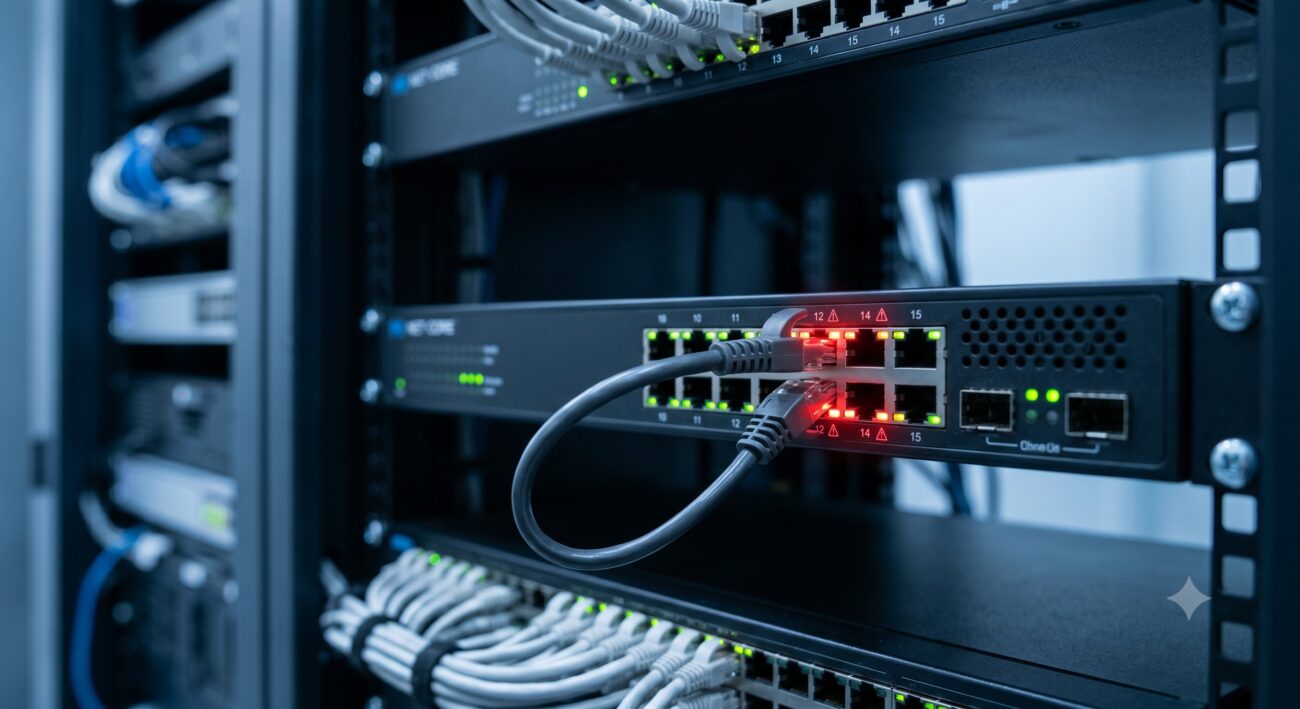
Loopback detection is a critical layer-2 loop prevention mechanism that automatically shuts down a port when it detects its own transmitted traffic returning to the same interface. This FAQ focuses on turnkey deployment, installation troubleshooting, and resolving common configuration errors for network engineers managing access or distribution switches. We address pre-sales capability questions and post-sales operational issues, including false positives, recovery timers, and compatibility with spanning tree protocols.
Frequently Asked Questions
- Q1: What triggers loopback detection automatic port shutdown on a switch port?
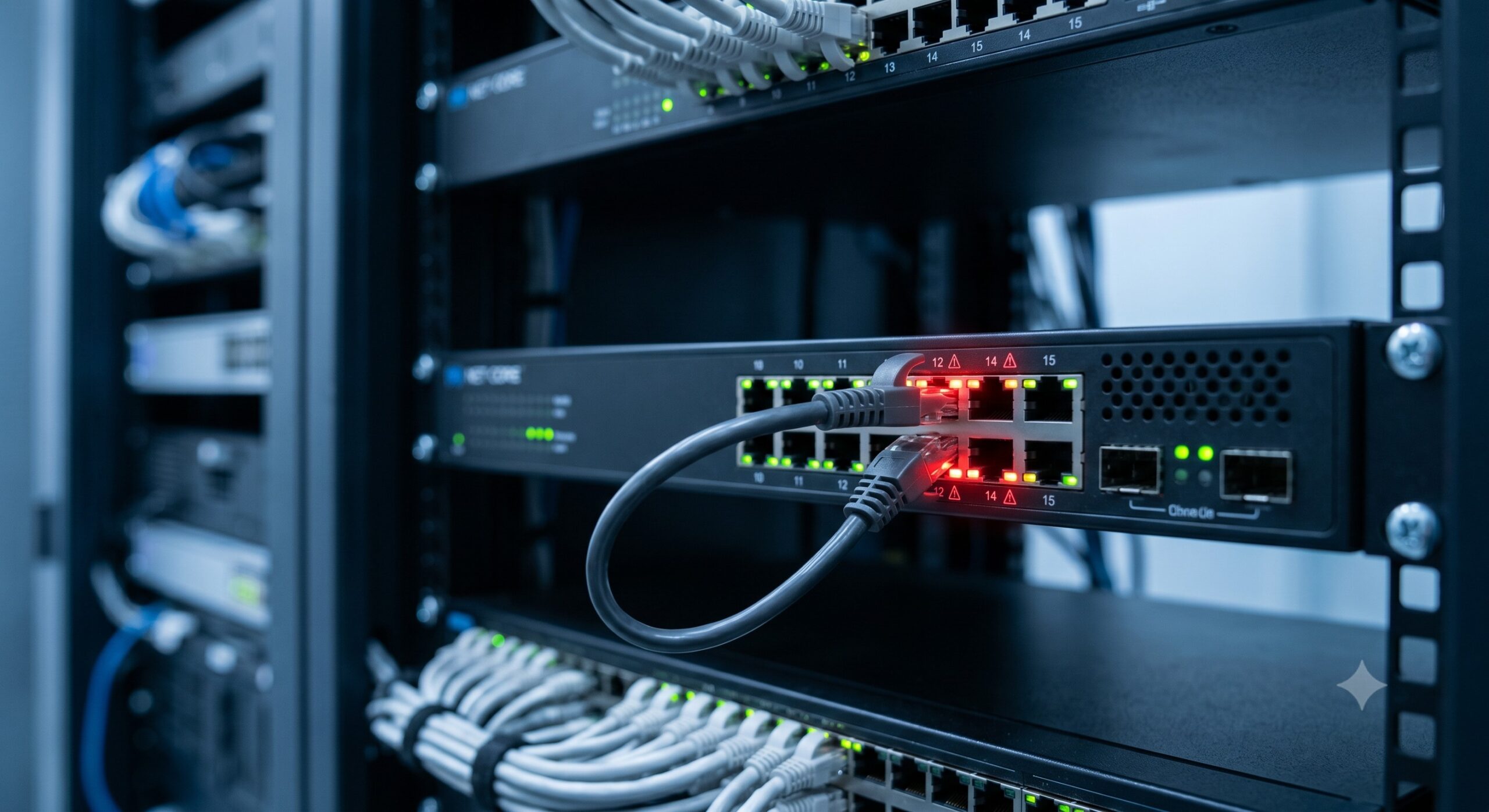
- Loopback detection automatically shuts down a port when the switch transmits a specific loopback detection frame out of an interface and then receives that exact frame back on the same interface. This indicates a physical loopback condition—typically caused by a misconfigured cable, a passive optical tap, or a faulty network device bridging transmit and receive pairs. Once detected, the switch transitions the port to err-disable state, disabling all traffic to prevent broadcast storms and network meltdown.
- Q2: How do I configure loopback detection with automatic port shutdown on enterprise switches?
- Configuration typically requires three CLI steps: globally enable loopback detection, apply it per interface, and set the shutdown action. For example, on most managed switches: ‘loopback-detection enable’ globally, then ‘interface gigabitethernet 1/0/1’, ‘loopback-detection enable’, and ‘loopback-detection action shutdown’. Optional parameters include detection interval (default 30 seconds) and recovery timer (e.g., ‘errdisable recovery cause loopback-detection interval 300’). Always verify that spanning tree is not blocking the same port, as conflicting loop prevention mechanisms can cause unpredictable behavior.
- Q3: What is the maximum loopback detection capacity per switch or stack?
- Maximum loopback detection capacity varies by ASIC and platform, but typical enterprise switches support concurrent detection on all active ports simultaneously—usually up to 48 or 96 ports per switch. The limiting factor is CPU utilization during detection cycles: each port transmits a unique MAC-based test frame. High-density chassis switches with 384 ports maintain detection without performance degradation when the detection interval is set to 30 seconds or longer. For real-time detection (10-second intervals), practical capacity drops to approximately 120 ports per supervisor module.
- Q4: Why does loopback detection shut down a port even when no physical loop exists?
- False positives occur primarily due to three reasons: VLAN misconfigurations where two ports belong to the same broadcast domain and one reflects frames back; faulty switch hardware with internal bridging between Tx and Rx pairs; or third-party fiber transceivers that fail to isolate transmit and receive channels properly. To diagnose, enable ‘loopback-detection trace’ logging to capture the exact MAC address of the returned frame. If the source MAC matches the switch’s own system MAC, the loop is real. If the source is another device, you likely have a layer-2 ring not blocked by STP.
- Q5: How does loopback detection differ from spanning tree protocol (STP) for automatic port shutdown?
- STP blocks ports logically at the data plane based on BPDU topology changes, while loopback detection physically shuts down (err-disables) a port only when a local transmit/receive loop condition exists. STP prevents end-to-end loops across multiple switches; loopback detection prevents single-port loops. They are complementary: STP cannot detect a loopback on a single access port plugged into itself via a patch cable—only loopback detection catches that. However, running both simultaneously requires careful tuning to avoid STP blocking a port before loopback detection can see its own test frame.
- Q6: What recovery options exist after a loopback detection automatic port shutdown?
- Recovery can be manual or automatic. Manual recovery requires an administrator to issue ‘shutdown’ followed by ‘no shutdown’ on the errored port. Automatic recovery uses the errdisable timeout: ‘errdisable recovery cause loopback-detection’ plus ‘errdisable recovery interval 300’ (sets 5-minute auto-recovery). For production environments, automatic recovery with a 300-600 second interval is recommended, combined with SNMP traps so the NMS logs the event. Never set auto-recovery below 60 seconds, as persistent loops will trigger repeated shutdown/recovery cycles (flapping), which degrades switch CPU and adjacent device stability.
- Q7: Can loopback detection be enabled on trunk ports without causing false shutdowns?
- Yes, but with two critical restrictions: loopback detection on trunk ports must use a dedicated VLAN (not native VLAN) for test frames, and the far-end switch must filter that test VLAN to prevent reflection. Best practice is to restrict loopback detection to access ports only. If trunk ports require detection, configure ‘loopback-detection control vlan 4000’ (an unused VLAN), tag that VLAN only on the trunk, and ensure no other device in the broadcast domain forwards frames on VLAN 4000. Most network engineers avoid trunk port loopback detection entirely, relying instead on UDLD (Unidirectional Link Detection) for fiber trunk troubleshooting.
- Q8: What optical compatibility issues cause loopback detection false positives on fiber ports?
- Fiber false positives typically stem from third-party SFP transceivers that have incorrect DOM (Digital Optical Monitoring) calibration or faulty internal loopback during self-test. Specific problematic behaviors include: transceivers that momentarily reflect light during power-on; low-quality SFPs with insufficient Tx/Rx isolation; and mismatched single-mode/multi-mode fiber pairs that cause excessive back-reflection. To resolve, use original OEM optics or validated third-party SFPs with known loopback detection compliance. On switches supporting it, enable ‘loopback-detection ignore-optical-alarm’ to suppress false alerts from marginal DOM readings, but only after verifying the physical fiber plant is clean (return loss > 20dB).

Leave a comment